Click IDs Explained: gclid, fbclid, msclkid and More
What gclid, fbclid, msclkid, ttclid and li_fat_id are, who adds them, what drops them, and how to check you still have one at conversion time.
- Author
- SourceTrack Team
- Category
- Attribution & Analytics
- Read Time
- 06 Mins read
- Published Date
Inside the page
- Which click id does each ad platform add?
- How is a click id different from a UTM?
- What makes a click id disappear?
- How do I check I still have a click id at conversion time?
- What do offline conversion uploads need?
- Are click ids personal data?
- How does SourceTrack handle click ids?
- Frequently asked questions
- Is fbclid the same as a UTM parameter?
- Can I strip click ids from my links to make them cleaner?
- How long should I keep a click id?
- Do I need a click id if I already have UTMs?
- Does a click id count as personal data?
- Next step
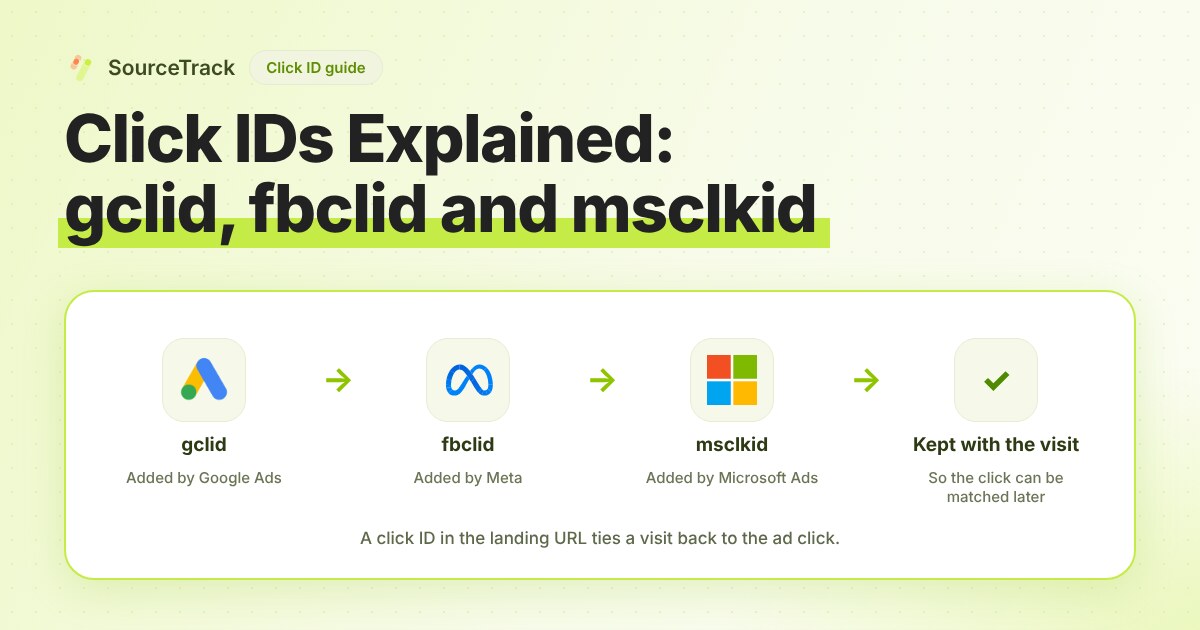
A click id is a long, random-looking value that an ad platform adds to your landing page address when someone clicks one of its ads. Google calls its version gclid, Meta calls it fbclid, and Microsoft calls it msclkid. A UTM tag tells you what you meant to send. A click id proves which click the platform actually sent, and the platform uses it to match a later sale back to the ad.
Here is what one looks like on a real landing page address:
https://example.com/pricing?utm_source=google&utm_medium=cpc&gclid=EAIaIQobChMI...
The first two parts you wrote. The gclid part Google added.
Which click id does each ad platform add?
Each platform adds its own, and each one disappears in slightly different ways. This table covers the ones that matter. Where a platform’s own page was thin, the cell says so rather than guessing.
| Click id | Platform | Added when | Where it appears | Used for | Common ways it is lost |
|---|---|---|---|---|---|
gclid | Google Ads | Auto-tagging is on, on a click to your site | Landing page address | Website conversion tracking, linking Google Ads and Analytics, offline conversion imports | Redirects that rebuild the address, forms that do not carry it forward |
wbraid | Web clicks from iOS traffic affected by Apple’s App Tracking Transparency | Landing page address | Website conversion measurement for that traffic | Same as gclid | |
gbraid | iOS app clicks, and some offline imports | Landing page address | App conversions, and offline imports for Search, Shopping, Display and Performance Max | Missing deep link setup, redirects | |
fbclid | Meta | Click on an ad on Facebook or Instagram | Landing page address | Matching events to the ad click, via the fbc value in Conversions API | Editing the value (it is case sensitive), redirects |
msclkid | Microsoft Advertising | Auto-tagging is on | Landing page address | Attributing conversions to the click, including server-side events | Redirects, rewrite rules that change the value |
ttclid | TikTok | Click on a TikTok ad | Landing page address | Matching Pixel or Events API events to the click | Redirects, truncating the value |
li_fat_id | Enhanced conversion tracking is on for the Insight Tag | Landing page address, and a cookie if the Insight Tag is installed | Matching Conversions API events to the member | Tag manager setups that drop it, single-page apps that clear the address |
Two details from the platforms’ own pages are worth knowing.
- Google says that for iOS 14 traffic from ads on some Google apps, it no longer sends the gclid, so a landing page address may carry a wbraid or gbraid instead. A setup that only looks for
gclidmisses those clicks. Google also says gbraid for offline imports applies to certain campaign types only, so check the page before you rely on it. - Meta builds
fbcfrom the fbclid in the formfb.1.<time in milliseconds>.<fbclid>, and says the fbclid value is case sensitive. Lowercasing it breaks the match.
How is a click id different from a UTM?
You write a UTM. The platform writes a click id. They answer different questions.
| UTM tags | Click id | |
|---|---|---|
| Who writes it | You | The ad platform |
| What it says | The names you chose: source, medium, campaign | Which exact click happened |
| Readable by a person | Yes | No |
| Lets a platform match a later sale to the ad | No | Yes |
If a UTM goes missing, a click id still tells you the visit came from a paid click on that platform. If a click id goes missing, your UTMs still name the campaign, but the platform cannot match a sale to the click. Keep both. The UTM basics guide covers the tagging side.
What makes a click id disappear?
Five things cause nearly all of the losses. Each has a quick test.
- A redirect that rebuilds the address. A short link, a tracking redirect or a “www” redirect can drop the query string. Test: click your real ad (or paste a test address with
?gclid=test123), then look at the address in the browser after the page loads. Iftest123is gone, a redirect removed it. - A form hand-off. The visitor lands on
/pricing?fbclid=abcand fills in a form on/contact. The second page has nofbclidin its address. Unless something saved the click id on the first page, the form submits without it. - Caching and rewrite rules. A cache or server rule that normalises addresses can strip unknown parameters or change the case. That breaks fbclid, which Meta says is case sensitive.
- Consent. If your consent banner blocks the script until a choice is made, the click id sits in the address bar, gets read by nothing, and is gone on the next page. Decide what you store before consent and what you store after.
- Cross-domain journeys. An ad lands on
www.example.com, then the buy button goes tocheckout.example-pay.com. The click id lives on the first domain only.
How do I check I still have a click id at conversion time?
Test the whole path, not just the landing page.
- Open your landing page with a made-up click id, such as
?msclkid=test123, in a private window. - Click through to the page with your form or checkout. The address there will not hold the value, which is normal. What matters is whether your tracker saved it.
- Submit a test conversion.
- Open the lead or conversion record and look for
test123. If your tool stores it with the visit, it shows there. - If it is missing, repeat with each step removed: skip the redirect, skip the consent banner, submit the form on the landing page itself. The step that brings the value back is the one that loses it.
For a real check, click one of your own ads. Platforms add the real value only on a real click, and test strings do not prove that a platform’s redirect keeps its value intact.
What do offline conversion uploads need?
They need the click id from the original visit. When a lead turns into a sale weeks later, in your CRM or over the phone, you send the platform the sale together with the click id. That is how the platform knows which ad produced it.
Google describes this directly: when a conversion happens offline, you give the GCLID back to Google Ads along with details of the conversion. Microsoft’s conversion API likewise asks you to capture the msclkid, store it with the visitor and include the latest value in later events. LinkedIn describes the same pattern: read li_fat_id from the address and pass it as a hidden form field.
Save the click id when the visit starts, and keep it with the lead. If you only look for it when the sale closes, it is too late.
Are click ids personal data?
Treat them that way. A click id ties a browser to one ad click. Handle it under the same consent rules as your other tracking, and keep it out of logs and shared screenshots. This is not legal advice. Ask your own counsel what your region requires.
How does SourceTrack handle click ids?
The SourceTrack tracker recognises click ids from Google, Microsoft, Meta, TikTok and LinkedIn ads and keeps them with the visit, so the source is still known when that visitor later sends a form. The tracker honours Do Not Track and Global Privacy Control. One limit to know: a click id is not read from forms that submit through a vendor webhook. If a form tool posts straight to another service, the page never sees the submission, so test that form with the steps above. Setup is in the UTM basics guide, and you can check your tagged links with the UTM validator.
Frequently asked questions
Is fbclid the same as a UTM parameter?
No. You write UTM tags yourself to name a campaign. Meta adds fbclid on its own when someone clicks an ad on Facebook or Instagram. Meta says the value is case sensitive, so never edit it. Keep both on your links.
Can I strip click ids from my links to make them cleaner?
Not before the visit is recorded. The ad platform needs the click id to match a later sale to the ad. Remove it from the address bar after your tracker has stored it, not before.
How long should I keep a click id?
It depends on the platform. Meta recommends a 90-day cookie for fbc, Microsoft suggests 90 days for msclkid, and LinkedIn says its li_fat_id cookie lasts 30 days. Check each platform’s documentation, because limits change.
Do I need a click id if I already have UTMs?
For reporting, UTMs are enough. For sending conversions back to an ad platform, such as an offline upload, the click id is what the platform uses to find the original click. Keep both.
Does a click id count as personal data?
Treat it as personal-data-adjacent. It ties a browser to an ad click, so handle it under the same consent rules as your other tracking. This is not legal advice, so ask your own counsel.
Next step
Tag the links you control, and make sure your click ids survive to the form. The UTM basics guide walks through it, and the pricing page shows what each plan includes.
Related Blogs
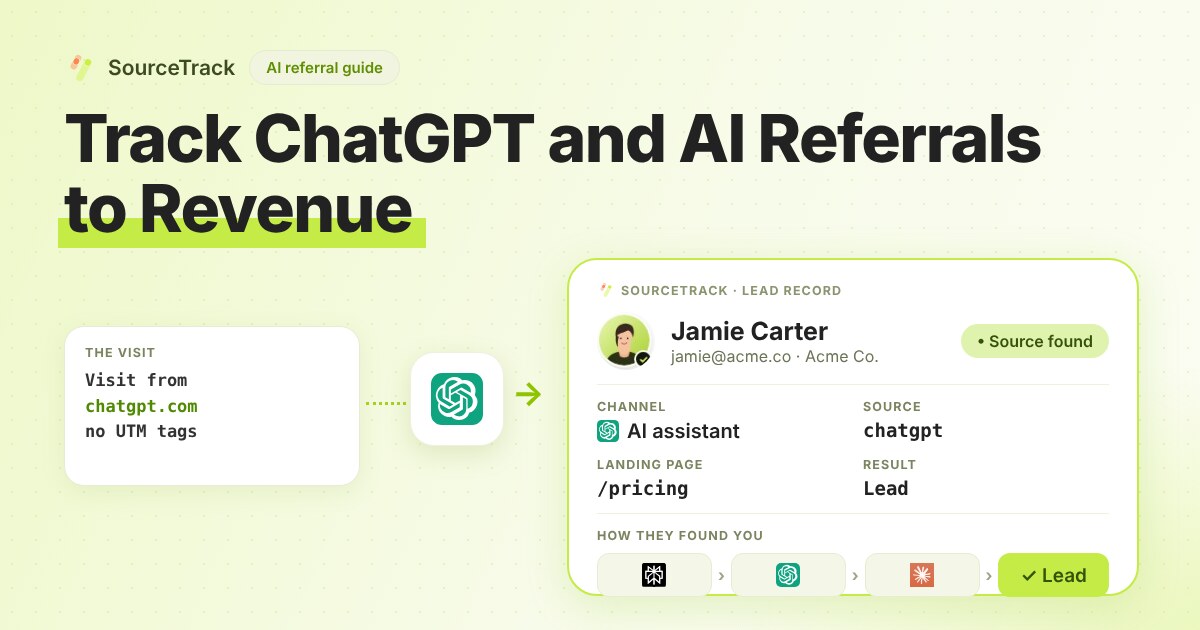
How to Track ChatGPT and AI Referrals That GA4 Cannot Tie to Revenue
Classify visits from ChatGPT, Claude, Gemini and Perplexity, tie them to leads and revenue, and know what no tool can see.
SourceTrack Team
Attribution & Growth Engineering
28 Jul, 2026
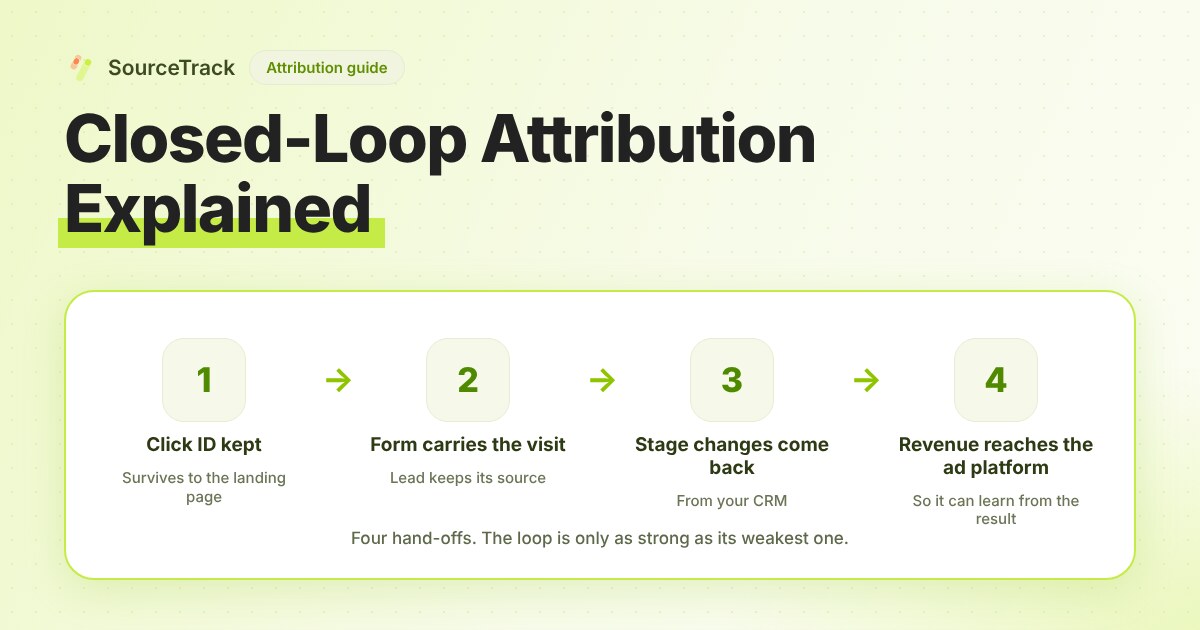
Closed-Loop Attribution Explained
Closed-loop attribution links an ad click to a lead, a CRM stage and revenue, then sends that back to the ad platform. See where it breaks and how to test it.
SourceTrack Team
Attribution & Growth Engineering
20 Oct, 2026
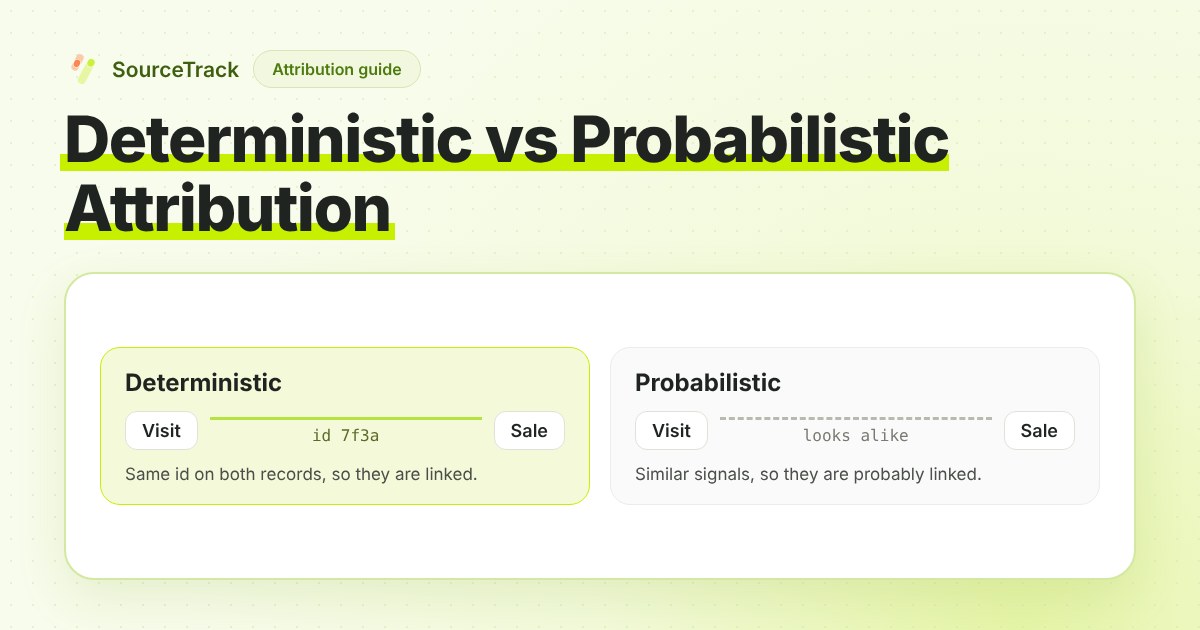
Deterministic vs Probabilistic Attribution Explained
Deterministic attribution reads the link from an id that exists; probabilistic infers it from similar signals. What each gets wrong and what to ask a vendor.
SourceTrack Team
Attribution & Growth Engineering
26 Oct, 2026