How to Track UTM Parameters: The Basics
Learn what UTM parameters are, how to build tagged links, and how to see which campaign sent each lead. Plain steps, no code.
- Author
- SourceTrack Team
- Category
- Track UTM Parameters
- Read Time
- 08 Mins read
- Published Date
Inside the page
- What are UTM parameters?
- What does a tagged link look like?
- UTM naming conventions
- What not to do
- Click IDs and UTMs: what is the difference?
- Why UTMs go missing
- First touch and last touch
- How SourceTrack records UTMs
- How to track UTM parameters
- Step 1: Add the script tag
- Step 2: Build a tagged link
- Step 3: Open the link
- Step 4: Check the visit in SourceTrack
- What you will see
- Guides for your tool
- Further reading
- Frequently asked questions
- What are UTM parameters?
- What if a visitor has no UTM link?
- Does SourceTrack use cookies?
- Are UTM parameters case sensitive?
- Should I put UTM parameters on internal links?
- Do UTM parameters work with Google Ads auto-tagging?
- Next step
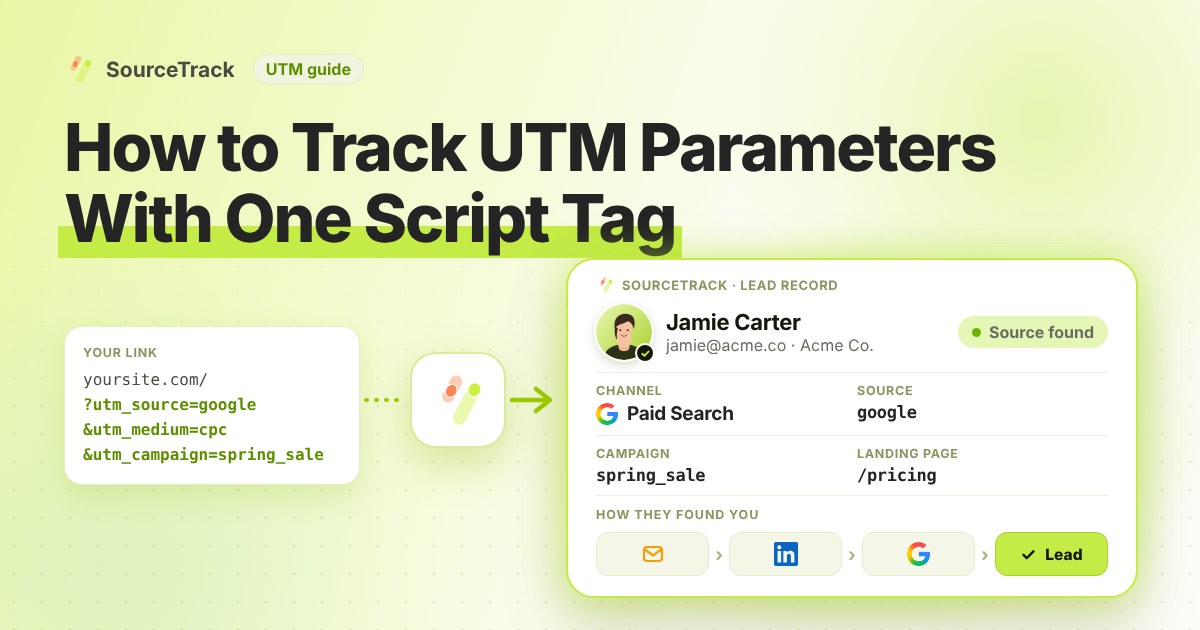
You send emails, run ads and post on social media. A lead comes in. Which one brought it? UTM parameters answer that question. This guide explains what they are, how to name them so your reports stay clean, why they sometimes go missing, and how to see them in SourceTrack.
What are UTM parameters?
A UTM parameter is a short tag added to the end of a link. When someone clicks that link, the tag travels to your site in the web address, and your analytics can read it. UTM stands for Urchin Tracking Module, a name left over from the tool that first used the tags. You will also see them called UTM tags or UTM codes. They mean the same thing.
There are five standard parameters. Three are the ones you should always fill in. Two are optional.
| Parameter | What it answers | Example |
|---|---|---|
utm_source | Who sent the visit? | newsletter, google, linkedin |
utm_medium | What kind of link was it? | email, cpc, paid_social |
utm_campaign | Which campaign was it part of? | spring_sale, webinar_oct |
utm_content | Which link or creative, when two links go to the same page? | header_button, video_ad_a |
utm_term | Which paid search keyword? | crm_software |
Source, medium and campaign are the working set. Content is useful when you test two versions of an ad or place two buttons in one email. Term is mostly for paid search.
What does a tagged link look like?
Here is a full example:
https://yourwebsite.com/pricing?utm_source=newsletter&utm_medium=email&utm_campaign=spring_sale&utm_content=header_button
Read it from left to right:
https://yourwebsite.com/pricingis the page the visitor lands on. It is the normal link, with nothing special in it.?marks the start of the tags. Everything after it is extra information.utm_source=newslettersays the visit came from your newsletter.&utm_medium=emailsays the link was an email. The&joins one tag to the next.&utm_campaign=spring_salesays it belonged to the spring sale.&utm_content=header_buttonsays the click was on the button in the header, not the one in the footer.
If the page address already has a question mark in it, add your tags with & instead of a second ?.
UTM naming conventions
Tags only help if they are consistent. Three months from now, you will want one clean line in your report for all your newsletter traffic, not five lines with five spellings. A few simple rules do most of the work:
- Use lowercase everywhere.
Email,EMAILandemailcan show up as three different mediums. - Pick one separator and keep it. Underscores (
spring_sale) work well. Do not mix them with hyphens. - Never use spaces. A space turns into
%20in the address and makes reports hard to read. - Keep names short and readable. Someone who did not build the link should understand it.
- Write the rules down in a shared sheet so everyone on the team tags links the same way.
A small set of source and medium pairs covers most teams. Use these as a starting point and add your own sparingly:
| Where the link lives | utm_source | utm_medium |
|---|---|---|
| Google Ads search ad | google | cpc |
| Email newsletter | newsletter | email |
| LinkedIn ad | linkedin | paid_social |
| Meta ad (Facebook, Instagram) | facebook | paid_social |
| Your own LinkedIn post | linkedin | social |
| Link in a partner’s blog post | partnername | referral |
For the campaign name, use something you can sort later, such as a short name plus a month: webinar_oct.
What not to do
- Do not put UTMs on internal links. A UTM on a link from your homepage to your pricing page can start a new visit in some tools and replace the real source. Tag only links that bring people in from outside.
- Do not tag with spaces or mixed case. See above. It splits one campaign into several.
- Do not use UTMs to override Google Ads auto-tagging. Google Ads adds its own click id to your ads. Leave auto-tagging on and keep your UTMs consistent with it.
- Do not put private details in a tag. The tags sit in the address, where anyone can see them. Never add a name or email.
- Do not change names halfway through a campaign. You will split the results in two.
Click IDs and UTMs: what is the difference?
UTMs are tags you write yourself. Click IDs are different: an ad platform adds them for you when someone clicks one of its ads. They look like a long random string at the end of the address. The common ones:
| Click ID | Added by | What it is |
|---|---|---|
gclid | Google Ads | The Google Click Identifier. Added to the landing page address when auto-tagging is on, which Google says is on by default for new accounts. |
fbclid | Meta (Facebook and Instagram) | Added to the address when someone clicks an ad. Meta notes the value is case sensitive, so it must not be lowercased or changed. |
msclkid | Microsoft Advertising | The Microsoft click id, added when auto-tagging of the Microsoft Click ID is enabled. Redirects need to keep it intact. |
li_fat_id | LinkedIn’s first-party ads click id, added to landing page addresses when enhanced conversion tracking is on in Campaign Manager. | |
ttclid | TikTok | The TikTok click id, which TikTok describes as a parameter added to the landing page address when someone clicks an ad. |
Why do both matter? A UTM tells you what you meant: the campaign name you chose. A click ID is proof the platform actually sent that click, and it is what ad platforms use to match a sale back to the ad. They do different jobs, so a good setup keeps both. SourceTrack recognises click ids from Google, Microsoft, Meta, TikTok and LinkedIn ads, so a visit from an ad is not lost if a UTM is missing.
One warning on Google Ads. In Google Analytics 4, Google says auto-tagging takes priority over manual tagging, because there is no override option. So tagging an ad by hand will not change how Google reports that click.
Why UTMs go missing
Sometimes you tag a link and the tags never show up in your report. These are the usual reasons:
- Multi-page journeys. The tags live in the address of the first page. When the visitor clicks to a second page, the tags are gone from the address. A tool that only looks at the current page will see no source. Your tracker has to store the tags when the visit starts.
- Redirects. A short link, a login step or a page redirect can drop everything after the question mark. Test your link by clicking it and looking at the final address.
- Caching and rewrites. Some servers and plugins strip or change query strings. If a tag arrives changed, it will not match.
- Dark social. People share your link in private chats, messaging apps and email. The click arrives with no referring site. If the shared link carried no tags, it looks like Direct traffic.
- Privacy browsers and settings. Some browsers and extensions remove tracking parameters from addresses. Visitors who send Do Not Track or Global Privacy Control are also not tracked by SourceTrack, which honours both.
You cannot fix every case. You can reduce them: tag every outside link, test it, and use a tracker that records the tags on the first page.
First touch and last touch
A buyer rarely clicks one link and buys. Someone might find you through a LinkedIn ad, read a blog post a week later, then click an email and book a call. Two questions follow.
- First touch: what first brought this person to you? Here, the LinkedIn ad.
- Last touch: what brought them back right before they converted? Here, the email.
First touch credits the ad; last touch credits the email. Neither is wrong. First touch shows what introduces buyers to you. Last touch shows what closes them. Looking at both on the same data helps you decide where to spend. SourceTrack lets you compare them and also offers other attribution models on the same data.
How SourceTrack records UTMs
SourceTrack uses a first-party tracker that you add with one script tag. It reads the UTM tags and click ids when a visit starts and keeps them on the visitor’s first-party journey, so the source is still known when that visitor later sends a form or books a call. For each lead you can open the touchpoint timeline and see the first touch, the last touch and any AI search referral.
Three more details are worth knowing:
- If a visit has no UTM tags, SourceTrack still looks at where it came from, such as a search engine or another website. If there is no referring site either, it shows as Direct.
- It recognises visits from AI assistants like ChatGPT, Claude, Gemini, Grok and Perplexity.
- The tracker sets no third-party cookies, offers a Cookieless Mode on every plan, and honours Do Not Track and Global Privacy Control.
How to track UTM parameters
Follow these four steps to set up and test it.
Step 1: Add the script tag
Copy your one script tag from SourceTrack. Paste it into the head of your website, once. The install guide shows where it goes. On WordPress, see the WordPress guide.
Step 2: Build a tagged link
Add a source, a medium and a campaign name to the end of your link, using the naming rules above. The free UTM builder tags one link at a time with a form, and the free bulk UTM generator can tag many links at once. The UTM validator checks a link for common mistakes such as spaces and mixed case.
Step 3: Open the link
Open the tagged link in a private window. Then send a form on your site. For example:
https://yourwebsite.com/contact?utm_source=test&utm_medium=email&utm_campaign=form_test
Open it in a new private window. If your browser sends Do Not Track or Global Privacy Control, SourceTrack respects that and will not track the visit.
Step 4: Check the visit in SourceTrack
Open SourceTrack and find your visit or lead. Check that the source, medium and campaign match your link.
What you will see
Your test visit shows the source test, the medium email and the campaign form_test. If you see these, your tags are being read. If not, check for a redirect that dropped the tags, or a browser that sends Do Not Track.
Guides for your tool
Forms, bookings and chat each connect a little differently. Pick yours:
- Gravity Forms
- WPForms
- Elementor Forms
- Contact Form 7
- Ninja Forms
- Jotform
- Tally Forms
- Calendly
- Cal.com
- Intercom
- Crisp
Further reading
- Google Analytics Help: URL builders, collect campaign data with custom URLs: how UTM parameters are added to destination URLs so Analytics can attribute traffic to campaigns.
- Google Analytics Help: Default channel group: the rules GA4 uses to sort traffic into channels such as Direct, Organic Search and Referral.
- UTM best practices: naming rules that keep campaign tags consistent.
Frequently asked questions
What are UTM parameters?
They are short tags at the end of a link. They say where a visit came from, such as which email, ad or post. There are five: source, medium, campaign, content and term.
What if a visitor has no UTM link?
SourceTrack still looks at where they came from, such as a search engine or another website. It also recognises click ids from Google, Microsoft, Meta, TikTok and LinkedIn ads, and visits from AI assistants like ChatGPT, Claude, Gemini, Grok and Perplexity. If a link has no tags and the visit has no referring site, it shows as Direct.
Does SourceTrack use cookies?
SourceTrack sets no third-party cookies and does no cross-site tracking. Cookieless Mode, a setting on every plan, goes further and sets no cookies at all. It also respects Do Not Track and Global Privacy Control.
Are UTM parameters case sensitive?
Yes, in most reports. Email and email show up as two different mediums, so pick lowercase and use it every time.
Should I put UTM parameters on internal links?
No. A UTM on a link between two pages of your own site can start a new campaign visit and hide the real source. Use UTMs only on links that bring people to your site from somewhere else.
Do UTM parameters work with Google Ads auto-tagging?
They can sit side by side. Google Ads adds its own click id, called gclid, when auto-tagging is on. Do not use UTM tags to replace it, and check how your analytics tool treats the two if they disagree.
Next step
Tag your next email, ad and post, then check SourceTrack. See how every tool connects.
Related Blogs
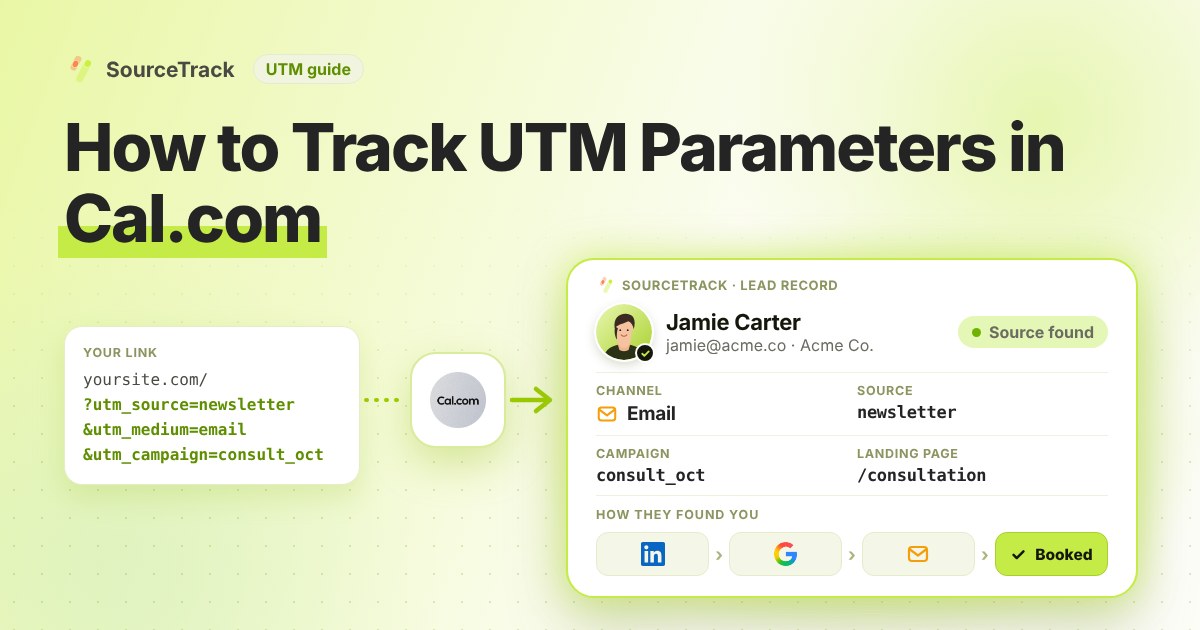
How to Track UTM Parameters in Cal.com
See which campaign sent each Cal.com booking. Add one script tag to the page with your embed, then test with a UTM link.
SourceTrack Team
Attribution & Growth Engineering
20 Oct, 2026
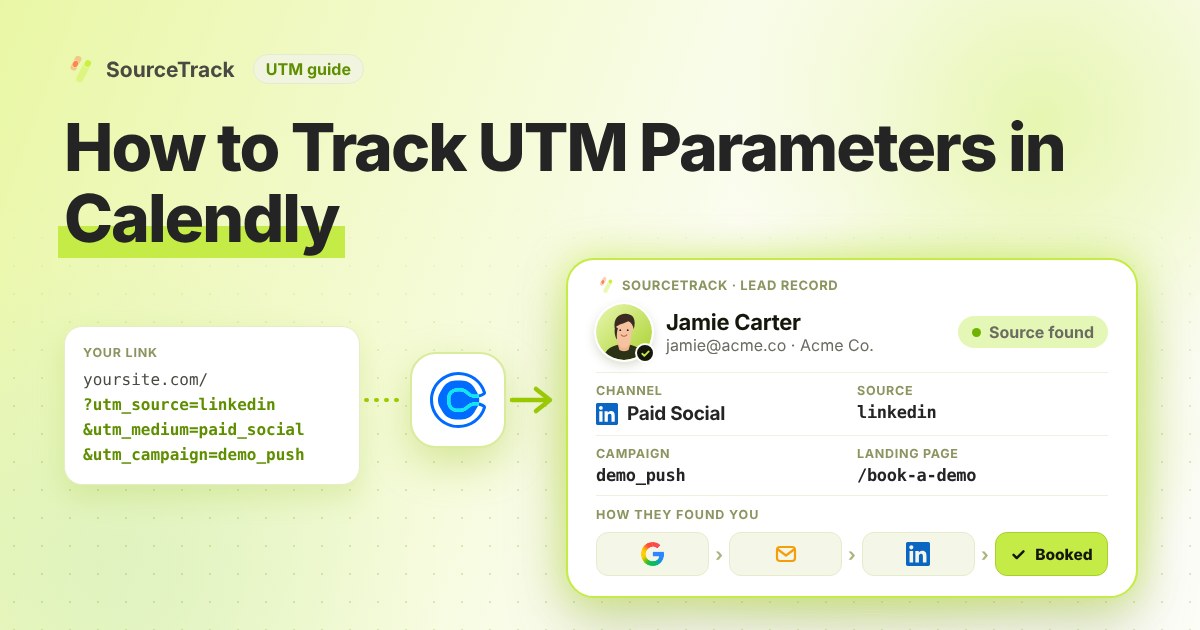
How to Track UTM Parameters in Calendly
See which campaign sent each Calendly booking. Add one script tag to the page with your embed, then test with a UTM link.
SourceTrack Team
Attribution & Growth Engineering
20 Oct, 2026
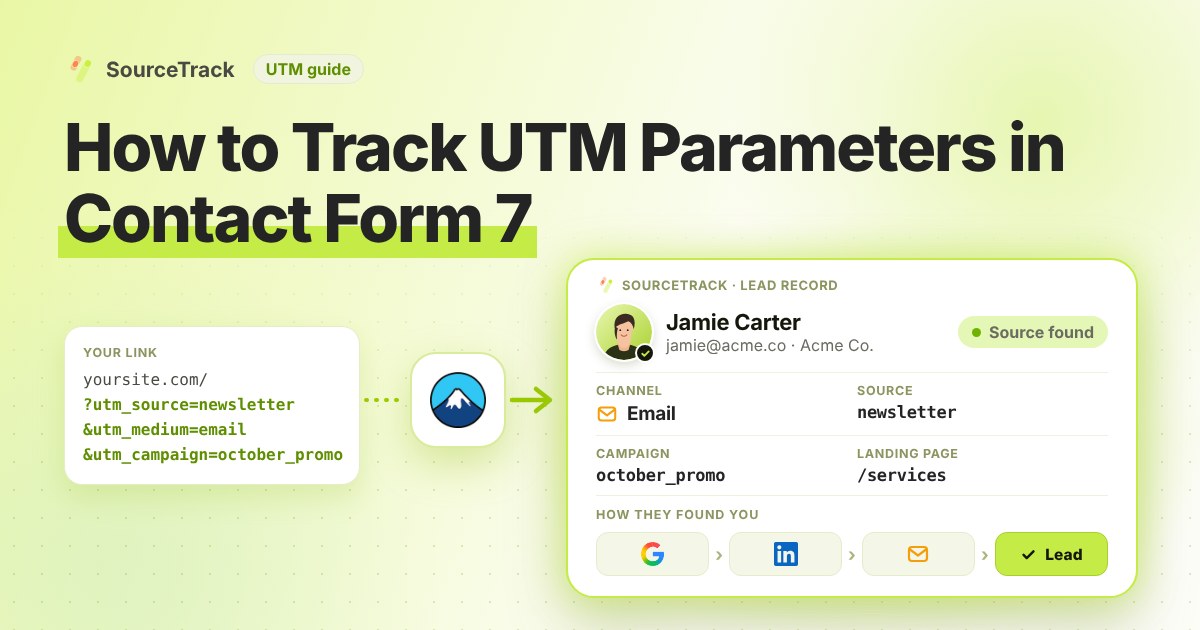
How to Track UTM Parameters in Contact Form 7
See which campaign sent each Contact Form 7 lead. Add one script tag, no hidden fields, then test with a UTM link.
SourceTrack Team
Attribution & Growth Engineering
20 Oct, 2026