Track UTM Parameters
Step-by-step guides to tagging links with UTM parameters and capturing them in forms, booking tools and chat, so each lead shows its campaign.
Track UTM Parameters guides
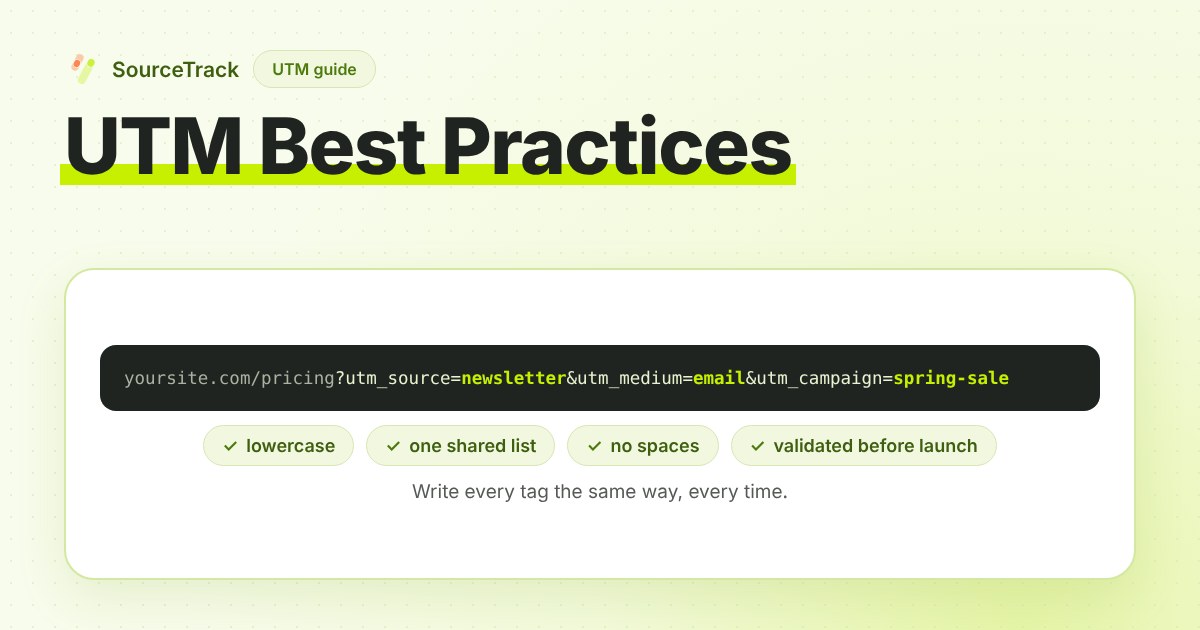
UTM Best Practices: Naming Rules and Mistakes to Avoid
UTM best practices for teams: naming conventions that keep reports clean, the mistakes that split them, how auto-tagging fits, and a pre-launch checklist.
SourceTrack Team
Attribution & Growth Engineering
26 Oct, 2026
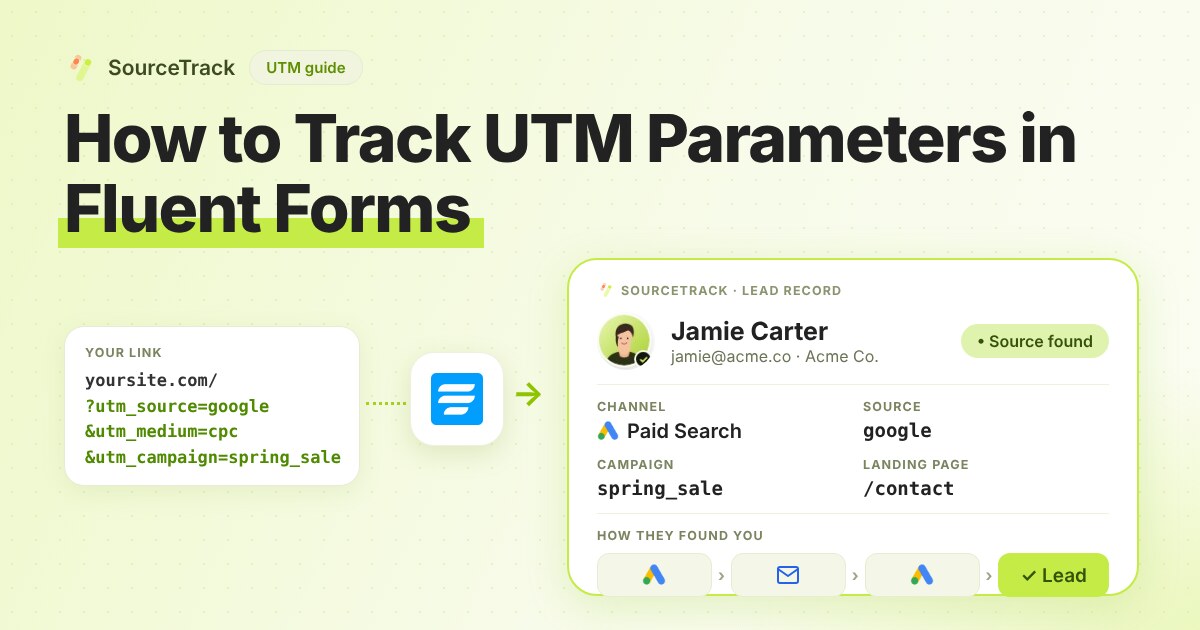
How to Track UTM Parameters in Fluent Forms
See which campaign sent each Fluent Forms lead on WordPress. Add one script tag, no hidden fields, then test with a UTM link.
SourceTrack Team
Attribution & Growth Engineering
20 Oct, 2026
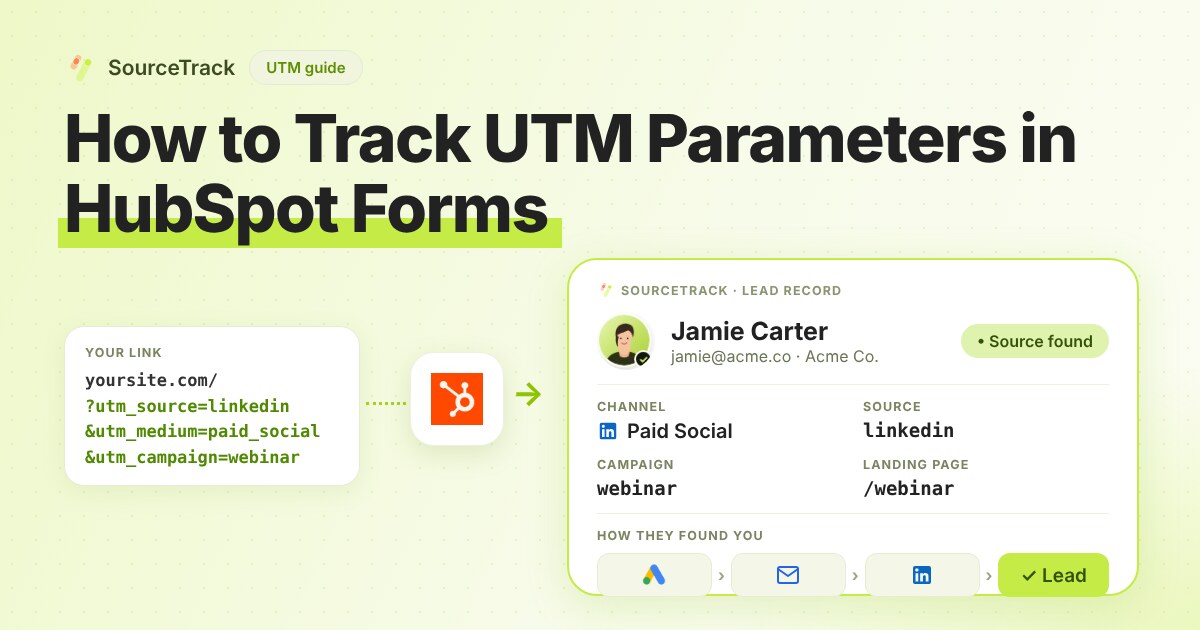
How to Track UTM Parameters in HubSpot Forms
See which campaign sent each HubSpot form lead. Add one script tag to the page with the form, then test with a UTM link.
SourceTrack Team
Attribution & Growth Engineering
20 Oct, 2026
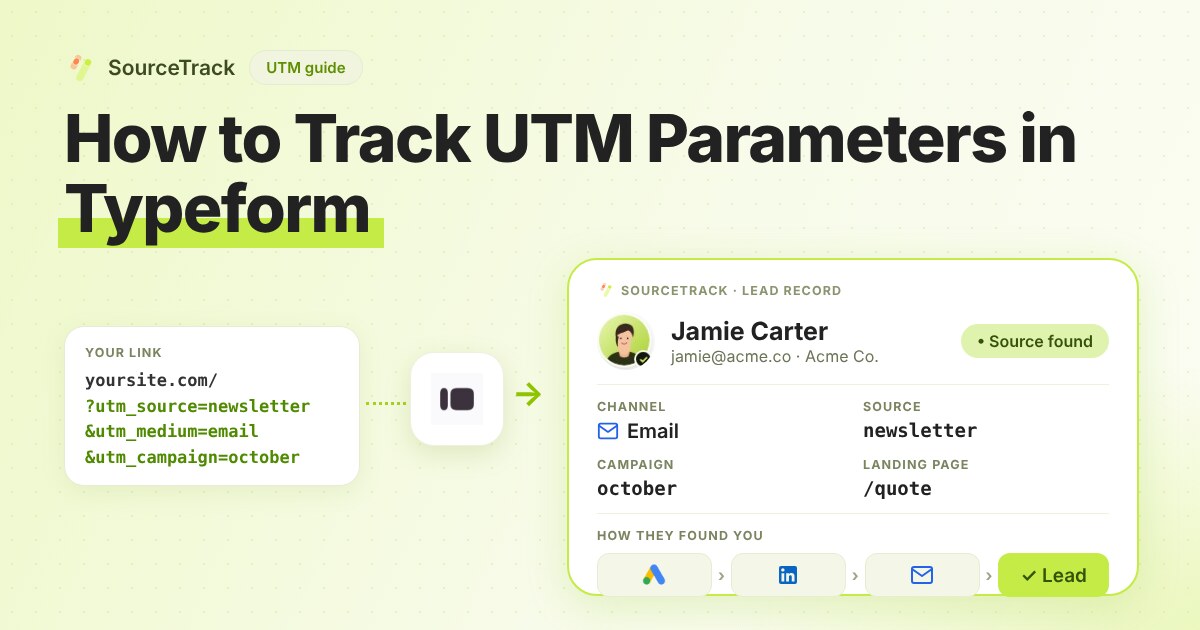
How to Track UTM Parameters in Typeform
See which campaign sent each Typeform response. Add hidden fields, connect one webhook, then test with a UTM link.
SourceTrack Team
Attribution & Growth Engineering
20 Oct, 2026
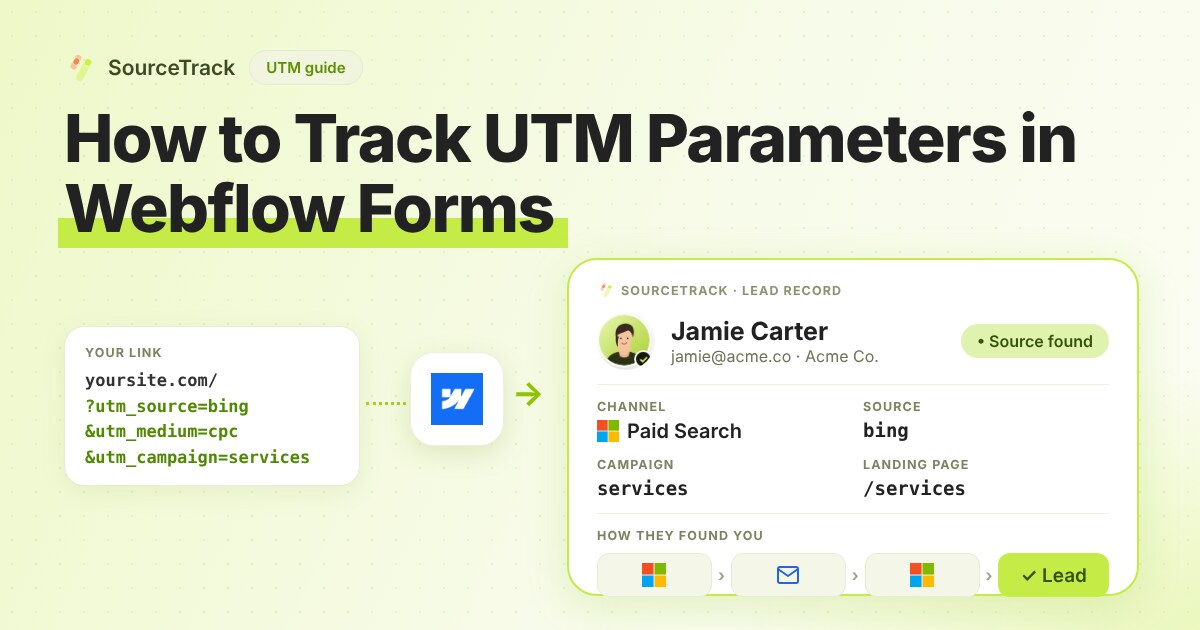
How to Track UTM Parameters in Webflow Forms
See which campaign sent each Webflow form lead. Add one script tag in Site settings, no hidden fields, then test with a UTM link.
SourceTrack Team
Attribution & Growth Engineering
20 Oct, 2026
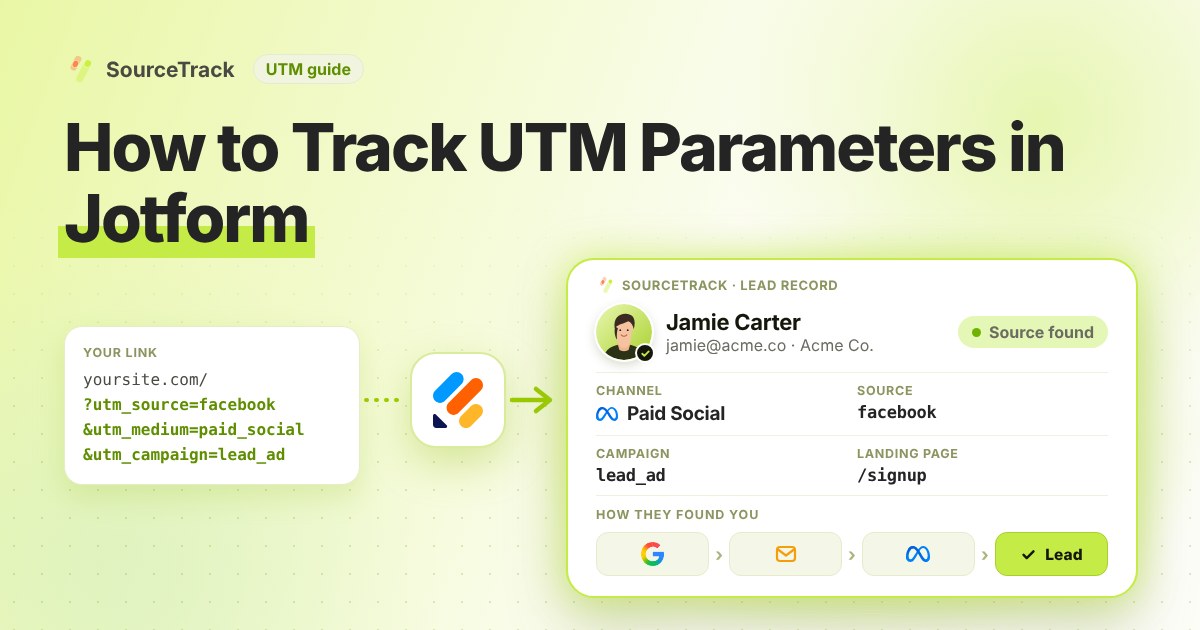
How to Track UTM Parameters in Jotform
See which campaign sent each Jotform lead. Add one script tag, connect Jotform with one link, then test with a UTM link.
SourceTrack Team
Attribution & Growth Engineering
20 Oct, 2026
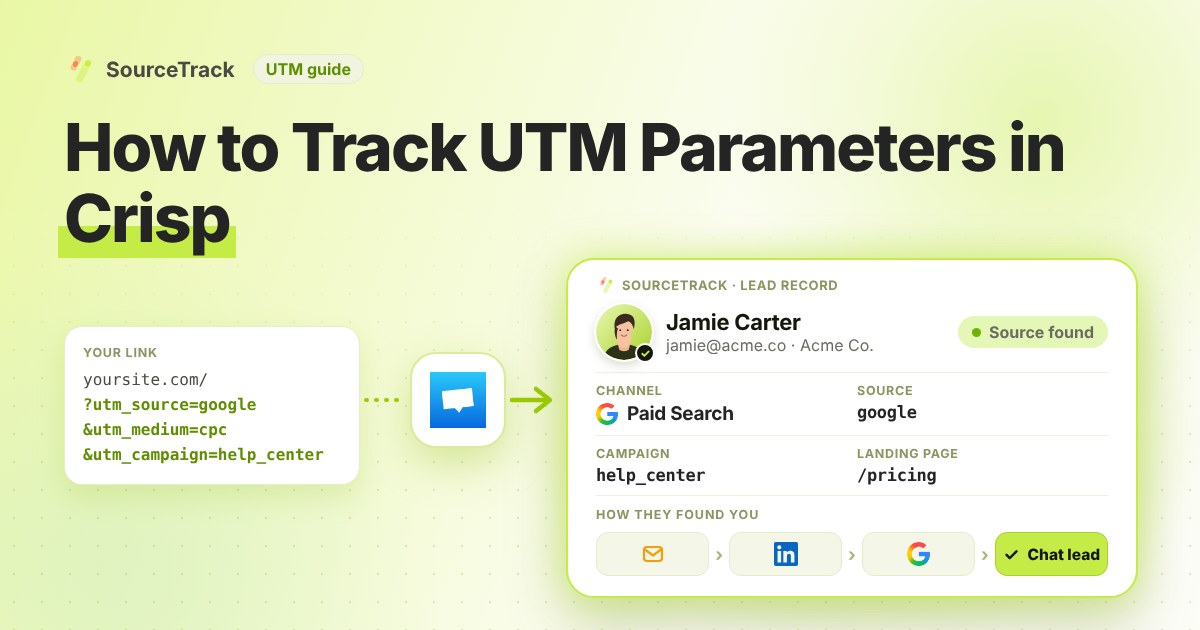
How to Track UTM Parameters in Crisp
See which campaign sent each Crisp chat lead. Add one script tag, then test with a UTM link.
SourceTrack Team
Attribution & Growth Engineering
20 Oct, 2026
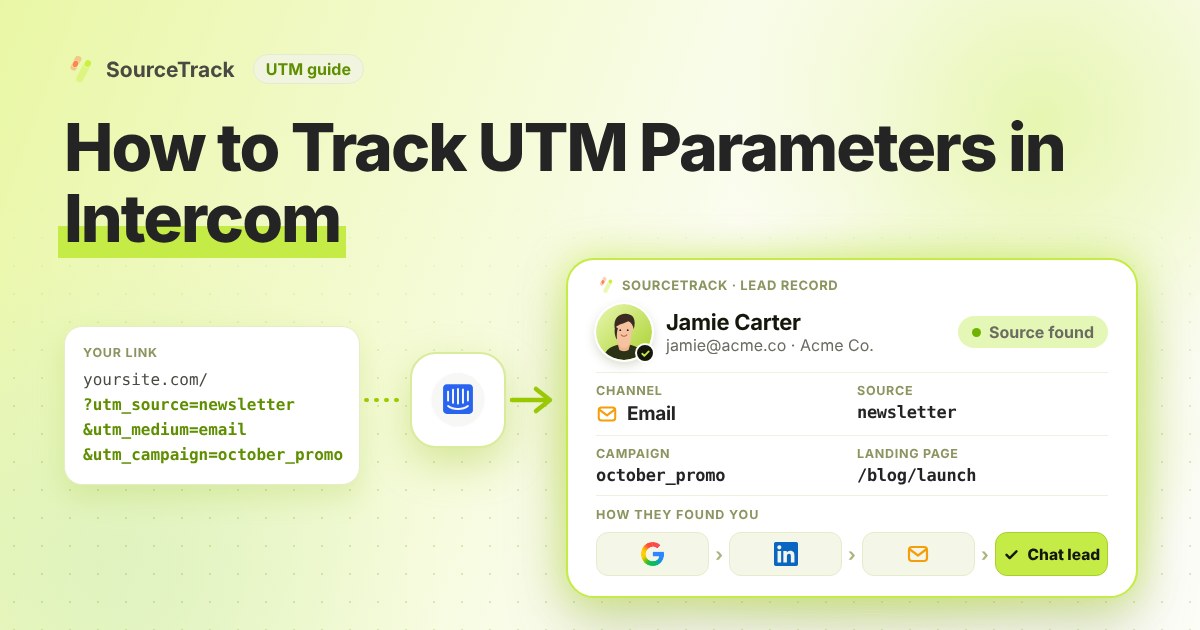
How to Track UTM Parameters in Intercom
See which campaign sent each Intercom chat lead. Add one script tag, then test with a UTM link.
SourceTrack Team
Attribution & Growth Engineering
20 Oct, 2026
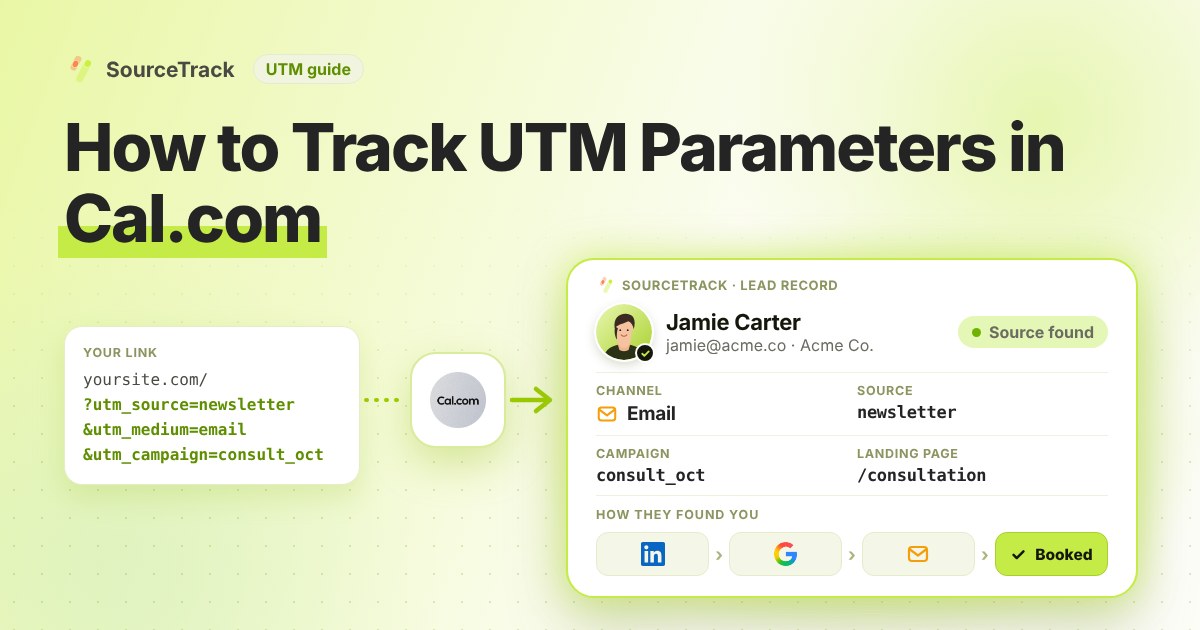
How to Track UTM Parameters in Cal.com
See which campaign sent each Cal.com booking. Add one script tag to the page with your embed, then test with a UTM link.
SourceTrack Team
Attribution & Growth Engineering
20 Oct, 2026
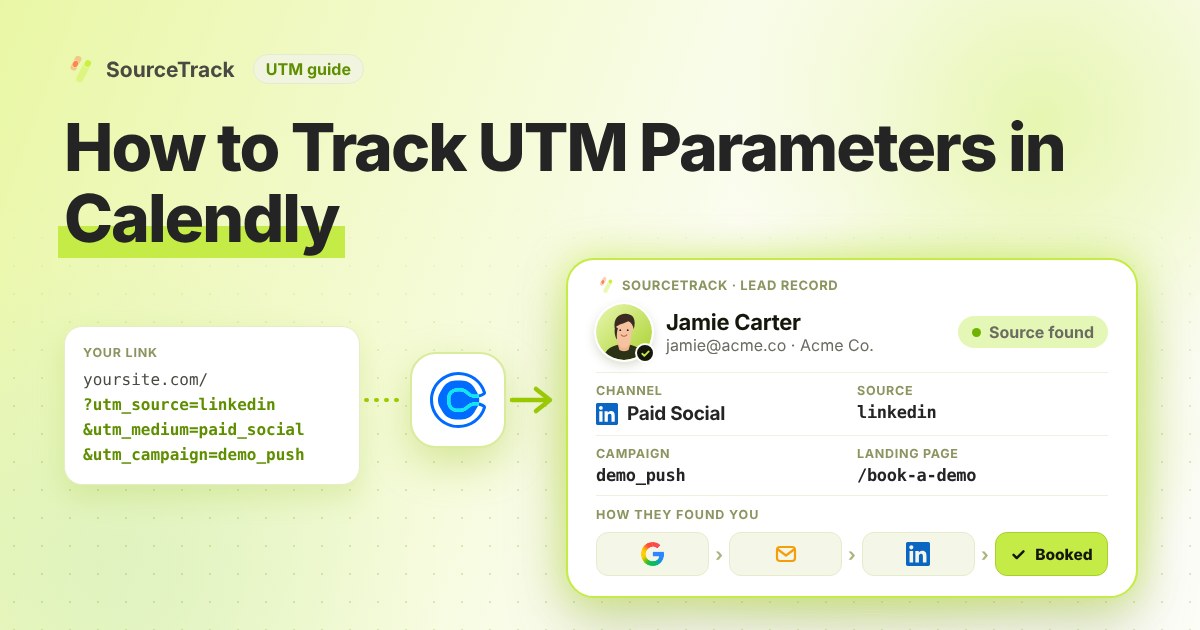
How to Track UTM Parameters in Calendly
See which campaign sent each Calendly booking. Add one script tag to the page with your embed, then test with a UTM link.
SourceTrack Team
Attribution & Growth Engineering
20 Oct, 2026
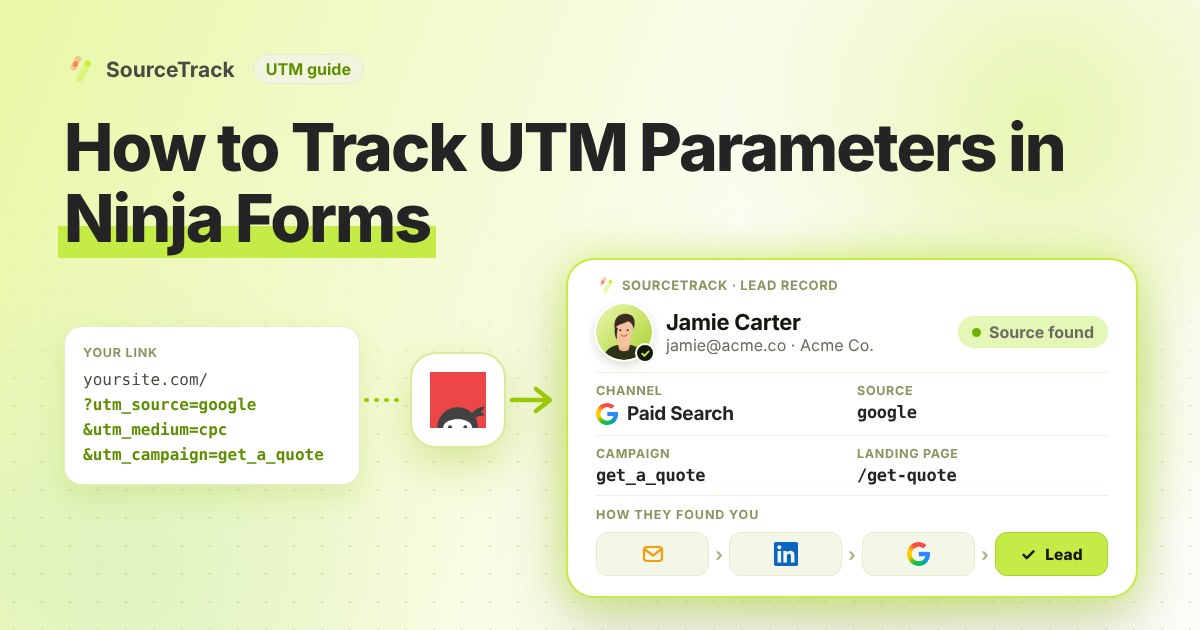
How to Track UTM Parameters in Ninja Forms
See which campaign sent each Ninja Forms lead. Add one script tag, no hidden fields, then test with a UTM link.
SourceTrack Team
Attribution & Growth Engineering
20 Oct, 2026
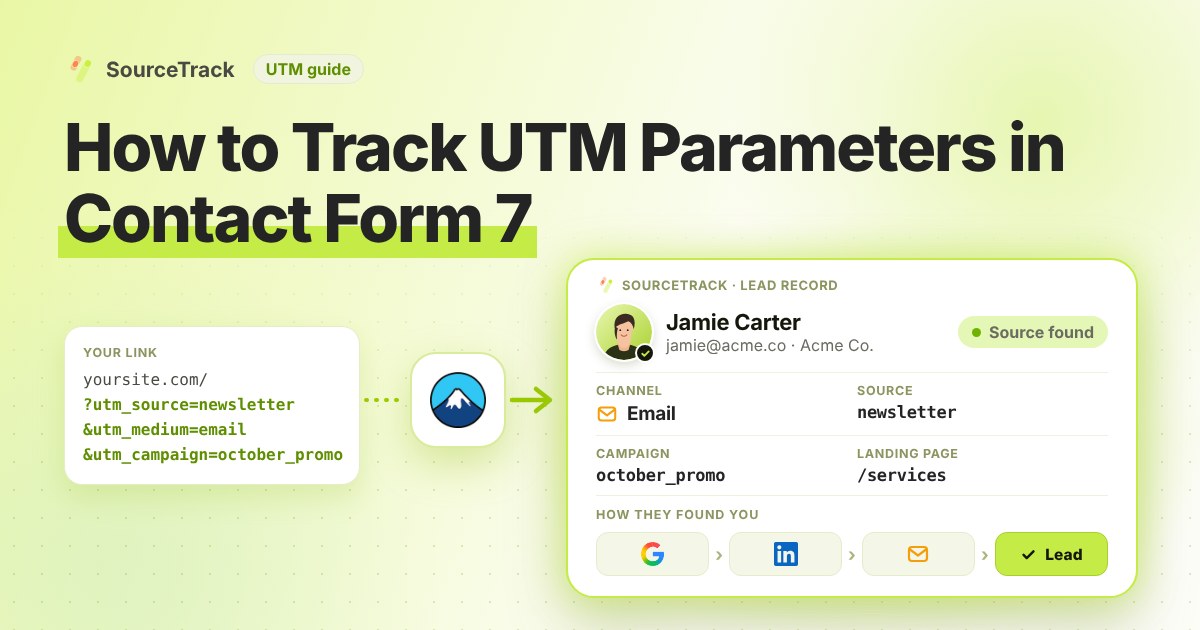
How to Track UTM Parameters in Contact Form 7
See which campaign sent each Contact Form 7 lead. Add one script tag, no hidden fields, then test with a UTM link.
SourceTrack Team
Attribution & Growth Engineering
20 Oct, 2026
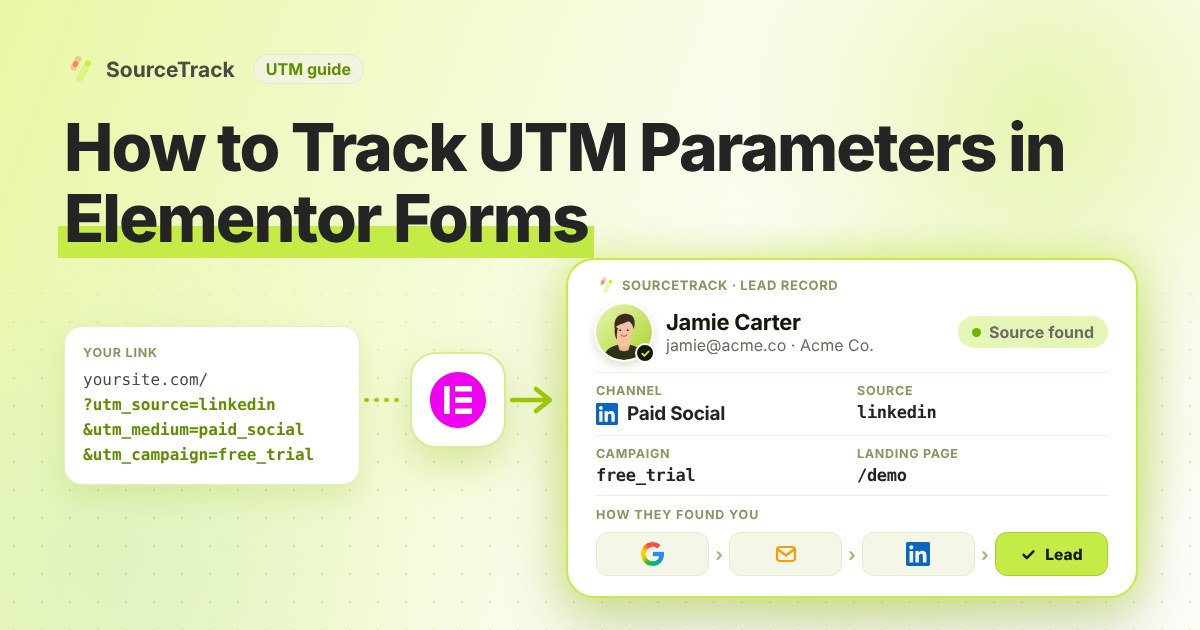
How to Track UTM Parameters in Elementor Forms
See which campaign sent each Elementor Forms lead. Add one script tag, no hidden fields, then test with a UTM link.
SourceTrack Team
Attribution & Growth Engineering
20 Oct, 2026
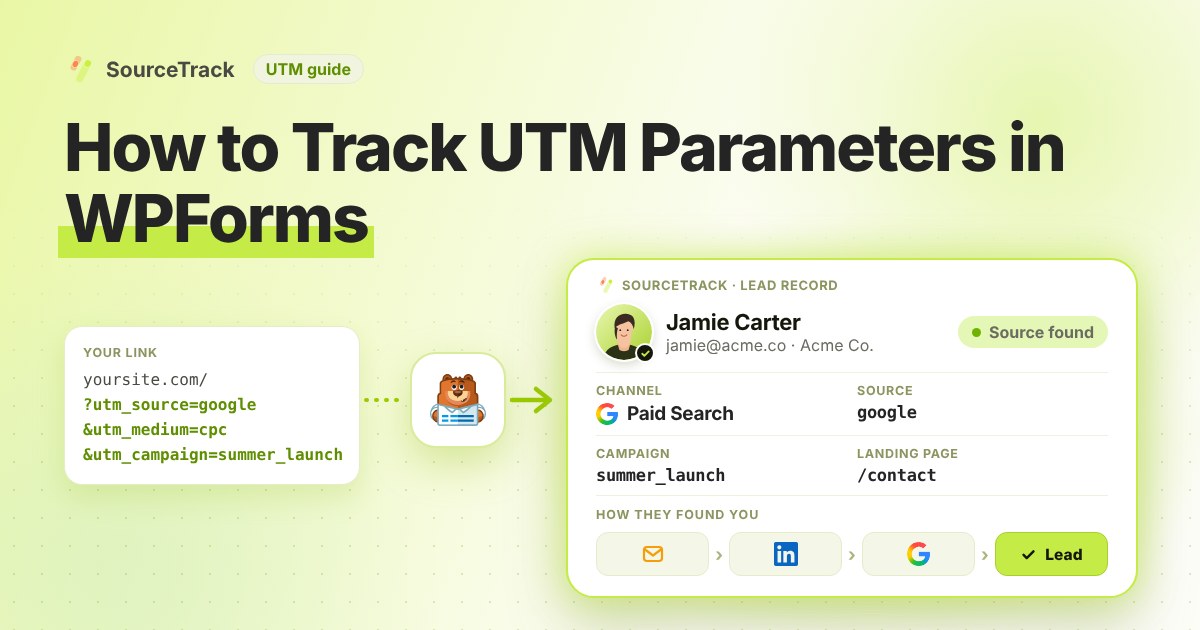
How to Track UTM Parameters in WPForms
See which campaign sent each WPForms lead. Add one script tag, no hidden fields, then test with a UTM link.
SourceTrack Team
Attribution & Growth Engineering
20 Oct, 2026
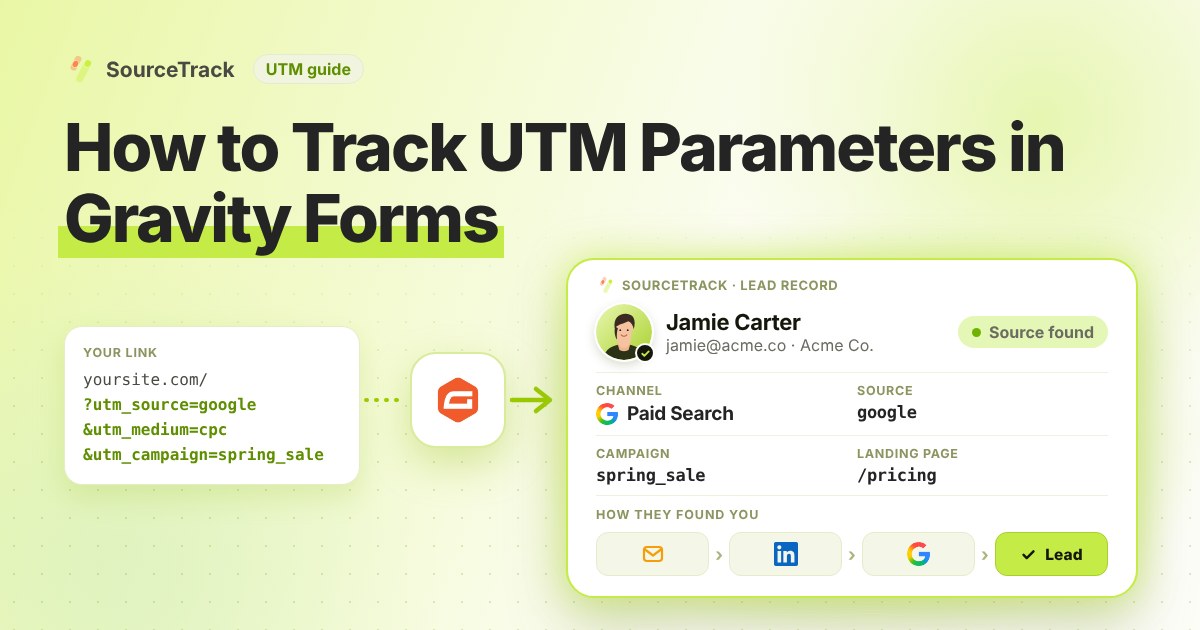
How to Track UTM Parameters in Gravity Forms
See which campaign sent each Gravity Forms lead. Add one script tag, no hidden fields, then test with a UTM link.
SourceTrack Team
Attribution & Growth Engineering
20 Oct, 2026
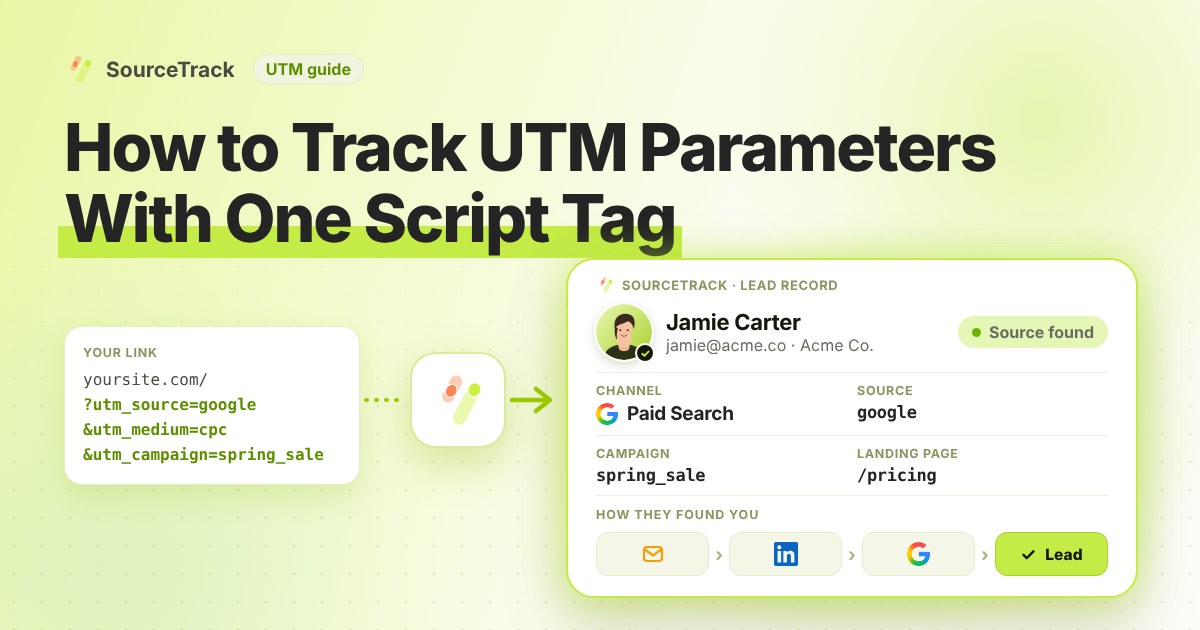
How to Track UTM Parameters: The Basics
Learn what UTM parameters are, how to build tagged links, and how to see which campaign sent each lead. Plain steps, no code.
SourceTrack Team
Attribution & Growth Engineering
20 Oct, 2026
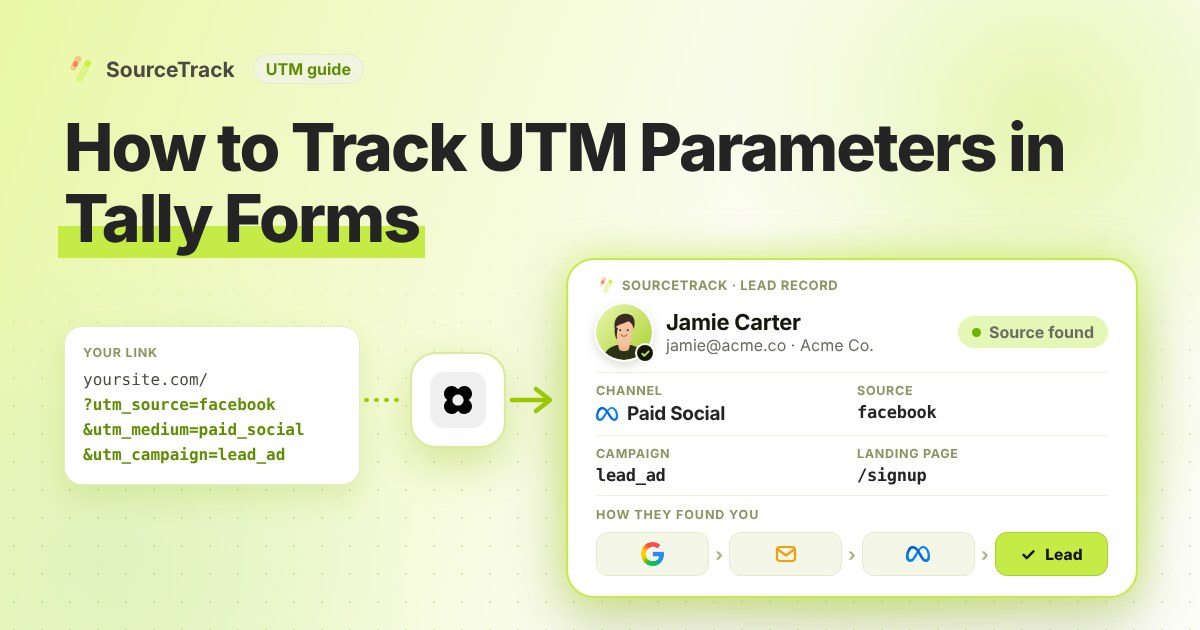
How to Track UTM Parameters in Tally Forms (Step-by-Step Guide)
Capture UTM parameters, referrers and AI search sources from Tally Forms with SourceTrack. Embedded Tally forms need a few hidden fields and a webhook.
SourceTrack Team
Attribution & Growth Engineering
01 Aug, 2026
See which channel earned your next customer.
Add one script tag and see the source behind each lead and sale, including AI search referrals. About 5 minutes to set up, 28 days free, no credit card required.
Want it on your own data first? Try the free ROAS calculator or see pricing.