UTM Best Practices: Naming Rules and Mistakes to Avoid
UTM best practices for teams: naming conventions that keep reports clean, the mistakes that split them, how auto-tagging fits, and a pre-launch checklist.
- Author
- SourceTrack Team
- Category
- Track UTM Parameters
- Read Time
- 07 Mins read
- Published Date
Inside the page
- What are the five UTM parameters, in one line each?
- What is a UTM naming convention that survives a team?
- Which source and medium pairs should I use per channel?
- What UTM mistakes split your reports?
- Why do links with no tag read as Direct?
- Auto-tagging versus UTMs: can you use both?
- How do you check UTM links before launch?
- What is a pre-launch UTM checklist?
- What does SourceTrack do with UTMs?
- Further reading
- Frequently asked questions
- Should UTM values be lowercase?
- Should I add UTM parameters to links inside my own website?
- Can I use UTM parameters and Google Ads auto-tagging together?
- Why does my email traffic show up as Direct?
- How do I check UTM links before launch?
- Next step
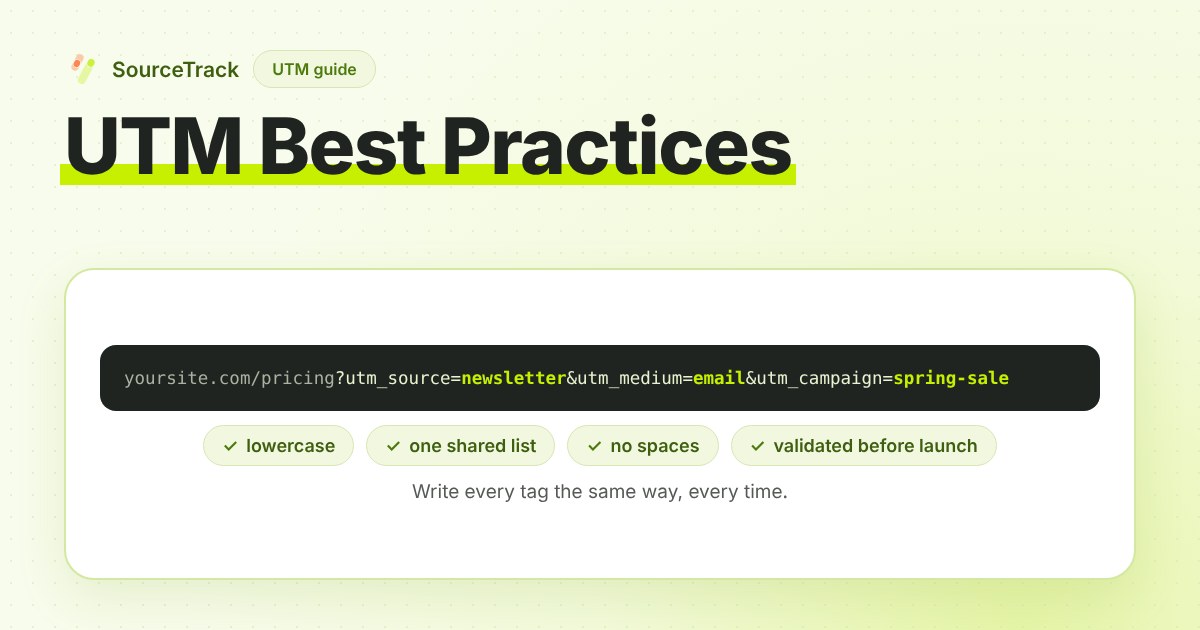
UTM best practices come down to one idea: write every tag the same way, every time, and have one person own the list of allowed values. Do that, and one campaign shows up as one row in your reports. Skip it, and the same email appears under several spellings.
This post is for teams that already know what UTMs are. If you need the basics, start with how to track UTM parameters. This post covers what comes after: naming rules, the mistakes that split reports, and how to check links before they go live.
What are the five UTM parameters, in one line each?
utm_source: who sent the visit, such as a newsletter, a search engine or a social network.utm_medium: the type of link, such as email, paid search or paid social.utm_campaign: the campaign the link belongs to.utm_content: which link or creative, when two links point at the same page.utm_term: the paid search keyword, if you use it.
Source, medium and campaign are the working set. Some tools also read a sixth tag, utm_id, a campaign id you can use to join your reports to a spreadsheet or an ad platform. Support for it varies by tool, so check yours before relying on it.
What is a UTM naming convention that survives a team?
A naming convention is a short set of rules for how tags are written. It matters more as more people build links, because every person spells things differently. Here is one reasonable approach, not the one correct answer:
- Lowercase everywhere. Most tools treat
Emailandemailas different values. Lowercase UTM values remove a whole class of errors. - Hyphens, not spaces. A space becomes
%20in the address and is easy to mistype. Pick hyphens or underscores and never mix them. The examples here use hyphens. - A fixed list of allowed values for source and medium. Keep the list short, in a shared sheet. If a value is not on the list, someone asks the owner to add it before using it. Campaign names can be free-form within a pattern, such as a short name plus a month.
- One owner. One person approves new values and keeps the sheet. Without an owner, the list grows in every direction.
- No personal data. Tags sit in the address, where anyone can see them. Never put a name or an email in one.
Here is what an unowned list does. This is an illustrative example, not real data:
| utm_source typed | Visits shown (illustrative) |
|---|---|
newsletter | 40 |
Newsletter | 25 |
news-letter | 15 |
That is one source, split into three rows, and the report never adds them up for you. A fixed list stops that before it starts.
Which source and medium pairs should I use per channel?
The table below is an illustrative starting point, not a standard. Your channels differ, so pick your own list, write it down and keep it short.
| Channel | utm_source | utm_medium |
|---|---|---|
| Email to your own list | newsletter | email |
| Paid search | google | cpc |
| Paid social | linkedin | paid-social |
| Sponsored slot in someone else’s newsletter | the newsletter’s name | sponsored-newsletter |
| Partner link | the partner’s name | partner |
| Affiliate link | the affiliate’s name | affiliate |
Two notes. Medium describes the type of link and source describes who sent it, so a rule like “medium is always one of these six words” keeps channel reports tidy. Also, if your analytics tool groups traffic into channels using medium values, check which values it expects before you invent your own. A medium it does not recognise may land in an “other” bucket.
What UTM mistakes split your reports?
Most of these look harmless when you make them. They show up weeks later as numbers that do not add up.
- Capitalisation.
Emailandemailbecome two mediums. - Spaces and mixed separators.
spring sale,spring_saleandspring-saleare three campaigns. - UTMs on internal links. A tagged link from your homepage to your pricing page can start a new campaign visit and overwrite the real source, such as a search or an ad, with an internal one. Internal links should carry no UTMs. Internal links and UTMs do not mix.
- Tagging links that auto-tagging already covers. Ad platforms add click ids for you. Hand-tagging the same ads with different names creates a second label for the same click. If you tag them, use the same names every time.
- A missing medium. A source without a medium is hard to group. Fill in source, medium and campaign on every link.
- Tagging emails inconsistently. Tagging the main send and forgetting the follow-up, or tagging the button and forgetting the logo link, leaves part of the campaign as Direct.
- Reusing a campaign name. If
spring-salemeant one thing last year and another this year, the reports merge them. Add a date or a year to the name.
A validator catches the mechanical ones. The free UTM validator checks a link for spaces, mixed case and missing fields.
Why do links with no tag read as Direct?
Direct is what analytics tools show when a visit has no UTM tag, no ad click id and no referring site. It does not mean the visitor typed your address. It means the tool had nothing to go on.
This matters most for email and offline links. Many email apps and mobile apps do not send a referrer, and a QR code or a printed link has no referring page at all. If those links are not tagged, they land in Direct. The fix is simple: tag every email link, every QR code and every link in a PDF or slide deck. Our post on direct traffic in GA4 explains what else ends up there.
Auto-tagging versus UTMs: can you use both?
Yes. They do different jobs.
Auto-tagging is a setting in Google Ads. When it is on, Google adds a click id called gclid to your landing page address. It lets Google tie clicks to ads and conversions. You do not write it; Google does.
UTMs are tags you write yourself. They carry the names you chose, such as your campaign name, and tools other than Google read them too.
The two can sit in the same address. Do not turn auto-tagging off to use UTMs instead, because the click id is how Google matches a conversion to an ad. Do keep your UTM names consistent with it. In Google Analytics 4, auto-tagging normally takes priority over manual tags on Google Ads clicks, so a hand-written tag will usually not change how Google reports them; the exact behaviour depends on your settings. Other ad platforms add their own click ids, and you add the names. Our guide to click ids covers gclid, fbclid and msclkid.
How do you check UTM links before launch?
Do not trust a link because it looks right. Check it three ways:
- Build it with a tool, not by hand. The UTM builder makes one tagged link from a form. For many links at once, the bulk UTM generator does the same from a list.
- Validate it. Paste it into the UTM validator to catch spaces, capital letters and a missing medium.
- Click it. Open the link in a private window and read the final address. A redirect, a link shortener or a login step can drop everything after the question mark. Then confirm the visit shows the source, medium and campaign you expected.
What is a pre-launch UTM checklist?
Before a campaign goes out, tick each line:
- Every outside link has source, medium and campaign.
- Every value is lowercase, with no spaces.
- Source and medium come from the shared list.
- The campaign name is new, or carries a date.
- No UTMs on links between pages of your own site.
- Email, QR codes and PDF links are all tagged.
- Each link was validated and clicked once in a private window.
- The final address after redirects still holds the tags.
- The links and their tags are saved in the shared sheet.
What does SourceTrack do with UTMs?
The SourceTrack tracker reads UTM tags and ad click ids from the landing page address and keeps the source with the visit, so it is still known when that visitor later submits a form or pays. Links with no tag and no referring site still read as Direct, which is why the tagging rules above matter. To see how the pieces connect, read how to track lead source.
Further reading
- Google Analytics Help: URL builders, collect campaign data with custom URLs: how UTM parameters are added to destination URLs so Analytics can attribute traffic to campaigns.
- Google Analytics Help: Default channel group: the rules GA4 uses to sort traffic into channels such as Direct, Organic Search and Referral.
- SourceTrack for agencies: how SourceTrack is set up for agency work.
Frequently asked questions
Should UTM values be lowercase?
Yes, as a rule. Most analytics tools treat Email and email as two different values, so one campaign shows up as two rows in your reports. Choosing lowercase for every parameter and every link, and writing that rule down where the whole team can see it, removes the most common cause of split reports.
Should I add UTM parameters to links inside my own website?
No. A UTM on a link between two pages of your own site can start a new campaign visit and replace the real source with an internal one. Tag links that bring people to your site from somewhere else, and use event tracking or a separate method to measure clicks inside your site.
Can I use UTM parameters and Google Ads auto-tagging together?
Yes. Auto-tagging adds a click id called gclid to your landing page links, and UTMs sit in the same address without breaking it. The click id lets Google match clicks to ads. UTMs carry the names you chose. Keep your UTM names consistent, because Google Analytics 4 normally gives auto-tagging priority when the two disagree.
Why does my email traffic show up as Direct?
A link with no UTM tags and no referring site has nothing to identify its origin, so reports file it as Direct. Email apps, desktop mail clients and QR codes often send no referrer. Add source, medium and campaign tags to every link in every email, and to every offline link, before it goes out.
How do I check UTM links before launch?
Run each link through a validator for spaces, mixed case and missing medium. Then click it in a private window and read the final address in the browser bar, because a redirect can drop the tags. Last, confirm the visit appears in your analytics with the source, medium and campaign you expected.
Next step
Pick your list of sources and mediums and write it in one shared sheet. Build your next batch of links with the UTM builder or the bulk UTM generator, and check them with the UTM validator. To see the visits arrive with their source attached, try the free UTM tracker. SourceTrack has a 28-day free trial with no credit card, and the quickstart takes you through the one script tag.
Related Blogs
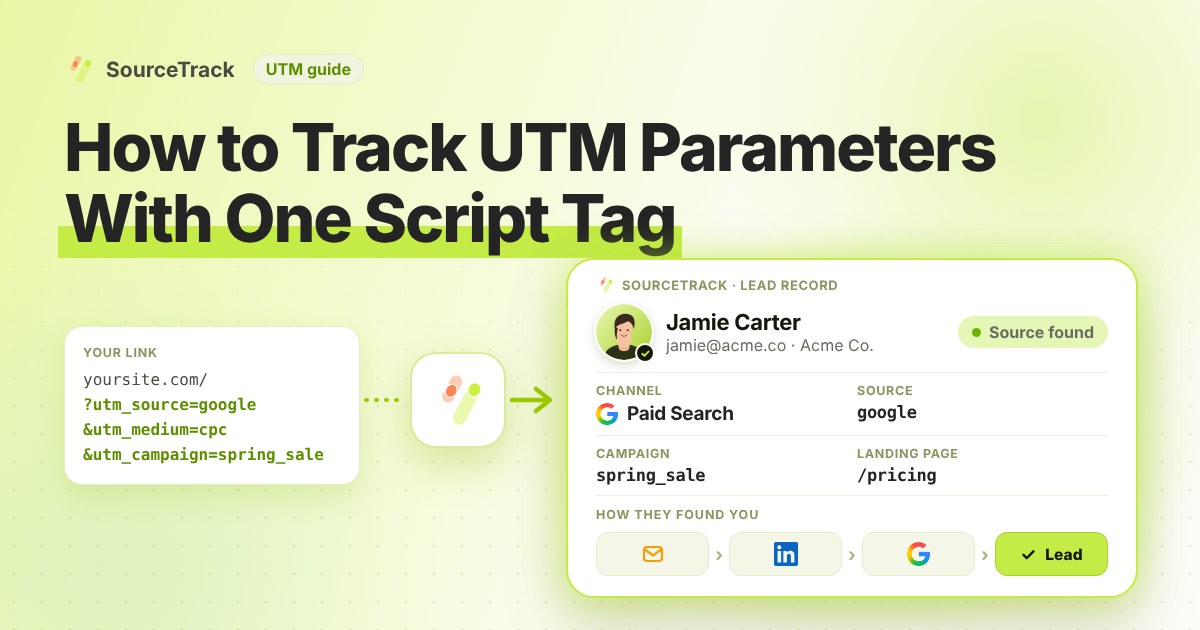
How to Track UTM Parameters: The Basics
Learn what UTM parameters are, how to build tagged links, and how to see which campaign sent each lead. Plain steps, no code.
SourceTrack Team
Attribution & Growth Engineering
20 Oct, 2026
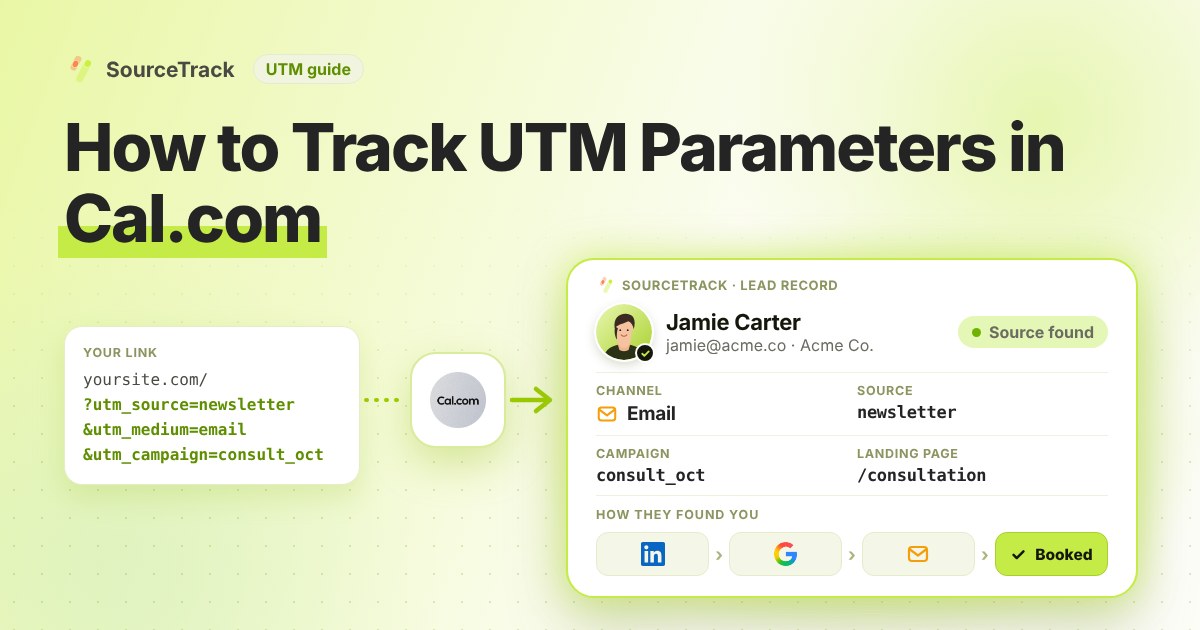
How to Track UTM Parameters in Cal.com
See which campaign sent each Cal.com booking. Add one script tag to the page with your embed, then test with a UTM link.
SourceTrack Team
Attribution & Growth Engineering
20 Oct, 2026
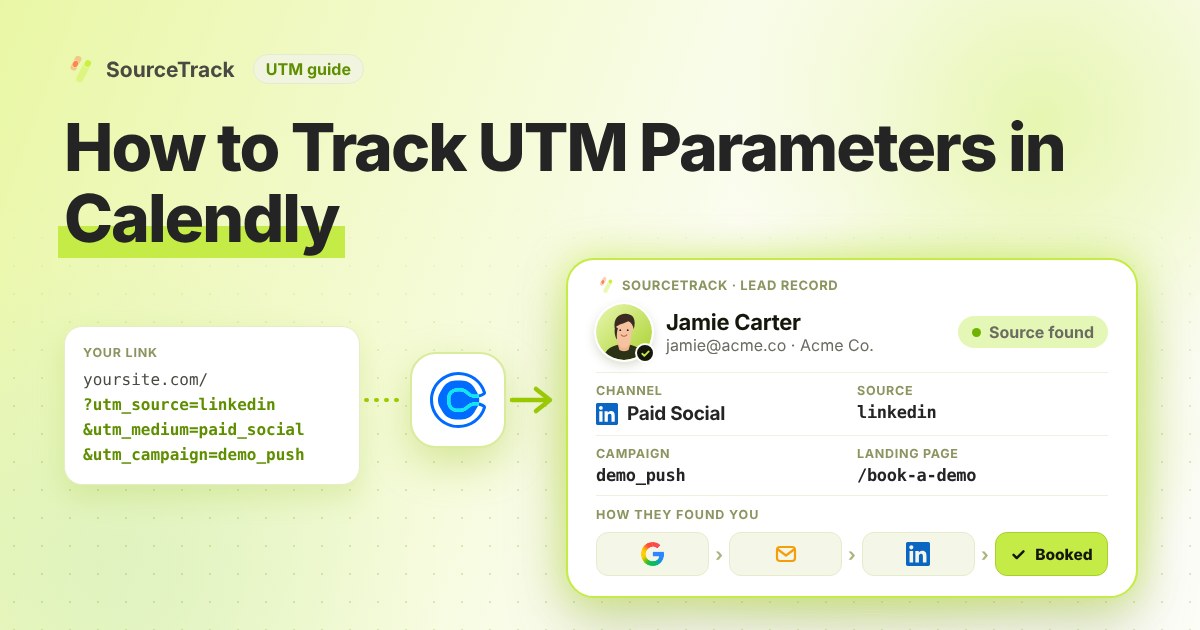
How to Track UTM Parameters in Calendly
See which campaign sent each Calendly booking. Add one script tag to the page with your embed, then test with a UTM link.
SourceTrack Team
Attribution & Growth Engineering
20 Oct, 2026