How to Track Lead Source
Track where each lead came from: tag links, capture UTMs on landing, keep them to the form, attach them to the lead. Compare methods and run a 10-minute test.
- Author
- SourceTrack Team
- Category
- Attribution & Analytics
- Read Time
- 06 Mins read
- Published Date
Inside the page
- What counts as a lead source?
- Why do three sources disagree about one lead?
- What is the minimum setup that works?
- Which capture method should you use?
- How do you know the source is being lost?
- How do you test it in 10 minutes?
- What does SourceTrack do here, and what does it not do?
- Further reading
- Frequently asked questions
- What is the difference between lead source and original source?
- Is a ‘how did you hear about us’ field enough?
- Can I track lead source without UTM links?
- Do I need a CRM to track lead source?
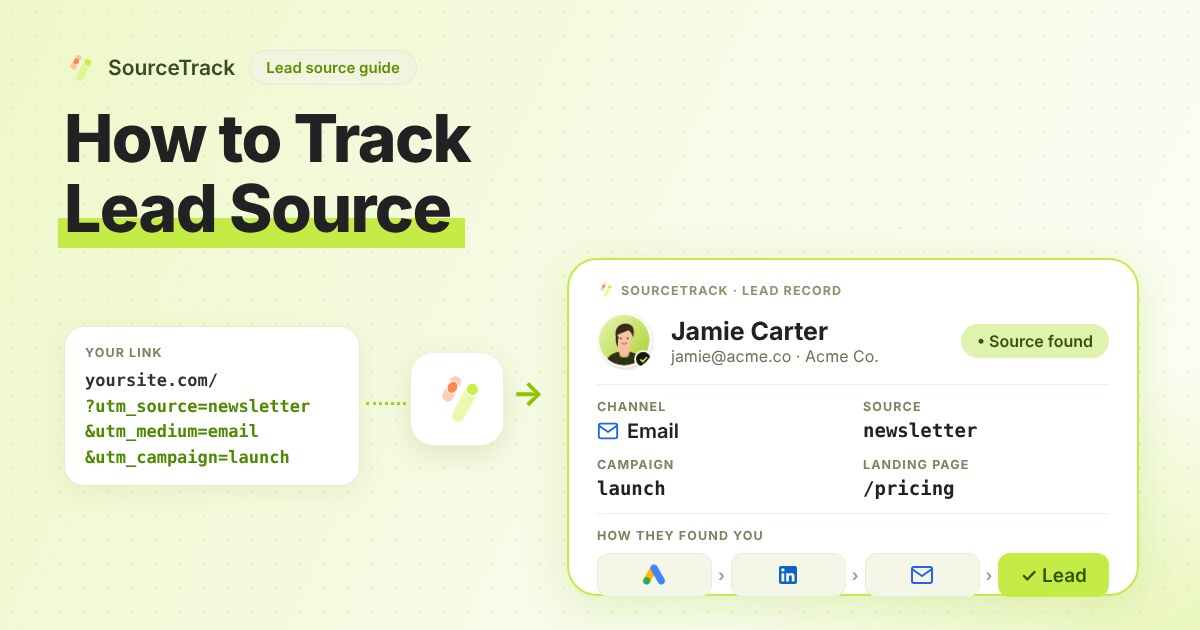
Lead source is the channel, campaign and page that brought a person to your site before they became a lead. To track it, tag your links, capture those tags and the referrer when the visitor lands, keep them until they submit a form, and save them with the lead. You can test the whole chain in about ten minutes.
What counts as a lead source?
A lead source is a small set of facts about the visit that came before the form:
- Source: who sent the visitor, such as
google,newsletterorlinkedin. - Medium: the type of channel, such as
cpc,emailorsocial. - Campaign: the name of the push, such as
spring_demo. - Landing page: the first page they saw.
- Referrer: the website they came from, when there is one.
- Click ID: the id an ad platform adds to the link, such as
gclidfor Google Ads.
Why do three sources disagree about one lead?
Self-report, your CRM and a measured visit each see a different slice of the journey. Take one lead:
| Where you look | What it says | Why |
|---|---|---|
| “How did you hear about us?” | “A podcast” | The person remembers the idea. They did not click it. |
| Measured last touch | Google search, brand term | They searched your name before filling in the form. |
| Measured first touch | Paid social, spring_demo | Their first visit came from an ad three weeks earlier. |
| CRM “original source” | Direct | The CRM only saw the form visit, and the visit had no tags. |
None of the four is lying. The podcast started the interest, the ad brought the visit, the search finished it. Keep first touch, last touch and the self-reported answer side by side, or you only see one of them.
What is the minimum setup that works?
Do these five things in this order. If you skip one, the chain breaks at that point.
- Tag every link you control. Ads, emails, social posts and partner links need
utm_source,utm_mediumandutm_campaign. Use lowercase and one spelling per value. The UTM basics guide has the rules, and the UTM validator checks a link before you send it. - Capture on the landing page. Something must read the tags and the referrer when the visitor arrives. If nothing reads them on the first page, they are gone.
- Keep them until conversion. Visitors often browse three pages and return two days later. The capture has to survive page changes and return visits, or the form page will see an empty URL.
- Attach them to the lead. When the form is submitted, the stored source goes into the same record as the name and email. A source that lives in one tool and a lead that lives in another, with no shared key, is useless.
- Protect against loss. Test the cases that quietly break it: a redirect that strips the URL, a form on another domain, a cache that serves the page without your script, and a browser that sends Do Not Track or Global Privacy Control.
Which capture method should you use?
There are four ways to do steps 2 to 4. Here is how they compare in practice.
| Method | How it works | Accuracy | Effort | What it loses |
|---|---|---|---|---|
| Hidden form fields filled from the URL | A script copies utm_* values into hidden inputs. | Good for the landing visit, weak after that unless you also store the values. | Medium per form | Anything set on a later page. Forms in iframes. Every new form needs the fields. |
| First-party tracking script | A script on every page records the visit and links it to the form. | Highest for web forms. Keeps the whole journey. | Low once, then none per form | Visitors who block scripts or send Do Not Track or Global Privacy Control. |
| Server-side or webhook | The form tool or your backend sends the submission to a service that matches it to a visit. | Good when it carries an email or a visitor id. | Medium to high | Submissions that carry no key to match a visit. |
| Self-report field | You ask the person. | Low for channel, useful for context. | Very low | Anything the person forgets, misremembers or finds awkward to say. |
Decision rule: if all your forms are on pages you control, use a tracking script and add self-report as a second field. If a form lives on another domain or inside an iframe, use the webhook route for that form only. Use hidden fields when you have one or two forms and a CRM that only accepts form fields. Never rely on self-report alone for channel decisions.
How do you know the source is being lost?
Look at the share of leads marked direct, split by how they arrived. Use this rule:
- Many direct leads, and you run paid or email campaigns: the tags are being lost between landing and form. Check step 3 of the setup first.
- Direct leads only on one form: that form is probably in an iframe or on another domain. Use the webhook route for it.
- Direct leads only on return visits: the capture does not survive a return visit. A hidden-field setup that only reads the current URL behaves this way.
- Every lead has a campaign, even the ones you did not tag: old values are being reused. Clear them and test again.
Direct is a real answer when someone types your address. It is a warning sign when it is your largest bucket and you spend on ads.
How do you test it in 10 minutes?
- Minute 0 to 2: build a test link, such as
https://yoursite.com/pricing?utm_source=test&utm_medium=email&utm_campaign=lead_source_test. Check it in the UTM validator. - Minute 2 to 4: open it in a new private window with no Do Not Track or Global Privacy Control signal. Do not open it from another page on your site.
- Minute 4 to 6: click through two other pages, then go to the page with your form. This checks that the source survives navigation.
- Minute 6 to 7: submit the form with a test email you control.
- Minute 7 to 9: find the lead in your tool and your CRM. Check that source, medium and campaign read
test,emailandlead_source_test. - Minute 9 to 10: repeat once with a link that has no tags. It should show as direct, or as the referring site if you came from one. If it shows a campaign, something is carrying old values.
If step 5 shows nothing, the break is between steps 2 and 4 of the setup above. Check where the script sits, whether a cache or redirect stripped the URL, and whether the form is in an iframe.
What does SourceTrack do here, and what does it not do?
SourceTrack’s script records the visit and links a form submission on your page to it. The lead shows first touch and last touch with source, medium, campaign and landing page, and the pages viewed before the form. It respects Do Not Track and Global Privacy Control, so those visits are not recorded, which means your test needs a clean private window.
It does not fill your CRM’s fields for you. A managed HubSpot connection is being built and is not available yet. Today you keep the lead and its source in SourceTrack, and the HubSpot page explains what flows in and out. Plans and limits are on the pricing page.
Further reading
- Google Ads Help: About offline conversion imports: why to save the Google Click ID with each lead and send it back when the lead converts.
- HubSpot Knowledge Base: Understand Original and Latest traffic source properties: how HubSpot records a contact’s first and most recent traffic source.
- How to send lead source to your CRM: what a CRM needs once the source is captured.
Frequently asked questions
What is the difference between lead source and original source?
Lead source is the general idea: where a lead came from. Original source is a field some CRMs fill in by their own rules, usually from the first visit they saw. The two can disagree, because the CRM only knows what it was told and when.
Is a ‘how did you hear about us’ field enough?
It is useful but not enough on its own. It tells you what the person remembers, not what they clicked. Keep it next to a measured source and compare the two.
Can I track lead source without UTM links?
Partly. The referrer shows search engines and other websites. A link with no tags and no referrer shows as direct, so tag every link you control.
Do I need a CRM to track lead source?
No. You need the source to be saved with the lead somewhere you can read it. A spreadsheet, a form tool or an attribution tool all work for a start.
Related Blogs
How to Track ChatGPT and AI Referrals That GA4 Cannot Tie to Revenue
Classify visits from ChatGPT, Claude, Gemini and Perplexity, tie them to leads and revenue, and know what no tool can see.
SourceTrack Team
Attribution & Growth Engineering
28 Jul, 2026
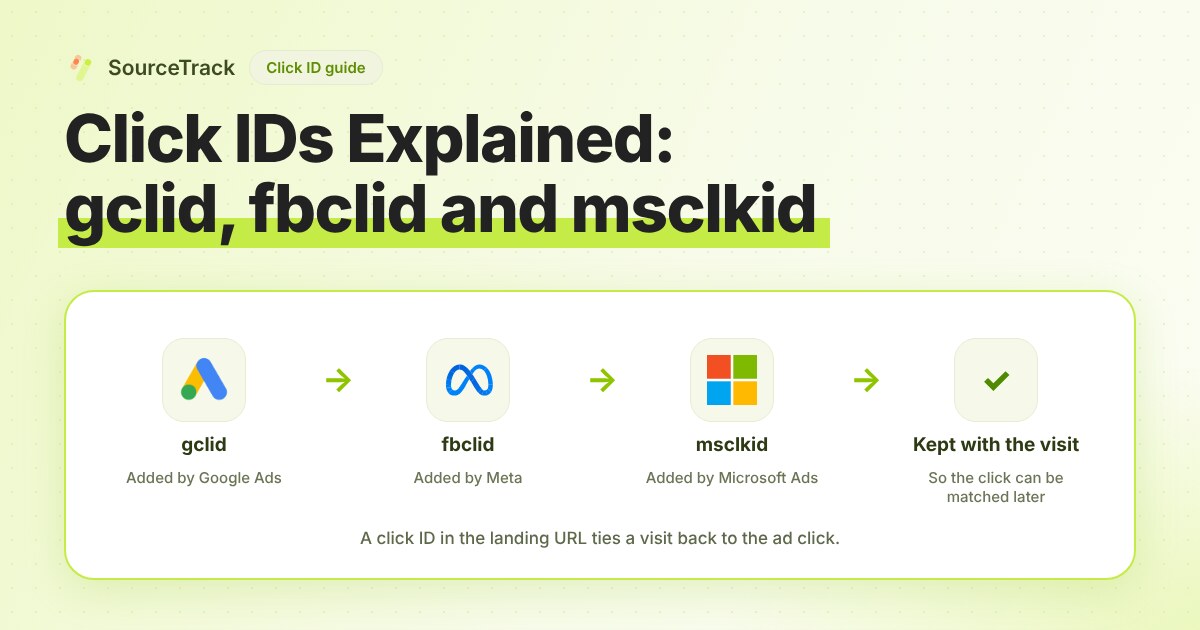
Click IDs Explained: gclid, fbclid, msclkid and More
What gclid, fbclid, msclkid, ttclid and li_fat_id are, who adds them, what drops them, and how to check you still have one at conversion time.
SourceTrack Team
Attribution & Growth Engineering
20 Oct, 2026
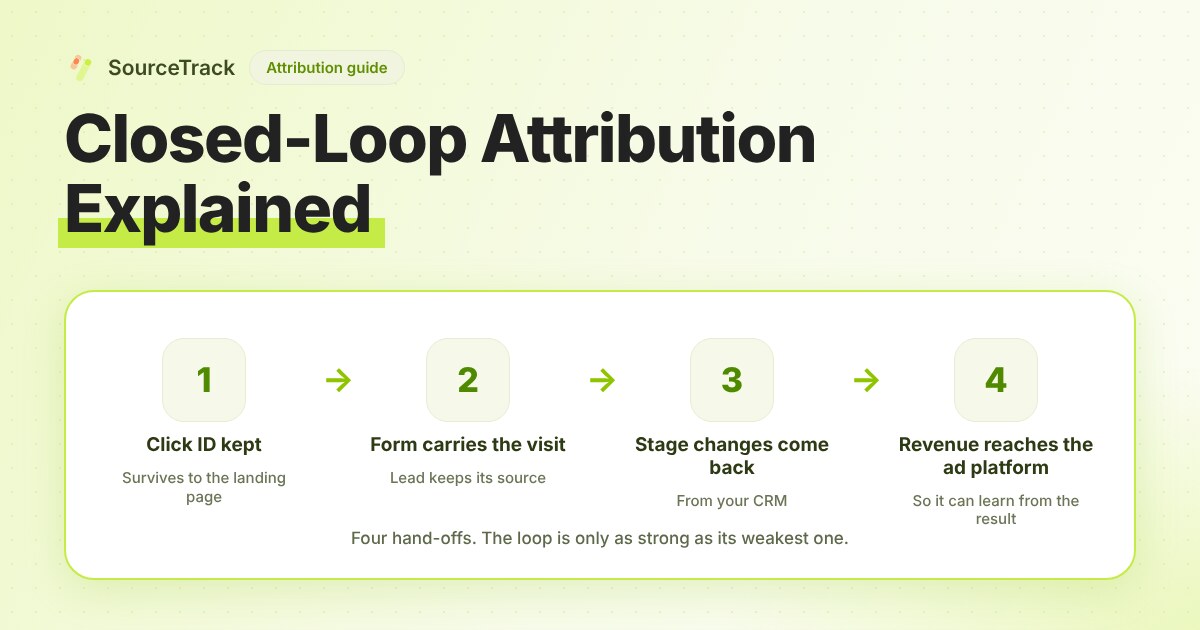
Closed-Loop Attribution Explained
Closed-loop attribution links an ad click to a lead, a CRM stage and revenue, then sends that back to the ad platform. See where it breaks and how to test it.
SourceTrack Team
Attribution & Growth Engineering
20 Oct, 2026