How to Send Lead Source to Your CRM
Four ways to get a lead's source into a CRM record: hidden fields, a script, a webhook flow or a connector. Trade-offs, property names and a check.
- Author
- SourceTrack Team
- Category
- Attribution & Analytics
- Read Time
- 05 Mins read
- Published Date
Inside the page
- Which of the four ways fits you?
- Which properties should you create?
- What goes wrong with field names and existing rules?
- How do you confirm a lead arrived with its source?
- What does SourceTrack do for the CRM side today?
- Frequently asked questions
- Which way is most dependable for getting source into a CRM?
- Why is my CRM property empty after a test lead?
- Can I overwrite my CRM’s original source?
- Does SourceTrack write source into HubSpot today?
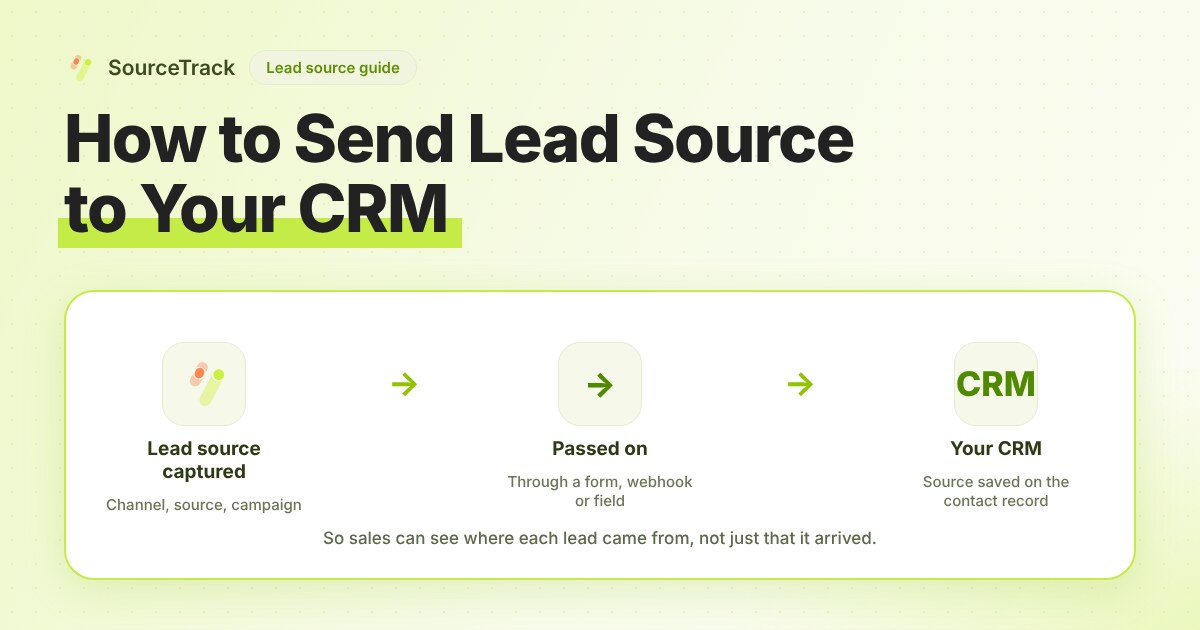
There are four ways to get a lead’s source into a CRM record: hidden form fields mapped to CRM properties, a tracking script that writes properties, a webhook or Zapier or Make flow, or a native connector. Hidden fields are the most dependable for forms you control. A webhook flow covers forms you cannot edit. Either way, create separate properties for the measured source so the CRM’s own rules cannot overwrite it.
Which of the four ways fits you?
| Way | How the source gets there | Best when | Trade-off |
|---|---|---|---|
| Hidden form fields | A script fills hidden inputs from the URL. The CRM form maps them to properties. | You edit the form and use the CRM’s own forms or a form tool that maps fields. | Every new form needs the fields. Values are only as good as the capture behind them. |
| Tracking script that writes properties | The script updates the contact record after submit. | The CRM supports a tracking script and you want no form changes. | The match between visit and contact depends on the script. You rely on the CRM’s rules. |
| Webhook or Zapier / Make flow | The form tool or your tracking tool sends the lead and source to a flow that creates or updates the record. | The form is on another tool, or the CRM has no connector. | You build and maintain the flow. A failed run means a lead with no source. |
| Native connector | The vendor syncs the fields for you. | A maintained connector exists for your CRM and plan. | You depend on what it maps, and you cannot add what it leaves out. |
Decision rule: one or two forms you can edit, use hidden fields. A form you cannot edit, use a webhook flow. A connector is the right answer only when you have confirmed which properties it writes and how it treats existing values.
Which properties should you create?
Create these as new properties. Do not reuse the CRM’s built-in source field for them.
| Property | Example value | Why it earns a place |
|---|---|---|
| Source | google | The first thing every report needs. |
| Medium | cpc | Separates paid from unpaid under one source. |
| Campaign | spring_demo | Ties the lead to a spend line. |
| Landing page | /pricing | Shows what first convinced them. |
| First-touch source and campaign | linkedin, launch_post | What started the journey. |
| Last-touch source and campaign | google, brand | What closed it. |
| Click ID | the gclid value | Lets you pass a conversion back to an ad platform later. |
Use plain text properties for source, medium and campaign. A fixed list needs you to maintain every value, and a value that is not on the list is rejected or blanked. Keep a dropdown only for a field your team picks by hand.
What goes wrong with field names and existing rules?
Most failures are in this list.
- Names must match exactly. The hidden field name on the form must equal the property’s internal name, not its label.
utm_sourceandUTM Sourceare two different things. Copy the internal name from the property settings. - Dropdowns blank free text. If the property is a dropdown and the value is not one of its options, the CRM may store nothing. Use text properties for measured values.
- A required field cannot be hidden. HubSpot states this in its form documentation: a hidden field gets its value from the submission and does not appear to the visitor, and a required field cannot be hidden.
- CRMs set original source by their own rules. HubSpot’s traffic source documentation says the drill-down properties are set automatically and cannot be edited by hand, and that changing the original traffic source by hand clears them. It also says utm_campaign supplies the campaign name for several categories. So your measured source goes to your own properties.
- Salesforce’s Lead Source is a picklist. Salesforce’s web-to-lead article describes adding Lead Source to the form as a hidden field and adding picklist values for the pages that have forms. For free-text campaign names, check the vendor documentation and prefer a separate custom text field.
- Blank values overwrite. A form sent from a page that lost its tags may send empty strings. Check whether your CRM keeps the old value or replaces it with a blank.
How do you confirm a lead arrived with its source?
- Build a test link with
utm_source=crmtest&utm_medium=email&utm_campaign=crm_checkand check it in the UTM validator. - Open it in a new private window with no Do Not Track or Global Privacy Control signal.
- Visit another page, then submit the form with an email only you own.
- Open the contact in the CRM and read the properties. Source should read
crmtest, mediumemail, campaigncrm_check. - Check the activity or history for the property. If the value arrived and was then replaced, a workflow or a built-in rule rewrote it.
- Submit the form again from a link with no tags. The properties should be empty or direct, and the first-touch properties should keep the earlier value if the same contact is matched.
If step 4 is empty, work down the list above, starting with field names. The basics guide covers the tags themselves.
What does SourceTrack do for the CRM side today?
Be clear about the limit first. SourceTrack has no native CRM integration, and it does not write source into HubSpot or any other CRM property today. A managed HubSpot connection is being built and is not available yet. The lead and its source stay in SourceTrack.
What works today:
- Capture. SourceTrack records the lead and its journey, with first-touch and last-touch source, medium, campaign and landing page.
- Onward. Outbound webhooks send a signed notification when a conversion is recorded. They are plan-gated, so check the plan limits first. Before you build a flow on one, send a test and read the payload to confirm which source fields it carries.
- Back in. Deal or lead stages and closed-won revenue can flow into SourceTrack. The inbound webhook takes stage events, and the Offline Conversion API takes sales. Both are matched to a visitor by
st_aidor a known email.
So for source in the CRM today, the dependable routes are hidden fields on your form, or a Zapier or Make flow fed by the webhook. The HubSpot page lists what flows in each direction. If you want to see plan limits before you decide, the pricing page has them.
Frequently asked questions
Which way is most dependable for getting source into a CRM?
Hidden form fields mapped to CRM properties, because the source travels inside the same submission as the lead. A webhook flow is the next most dependable when the form is not one you can edit.
Why is my CRM property empty after a test lead?
Usually the field name does not match the property’s internal name exactly, the value was blank when the form was sent, or the property type rejected it. Check each in that order.
Can I overwrite my CRM’s original source?
Do not plan on it. Many CRMs set original source by their own rules. Write your measured source to separate properties and report from those.
Does SourceTrack write source into HubSpot today?
No. A managed HubSpot connection is being built and is not available yet. Today you can use hidden fields on your form, or send the lead onward with a webhook flow.
Related Blogs
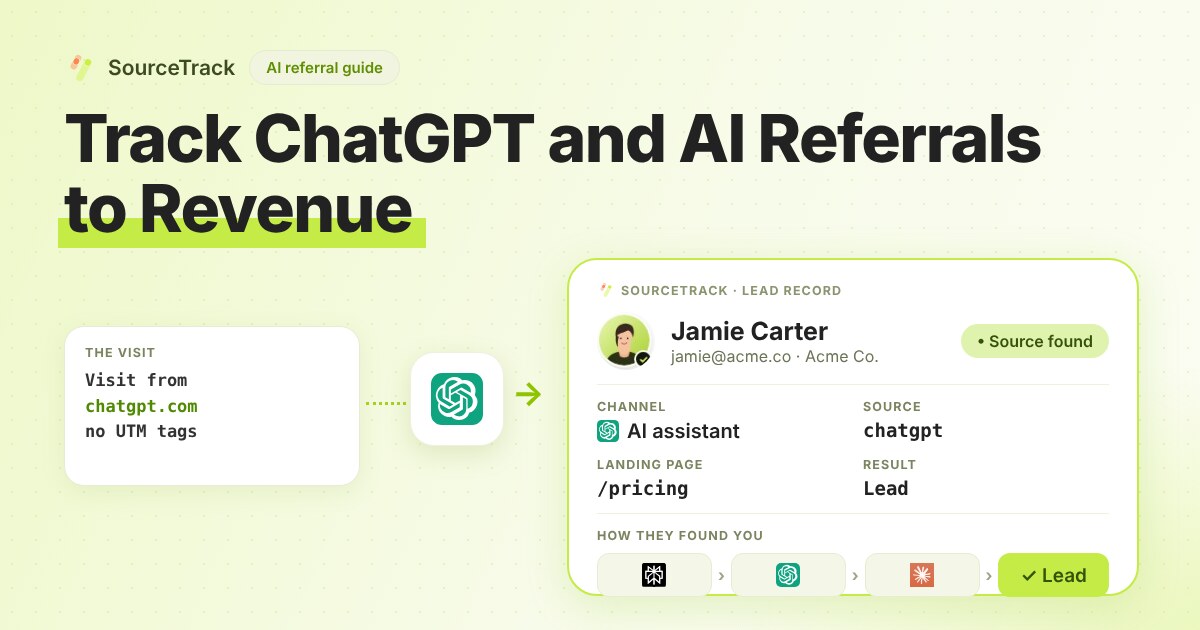
How to Track ChatGPT and AI Referrals That GA4 Cannot Tie to Revenue
Classify visits from ChatGPT, Claude, Gemini and Perplexity, tie them to leads and revenue, and know what no tool can see.
SourceTrack Team
Attribution & Growth Engineering
28 Jul, 2026
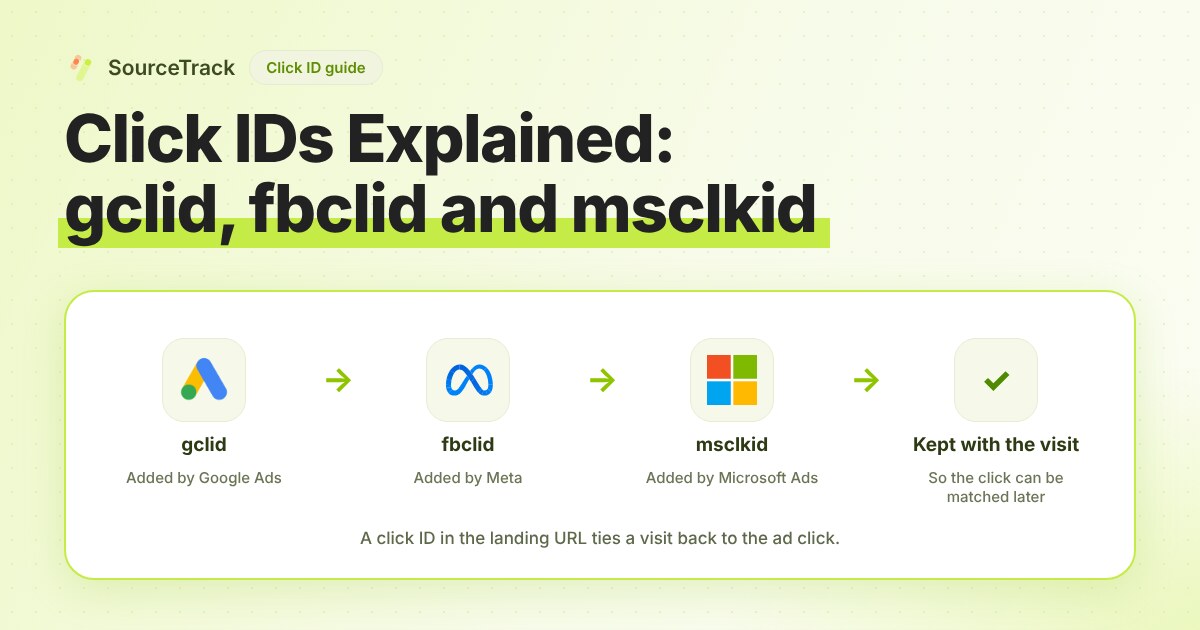
Click IDs Explained: gclid, fbclid, msclkid and More
What gclid, fbclid, msclkid, ttclid and li_fat_id are, who adds them, what drops them, and how to check you still have one at conversion time.
SourceTrack Team
Attribution & Growth Engineering
20 Oct, 2026
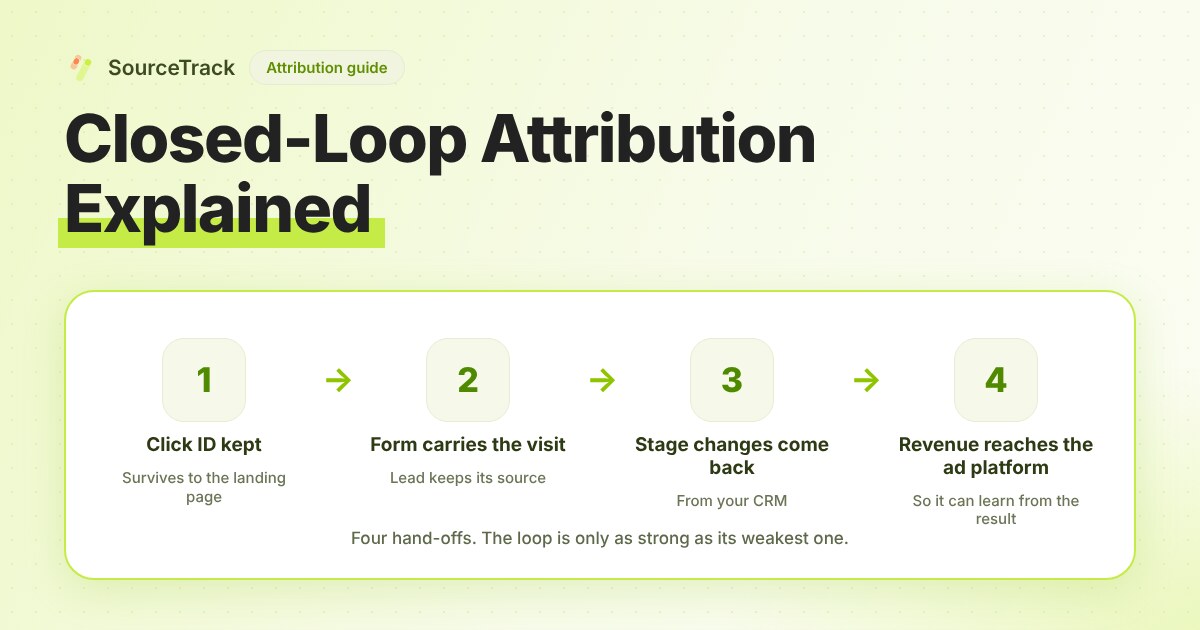
Closed-Loop Attribution Explained
Closed-loop attribution links an ad click to a lead, a CRM stage and revenue, then sends that back to the ad platform. See where it breaks and how to test it.
SourceTrack Team
Attribution & Growth Engineering
20 Oct, 2026