What Is Direct Traffic in GA4, and Why Is It So High?
GA4 labels a session Direct when it has no usable source. Learn the real causes, how to shrink it with tagging, and how to judge what is left.
- Author
- SourceTrack Team
- Category
- Attribution & Analytics
- Read Time
- 05 Mins read
- Published Date
Inside the page
- What does GA4 count as direct traffic?
- Why does GA4 label traffic as direct?
- How do I shrink direct traffic with tagging?
- Is my direct traffic real or misattributed?
- What can a first-party tracker fix, and what can it not?
- How does SourceTrack show direct visits?
- Further reading
- Frequently asked questions
- Is direct traffic people typing my address?
- Should I aim for zero direct traffic?
- Can a tracker remove all direct traffic?
- Do UTM tags fix direct traffic from email?
- Why did direct traffic jump after I changed my site?
- Next step
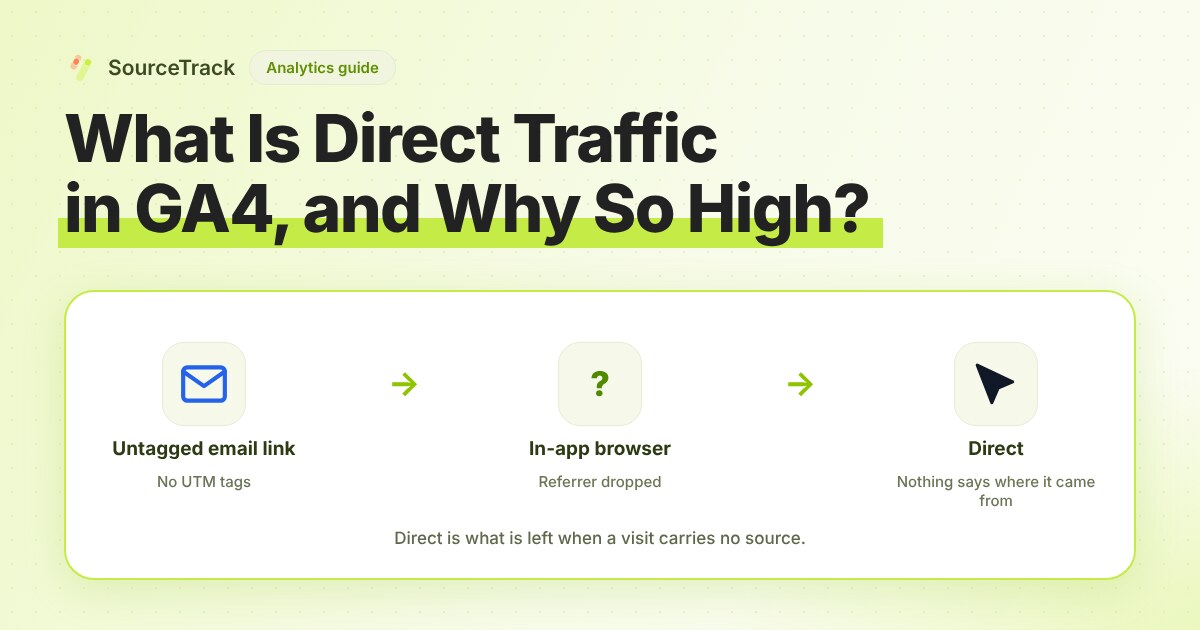
GA4 reports a session as Direct when it has no usable source. In its default channel group, Google defines Direct as traffic where the source is “(direct)” and the medium is “(not set)” or “(none)”, and describes it as visitors who arrive by a saved link or by entering your address. In practice it is also where GA4 puts any visit it could not trace, which is why the number is often larger than you expect.
What does GA4 count as direct traffic?
Two different kinds of visit land in the same bucket.
- Real direct visits. Someone typed your address, used a bookmark, or followed a link in a PDF or Word file. Nothing was lost, because there was no source to begin with.
- Lost-source visits. Someone clicked a link that did have a source, but the source did not reach GA4. Your analytics shows Direct, and you cannot tell the two apart from the label alone.
Your job is to shrink the second kind and judge the first. That starts with the causes.
Why does GA4 label traffic as direct?
Google’s help page on (direct) / (none) traffic lists these causes. The right column is our reading of what to do about each.
| Cause (per Google) | What it looks like | What to do |
|---|---|---|
| Links without UTM tags | Email, social posts and ads that carry no tags | Tag every link you control |
| Redirects, including HTTPS to HTTP | A redirect that strips the tags from the address | Test the link end to end, and keep the whole site on HTTPS |
| URL shorteners such as bit.ly | The short link drops referral details | Add the UTM tags to the destination before shortening |
| Typed addresses, and links in PDFs or Word files | Offline or document links with no referrer | Tag links you put in documents |
| Ad blockers | They interfere with the cookies that identify the source | Cannot be fixed on your side |
Google also notes that sessions started by a direct entrance can take on the campaign values the user already had. A returning visitor who typed your address may therefore show under an earlier campaign. That is separate from the causes above, and Google explains it in its page on traffic-source scopes.
Some other causes are well known in practice but are not on that page, so treat them as things to test, not as Google’s statement. Private chats and messaging apps often pass no referring site. Some mail apps do the same. Links opened from inside a native app can arrive with nothing attached.
How do I shrink direct traffic with tagging?
Tag the links you control, and use one naming rule so the tags stay readable. Do this in order.
- List the places you control links. Email newsletters, social posts, QR codes, PDFs, partner pages, your email signature, paid ads that are not auto-tagged.
- Pick one naming rule and write it down. For example: lower case only, hyphens not spaces,
utm_mediumfrom a short fixed list (email,social,cpc,referral), andutm_campaignasproduct-monthsuch aslaunch-oct. Mixed case such asEmailandemailcan split one source into two rows in many tools, so check how yours treats it. - Build the links with a tool, not by hand. Use the free UTM builder so every link follows the rule.
- Test each link in a private window. Open it and check that the tags are still in the address after the page loads. If they vanish, a redirect removed them.
- Leave auto-tagged ads alone. Do not add UTMs over an ad platform’s own click id. The basics guide explains how the two sit together.
A worked example. An email link reads https://example.com/offer. It carries no tag, and many mail apps pass no referring site, so GA4 shows Direct. Change it to https://example.com/offer?utm_source=newsletter&utm_medium=email&utm_campaign=offer-oct and the same click shows as email, with a campaign name.
Is my direct traffic real or misattributed?
Use this checklist on the pages that receive direct traffic. Each yes points to a cause.
- Which landing page gets it? Real typed visits go to your home page or a short, memorable address. Direct sessions landing on a deep page such as
/blog/some-long-titlealmost always arrived through a link that lost its source. - Did it jump on a date? A step change points to a change you made: a redirect, a move from HTTP to HTTPS, a new email template, a new short-link service.
- Does it follow your sends? Spikes that line up with a newsletter or post suggest untagged links.
- Is it new or returning? Many returning visitors on the home page fits bookmarks and typed addresses.
- Does it convert like paid or email traffic? A direct segment that behaves like your email list is likely mislabelled email.
If the landing pages are your home page and the visits are mostly returning, accept the number. If they are deep pages and spiky, go back to the tagging steps.
What can a first-party tracker fix, and what can it not?
It can fix part of it. A tracker that runs on your own site can read UTM tags and click ids at the start of a visit and keep them, so a source seen on the first page is still known when the visitor submits a form on a later page. It can also read ad click ids, which gives a paid visit a source even when a UTM tag is missing.
It cannot invent a source. If a visit arrives with no tags, no click id and no referring site, nothing exists to read. That visit stays Direct in any tool. Be wary of any promise to cut direct traffic by a set percentage, because the result depends on how many of your links are untagged and how many visits are real direct ones.
How does SourceTrack show direct visits?
SourceTrack shows a visit with no tags and no referring site as Direct. So the fix is the same as above: tag the links you control. Build them with the free UTM builder and check them with the UTM validator before you send. The tracker reads UTM tags and the click ids from Google, Microsoft, Meta, TikTok and LinkedIn ads, and it honours Do Not Track and Global Privacy Control.
Further reading
- Meta Ads clicks vs analytics sessions: why the two counts differ and where the visits go.
Frequently asked questions
Is direct traffic people typing my address?
Sometimes. Google says Direct covers visitors who arrive by a saved link or by entering your address. But it also holds every visit GA4 could not trace, so a high number rarely means all of it is typed visits.
Should I aim for zero direct traffic?
No. Real direct visits exist, such as bookmarks and typed addresses. Aim to remove the avoidable part by tagging the links you control, then accept what is left.
Can a tracker remove all direct traffic?
No. A first-party tracker can keep a source it saw earlier in the journey and can read click ids. It cannot invent a source for a visit that arrived with no tag and no referring site, such as a link in a private chat.
Do UTM tags fix direct traffic from email?
Yes, for email you send. Google lists missing UTM tags as the first cause of direct traffic. Tag every link in the email, because mail apps often pass no referring site.
Why did direct traffic jump after I changed my site?
Look for a new redirect, a switch between HTTPS and HTTP, or a changed link in your emails. Google says redirects can strip the UTM values from the address.
Next step
Tag the links you control, then recheck your Direct share in a week. The UTM basics guide has the full tagging rules, and the pricing page shows what each plan includes. If some of your Direct traffic is really organic search, the SEO ROI guide shows how to estimate organic revenue by landing page.
Related Blogs
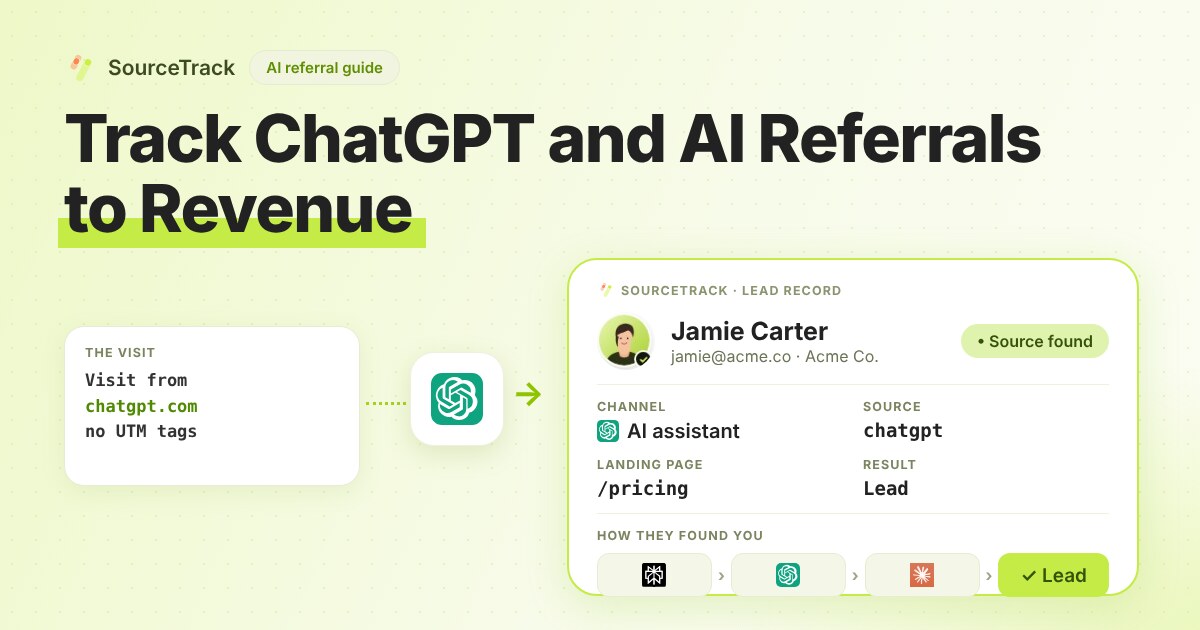
How to Track ChatGPT and AI Referrals That GA4 Cannot Tie to Revenue
Classify visits from ChatGPT, Claude, Gemini and Perplexity, tie them to leads and revenue, and know what no tool can see.
SourceTrack Team
Attribution & Growth Engineering
28 Jul, 2026
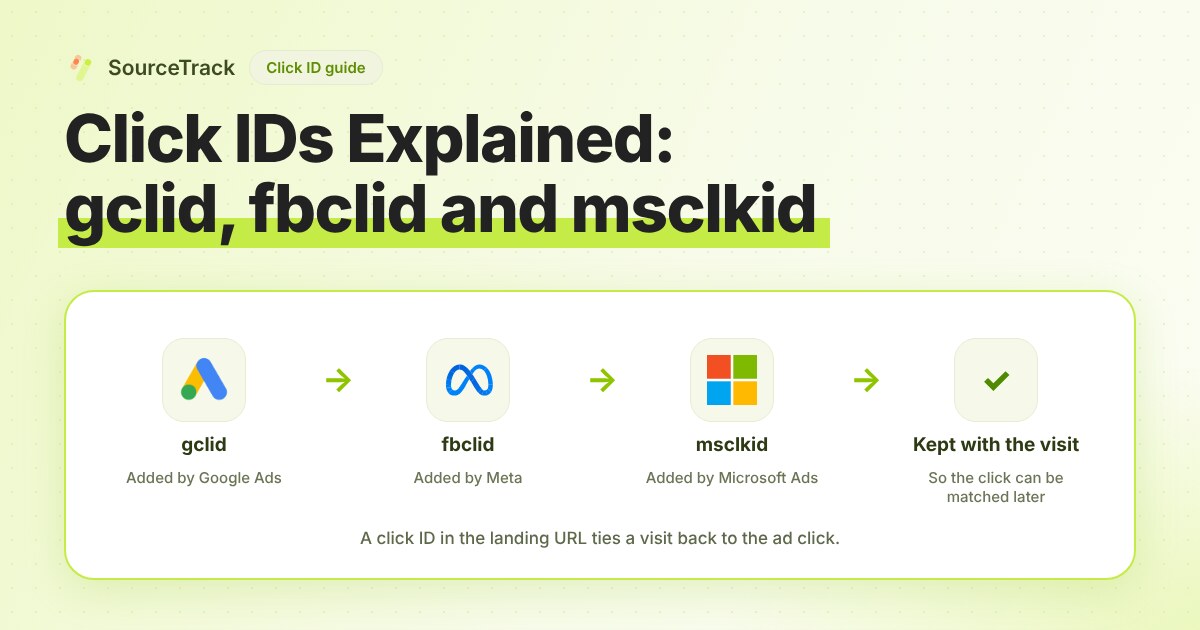
Click IDs Explained: gclid, fbclid, msclkid and More
What gclid, fbclid, msclkid, ttclid and li_fat_id are, who adds them, what drops them, and how to check you still have one at conversion time.
SourceTrack Team
Attribution & Growth Engineering
20 Oct, 2026
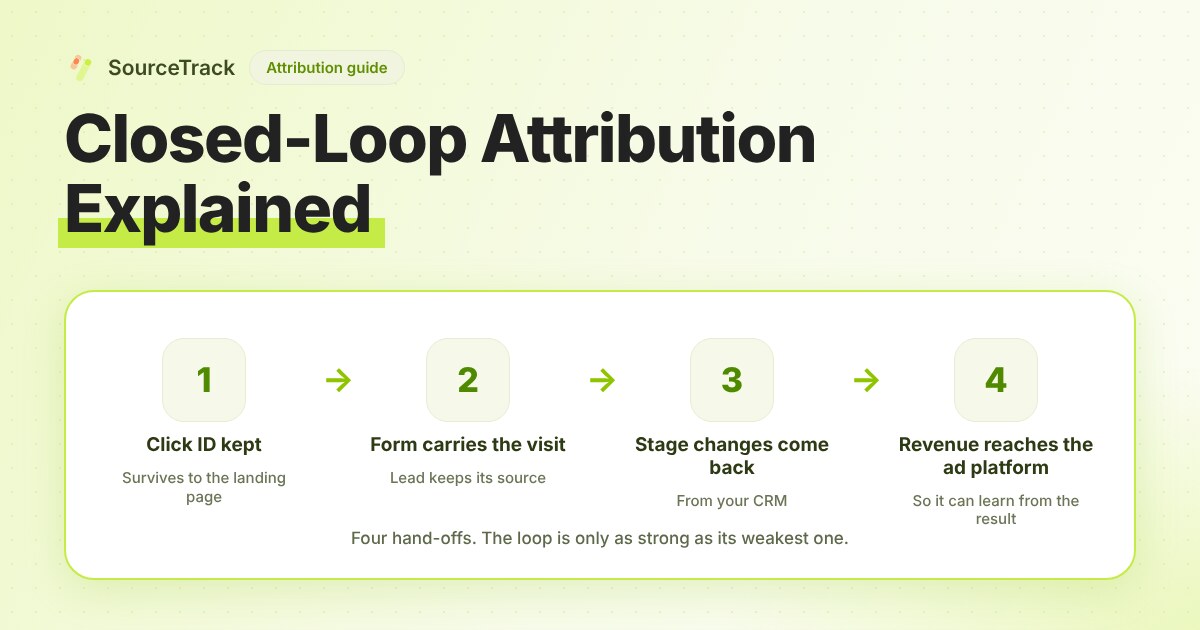
Closed-Loop Attribution Explained
Closed-loop attribution links an ad click to a lead, a CRM stage and revenue, then sends that back to the ad platform. See where it breaks and how to test it.
SourceTrack Team
Attribution & Growth Engineering
20 Oct, 2026