Meta Ads Clicks vs Analytics Sessions: Why They Differ
Meta counts a click when it happens. Analytics counts a session after your page loads. See where the visits go and how to check.
- Author
- SourceTrack Team
- Category
- Attribution & Analytics
- Read Time
- 05 Mins read
- Published Date
Inside the page
- Link clicks, landing page views, sessions: what is each one counting?
- Where do visitors disappear between the click and the session?
- How do UTMs and fbclid survive the trip?
- Why do Meta conversions and analytics conversions differ?
- A 20-minute checklist
- What can you count that does not depend on either platform?
- Frequently asked questions
- Which Meta metric should I compare with analytics sessions?
- Why does Meta report conversions that my analytics tool does not?
- Do I need UTMs if Meta already tracks clicks?
- Can I close the gap completely?
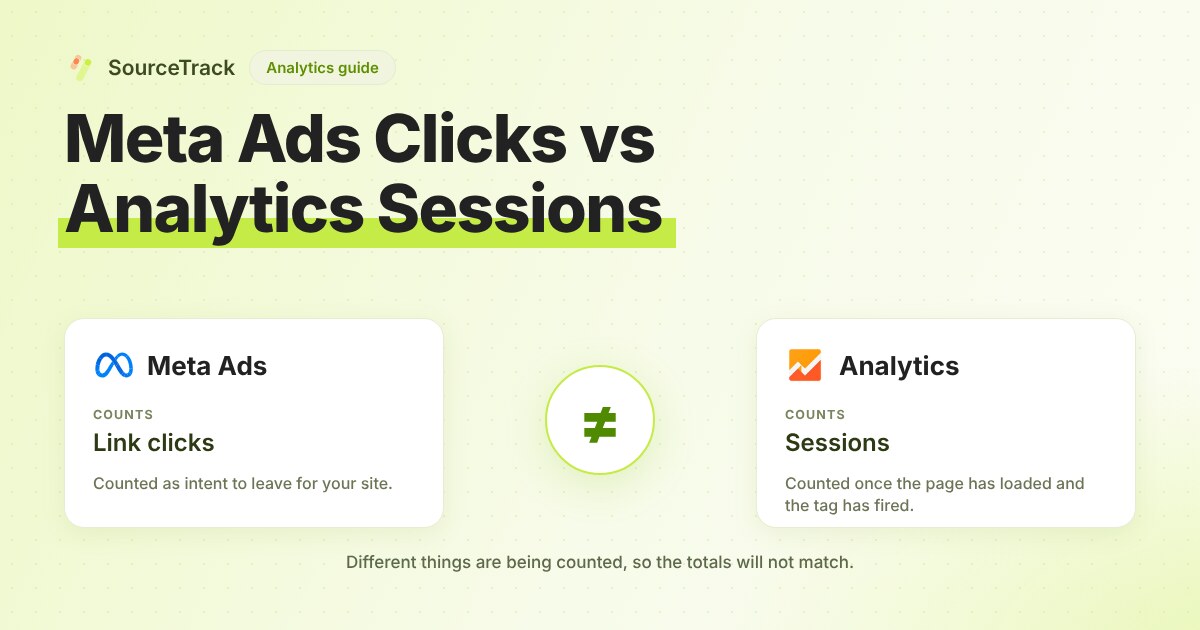
Meta counts a click the moment someone taps your ad. Your analytics tool counts a session only after your page loads and its tag runs. Some people tap, then leave before that happens, so clicks will always be higher than sessions. The size of the gap tells you whether the cause is normal loss or a fault you can fix.
Link clicks, landing page views, sessions: what is each one counting?
Pick the Meta metric closest to what your analytics tool counts. Meta’s Marketing API reference defines these fields:
| Metric | What it counts | Where it sits in the journey |
|---|---|---|
| Clicks | “The number of clicks on your ads” | Any click, including ones that stay inside Meta |
| Inline link clicks | Clicks on links to select destinations or experiences, on or off Meta-owned properties | Intent to leave for your site |
| Outbound clicks | Clicks on links that take people off Meta-owned properties | Intent to leave for your site |
| Landing page views | Reported by Meta per link click (the API lists a landing_page_view_per_link_click field); check Meta’s help for its exact rule | Page started to load |
| Analytics session | A period of interaction with your site, started once your tag runs | Page loaded and tag fired |
The same reference says inline link clicks use a fixed 1-day-click attribution window. Do not compare “clicks (all)” with sessions. It is the metric furthest from a visit.
Where do visitors disappear between the click and the session?
Work through these in the order a visitor travels. For each, there is a way to check.
- The page never finishes loading. The click is logged by Meta, but your tag cannot fire if the visitor leaves first. Compare landing page views with link clicks in Ads Manager. A large drop there, before analytics is involved, points to page speed.
- A redirect strips the link. Short links, tracking links and
httptohttpsredirects can drop parameters. Click your own ad and read the address bar on the final page. If your UTMs are missing, that is your fault to fix, not Meta’s. - The browser blocks the tag. Ad blockers and privacy settings can stop analytics from sending the visit. You cannot see this loss in Meta or in your analytics tool. A server-side or first-party count shows it.
- The consent banner holds the tag. If analytics waits for consent and the visitor ignores the banner, no session is recorded. Test by opening your ad link on a phone and leaving the banner alone.
- The visitor opens your page in an in-app browser. Meta’s apps can open links inside their own browser. Whether that changes how your analytics tool sees the visit depends on your setup, so test it: tap your own ad in the Facebook or Instagram app and watch whether a session appears in real-time reports. Meta’s help pages do not give a figure for this, and neither do we.
How do UTMs and fbclid survive the trip?
Meta can add its own click id, fbclid, to the link. Your analytics tool needs UTM parameters to name the campaign. Meta’s Business Help Center has a page called “Add URL Parameters to Your Meta Ads”. Check its current options, because the platform’s documentation is the authority on what it appends.
Use this decision rule:
- If the final landing URL in your browser shows
utm_source,utm_mediumandutm_campaign, the tags survived. Any remaining gap is loss before the page. - If the URL shows
fbclidbut no UTMs, you did not set URL parameters on the ad. Add them. - If neither shows, a redirect removed them. Remove the redirect or make it pass the query string.
Use lowercase and one spelling per value. Facebook, facebook and fb become three sources in most tools. The UTM validator checks a link for this before you launch.
Why do Meta conversions and analytics conversions differ?
Because Meta lets you choose how long and how far back to credit an ad. Per Meta’s action stats reference, the windows are:
| Window | Meaning in Meta’s words |
|---|---|
| 1d_click, 7d_click, 28d_click | 1, 7 or 28 days after clicking the ad |
| 1d_view, 7d_view, 28d_view | 1, 7 or 28 days after viewing the ad |
| 1d_ev | 1 day after having an engaged view on the ad |
The reference also describes _all_conversions and _first_conversion variants. All conversions counts every conversion after a view or click, and first conversion counts only the first.
A worked example, illustrative: someone sees your ad on Monday and does not click. On Wednesday they search your name and buy. A view window credits Meta. Your analytics tool sees a branded search visit and credits search. Neither is wrong, and the purchase is counted in two places.
The default window shown on the Meta developer pages is inconsistent, with one section giving 7d_click and 1d_view and another reversing it. Check the attribution setting on your ad set to see what your campaign uses.
A 20-minute checklist
- Set Ads Manager to inline link clicks, or the closest equivalent, for one campaign and a full past week.
- Add the column for landing page views if available.
- Pull sessions from your analytics tool for the same dates, filtered to that campaign’s UTM.
- Calculate sessions divided by link clicks. Write the percentage down.
- Click your own ad on a phone, in the Facebook app and in a normal browser. Check the final URL for UTMs both times.
- Run the link through the UTM validator.
- Time the page on mobile data. If it takes several seconds to show, expect more loss.
- Set Meta’s reporting to a click-only window to compare conversions, then compare with analytics.
- Repeat next week. Watch the percentage, not the exact figure.
What can you count that does not depend on either platform?
SourceTrack’s tracker records the visit on your own domain with its UTMs and click ids, and keeps first and last touch. You can compare what Meta reports with the leads and revenue you recorded. It gives you a second, first-party count to reconcile against, and it will not match Meta exactly either. The free tracking gap calculator compares platform-reported conversions with recorded ones. See pricing if you want it running all the time.
Frequently asked questions
Which Meta metric should I compare with analytics sessions?
Start with link clicks, then compare with landing page views if Meta reports them for your campaign. Landing page views are closer to a session because the page has to load. Do not compare all clicks, because that metric includes clicks that never leave Meta’s apps.
Why does Meta report conversions that my analytics tool does not?
Meta can count conversions from people who only saw your ad, depending on the attribution setting you chose. Analytics tools usually credit a visit that arrived through a link. Compare Meta’s click-only window with your analytics numbers first.
Do I need UTMs if Meta already tracks clicks?
Yes. Meta’s report stays in Meta. UTMs are how your own site and analytics tool learn which campaign sent the visit, and without them the visit can show as Direct.
Can I close the gap completely?
No. A click happens before your page loads, and some visitors leave in between. You can shrink the gap with tagged links, a faster page and no redirect chain, then track the percentage over time.
Related Blogs
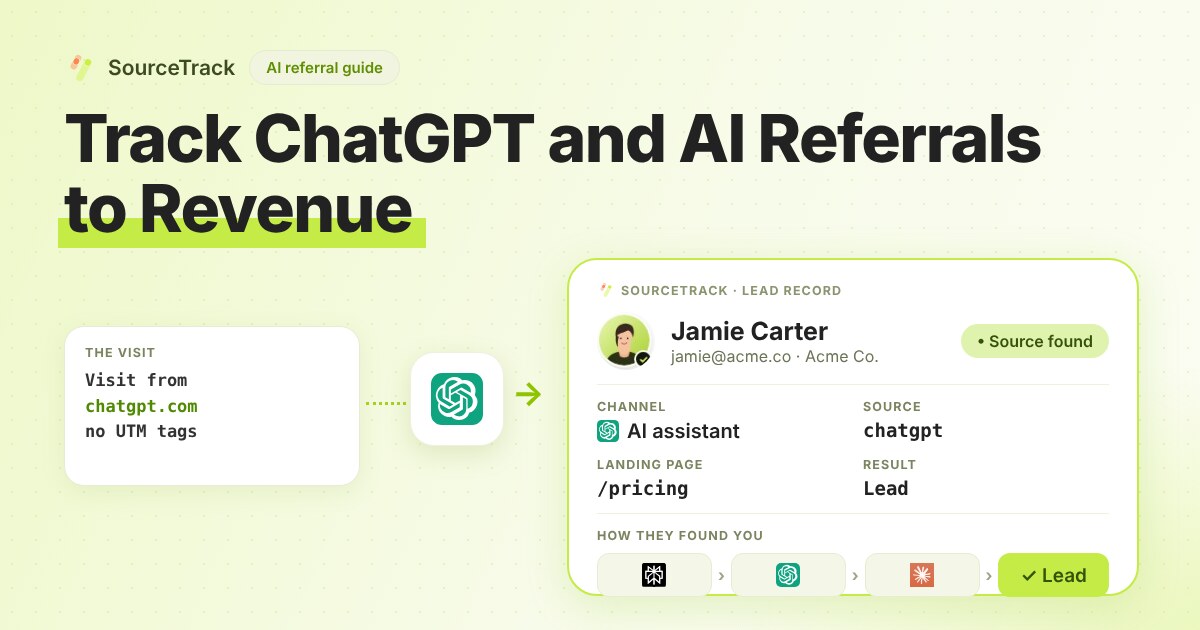
How to Track ChatGPT and AI Referrals That GA4 Cannot Tie to Revenue
Classify visits from ChatGPT, Claude, Gemini and Perplexity, tie them to leads and revenue, and know what no tool can see.
SourceTrack Team
Attribution & Growth Engineering
28 Jul, 2026
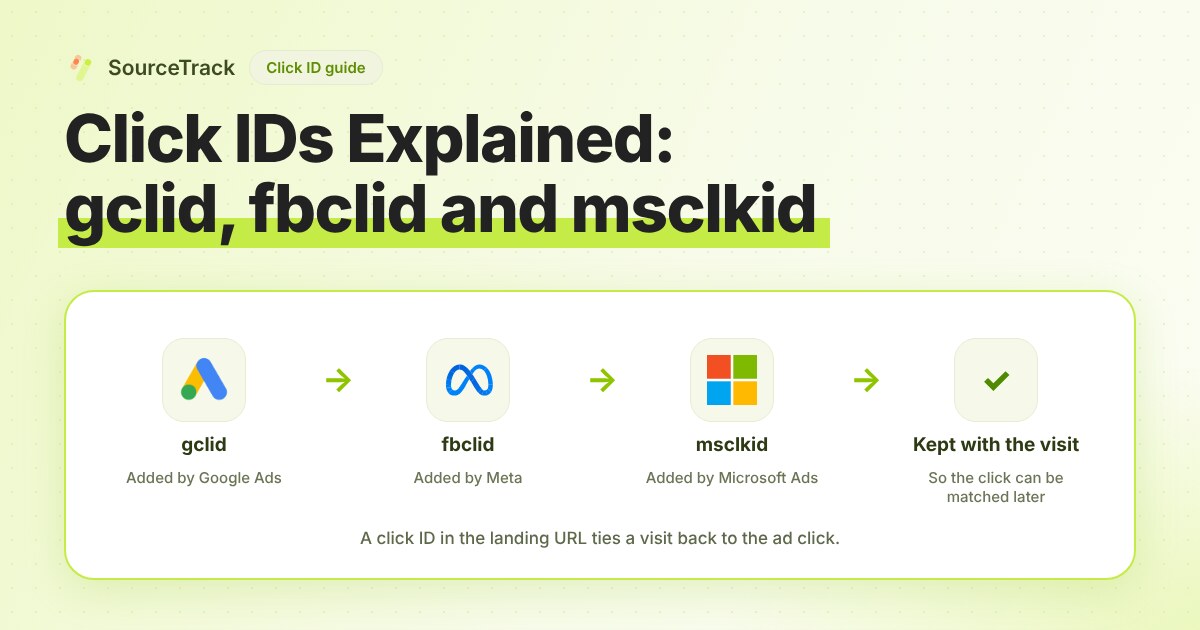
Click IDs Explained: gclid, fbclid, msclkid and More
What gclid, fbclid, msclkid, ttclid and li_fat_id are, who adds them, what drops them, and how to check you still have one at conversion time.
SourceTrack Team
Attribution & Growth Engineering
20 Oct, 2026
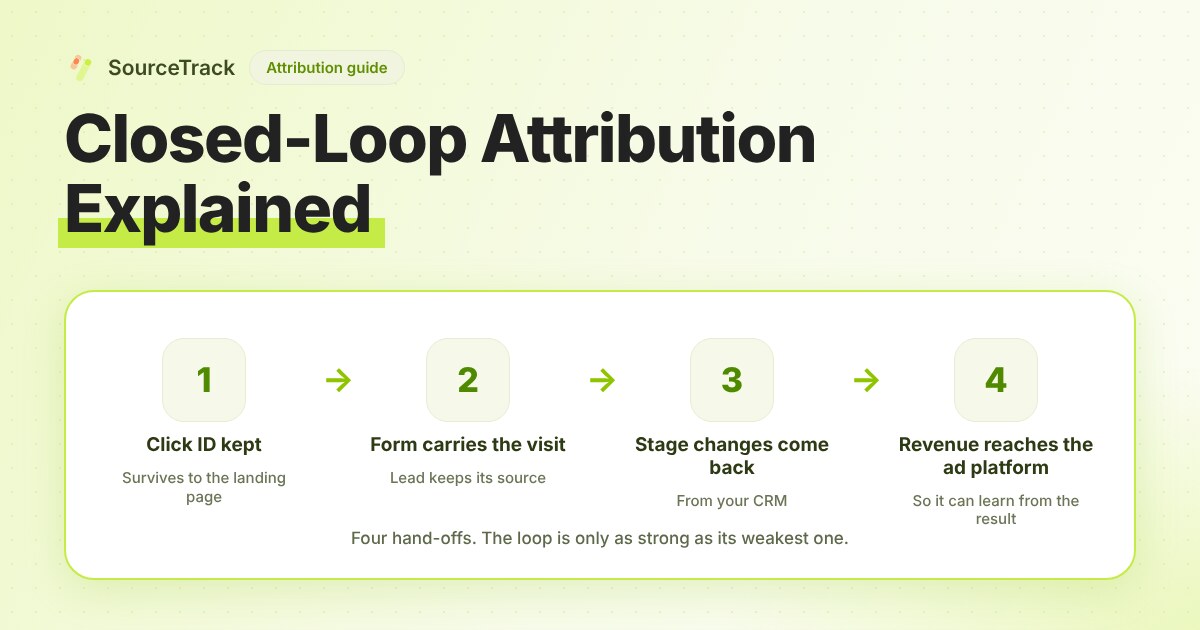
Closed-Loop Attribution Explained
Closed-loop attribution links an ad click to a lead, a CRM stage and revenue, then sends that back to the ad platform. See where it breaks and how to test it.
SourceTrack Team
Attribution & Growth Engineering
20 Oct, 2026