SEO ROI: How to Estimate It Honestly
SEO ROI is organic revenue minus SEO cost, divided by cost. Learn why the revenue half is hard and how to estimate it by landing page and date range.
- Author
- SourceTrack Team
- Category
- Attribution & Analytics
- Read Time
- 08 Mins read
- Published Date
Inside the page
- What is the SEO ROI formula?
- Why is the revenue half of SEO ROI so hard to get?
- How do you do SEO attribution without query-level data?
- What can a landing page and date join tell you, and what can it not?
- What does SourceTrack do here, and what does it not do?
- How do you set up an SEO ROI estimate?
- Further reading
- Frequently asked questions
- Can I see revenue per keyword?
- Does Search Console show revenue?
- Is SEO ROI the same as ROAS?
- How long does SEO take to show a return?
- Do I need a rank tracker or keyword tool to use this?
- Next step
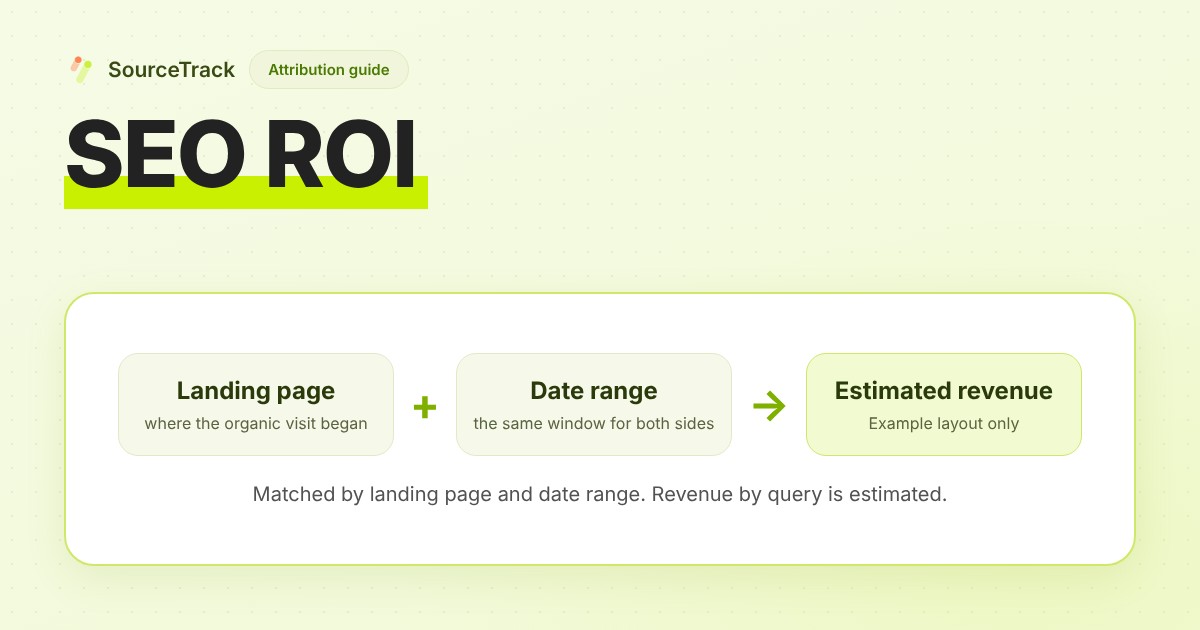
SEO ROI is the revenue you can credit to organic search, minus what the SEO work cost you, divided by that cost. The cost is a number you already have. The revenue is the hard part, because no tool sees which search a buyer typed before they paid. You can still get an honest estimate: match revenue to the landing page where each organic visitor arrived, over a stated date range, and say plainly that it is an estimate.
What is the SEO ROI formula?
The formula is one line:
SEO ROI = (organic revenue − SEO cost) ÷ SEO cost
Here is the arithmetic on made-up inputs. Example: organic revenue of $12,000 over six months and SEO cost of $4,000 over the same six months.
- Revenue minus cost: $12,000 − $4,000 = $8,000
- Divide by cost: $8,000 ÷ $4,000 = 2.0, or 200%
These inputs are invented to show the steps. They are not a benchmark, and nothing here says what your return should be. Count cost as everything you paid for the period: writers, freelancers, tools, and your own or your team’s time if you want the full picture. Use revenue, or gross profit if you track it, and keep the choice the same each time you calculate.
Now see how much the answer depends on the revenue figure. Example: if only $6,000 of that revenue is organic, the same cost gives ($6,000 − $4,000) ÷ $4,000 = 0.5, or 50%. Halve the numerator and the ROI falls from 200% to 50%. That is why the rest of this guide is about the numerator.
Why is the revenue half of SEO ROI so hard to get?
Three gaps stack up.
Organic visits are often labelled as something else. A visit that arrives with no referrer is reported as Direct, and some of those visits started in search. What is direct traffic in GA4 covers how that happens. Visits from AI assistants have the same problem: they can look like Direct or like referrals, which is the subject of the AI referral attribution guide. Either way, the organic number you read is a floor, not a full count.
Search Console knows about search, not about customers. Google’s Performance report documentation describes four metrics: clicks, impressions, click-through rate and average position. It does not describe revenue or customers. It also notes that data grouped by pages is aggregated by page, while data grouped by queries is aggregated by property, so totals can differ depending on how you slice the report.
Search Console does not show every query. Google’s About Search Console data page says the Performance report does not show all data to protect user privacy, that Search Console stores top data rows and not all data rows, and that tables show a maximum of 1,000 rows. It also says the chart totals can be higher than the sum of the table rows. The Search Analytics API reference says the API does not guarantee to return all rows, only the top ones. So the query list you see is a partial view of search demand.
Your analytics knows revenue but not the query. On SourceTrack, a visit from Google arrives without the search query, so the query side has to come from Search Console and be joined to the revenue side afterwards.
How do you do SEO attribution without query-level data?
SEO attribution here means giving organic search a defensible share of revenue, using only information both systems actually have. The part they share is the landing page and the date. The method:
- Pick a date range and keep it fixed. Use the same start and end for the revenue and the Search Console data. Search Console data can lag, and SourceTrack’s own notes say to expect two to three days, so end the range a few days before today. Google also notes the newest data can be preliminary.
- Take the organic landing pages. For each converting visitor, find the page where their organic visit began.
- Sum the revenue per landing page. This is a measured number from your own conversion records, within the limits of what your tracking saw.
- Add Search Console clicks and impressions for the same pages and dates. This tells you which queries sent traffic to which pages.
- Split branded from non-branded yourself. Make a list of your brand terms and mark queries that contain them. This is your judgement, and it matters: branded searches often come from people who already know you, so they say less about what your SEO work earned. Report both numbers, not a blend.
- Run it under more than one attribution rule. First touch gives organic credit for starting the journey. Last touch gives it only when the final visit was organic. The two can differ a lot, which is covered in marketing attribution models explained and on the attribution page.
- Compare more than one window. Try 30, 90 and 180 days. A conversion whose organic visit happened before your window starts cannot be matched to a landing page inside it, so short windows leave more revenue unmatched.
What can a landing page and date join tell you, and what can it not?
It can tell you which organic pages are followed by revenue, and how that revenue moved over time. It cannot tell you which query a given customer typed. Here is what a result looks like. Example: all numbers below are made up to show the shape.
| Landing page | Search Console clicks | Conversions | Revenue |
|---|---|---|---|
| /guides/project-planning | 400 | 3 | $900 |
| /pricing | 150 | 2 | $600 |
| Not placed on a landing page | not applicable | 1 | $300 |
The last row matters. Some revenue has an organic first touch but no organic landing page inside the date range, so it cannot be placed on a page. A report that hides that row would overstate how much is explained. Example total: $900 + $600 + $300 = $1,800, of which $300 (one sixth) is organic revenue that could not be placed on a page.
To get from pages to queries, one reasonable method is to share a page’s revenue across its queries in proportion to their clicks. Example: the /guides/project-planning page earned $900, and its 100 Search Console clicks came from three queries.
| Query (invented) | Clicks | Share of the page’s clicks | Estimated revenue |
|---|---|---|---|
| project planning template | 60 | 60 ÷ 100 = 60% | 60% × $900 = $540 |
| gantt chart template | 30 | 30 ÷ 100 = 30% | 30% × $900 = $270 |
| acme project planning | 10 | 10 ÷ 100 = 10% | 10% × $900 = $90 |
This works only if every click is equally likely to convert, which is never exactly true. The person who typed the branded query may well have been the buyer, and the split would not show that. So the label is not decoration: revenue by query is estimated, matched by landing page and date range. It is not exact query-to-customer attribution. Treat the page-level number as the stronger one and the query-level number as a guide to where to look.
What does SourceTrack do here, and what does it not do?
SourceTrack’s Search Console connection is described as beta. It does the join above for you. You connect a Google Search Console property you own, SourceTrack syncs the daily search performance, and the SEO Revenue report matches the revenue it recorded to your organic landing pages for the date range you choose. It counts conversions whose first touch was organic search, and it shows revenue before refunds. Revenue comes from what you have connected, such as a Stripe or Shopify revenue webhook or a manual conversion. The query-level figures use the click-share split in the example above and carry the estimate label wherever they appear. Revenue that cannot be placed on a landing page is kept in an unknown bucket rather than spread across pages.
What it needs:
- A connected Search Console property. Without one, the Search Console columns are not shown.
- A revenue source. With no revenue recorded, SourceTrack hides revenue rather than showing $0.
- The tracking script installed, so organic visits and conversions are recorded.
- A plan that includes Search Console SEO revenue. The pricing page lists which plan does, and the 28-day free trial needs no card, so you can try it on your own site.
What it does not do:
- It is not an SEO suite. There is no rank tracking, keyword research, site audit or backlink data. Keep your rank tracker or keyword tool if you use one.
- It does not give exact attribution by keyword or by person. Search Console reports query data in aggregate.
- It does not calculate SEO ROI. It supplies the revenue side, and you bring the cost.
- Search Console data can lag by a few days, and Google’s reporting day can differ from your site’s time zone, so the last days of a range can be incomplete.
To look around with sample data before connecting anything, open the interactive demo. It uses sample data and is not a view of your own site.
How do you set up an SEO ROI estimate?
- Write down your cost for the period, using the same date range you will use for revenue.
- Decide whether you are measuring revenue or gross profit, and stick to it.
- Install the tracking script. The install guide covers each platform.
- Connect a revenue source. The Stripe guide covers payments, and the docs index lists the other options.
- Connect your Search Console property from Integrations in the dashboard. It must be a property you own, and it should match your site’s domain.
- Wait a few days for data to arrive, then pick a fixed date range that ends a few days before today.
- List your brand terms and split branded from non-branded queries yourself.
- Read the landing-page table first and the query table second.
- Repeat for 30, 90 and 180 days and for first touch and last touch. Write the result as a range, not a single number.
- Plug the revenue range and your cost into the formula above.
Further reading
- SourceTrack for agencies: how SourceTrack is set up for agency work.
Frequently asked questions
Can I see revenue per keyword?
Only as an estimate. Google’s Search Console does not report revenue, and a sale is not tied to the exact query that brought the buyer. SourceTrack takes the revenue matched to a landing page for a date range and splits it across that page’s queries by share of Search Console clicks. Revenue by query is estimated, matched by landing page and date range, and it is not exact query-to-customer attribution.
Does Search Console show revenue?
No. Google’s documentation for the Performance report describes four metrics: clicks, impressions, click-through rate and average position. Revenue has to come from your own records, such as payments or conversions you track on your site.
Is SEO ROI the same as ROAS?
No. ROAS is revenue divided by ad spend, and it only looks at the gross return on ads. SEO ROI subtracts the cost of the SEO work from the revenue and divides by that cost. SourceTrack’s SEO Revenue report supplies the revenue side of SEO ROI. It does not calculate SEO ROI for you, and you bring the cost.
How long does SEO take to show a return?
It depends on your site, your market and the work done, and there is no honest universal number. Compare several date windows on your own data, such as 30, 90 and 180 days, and watch whether the estimate moves in the same direction across them.
Do I need a rank tracker or keyword tool to use this?
No, and SourceTrack does not replace one. It does not track rankings, research keywords, audit your site or show backlink data. It connects a Search Console property you own and matches the revenue it records to your organic landing pages.
Next step
Try it on your own site: start the 28-day free trial, connect a revenue source and your Search Console property, and read the landing-page table for a date range you chose.
Related Blogs
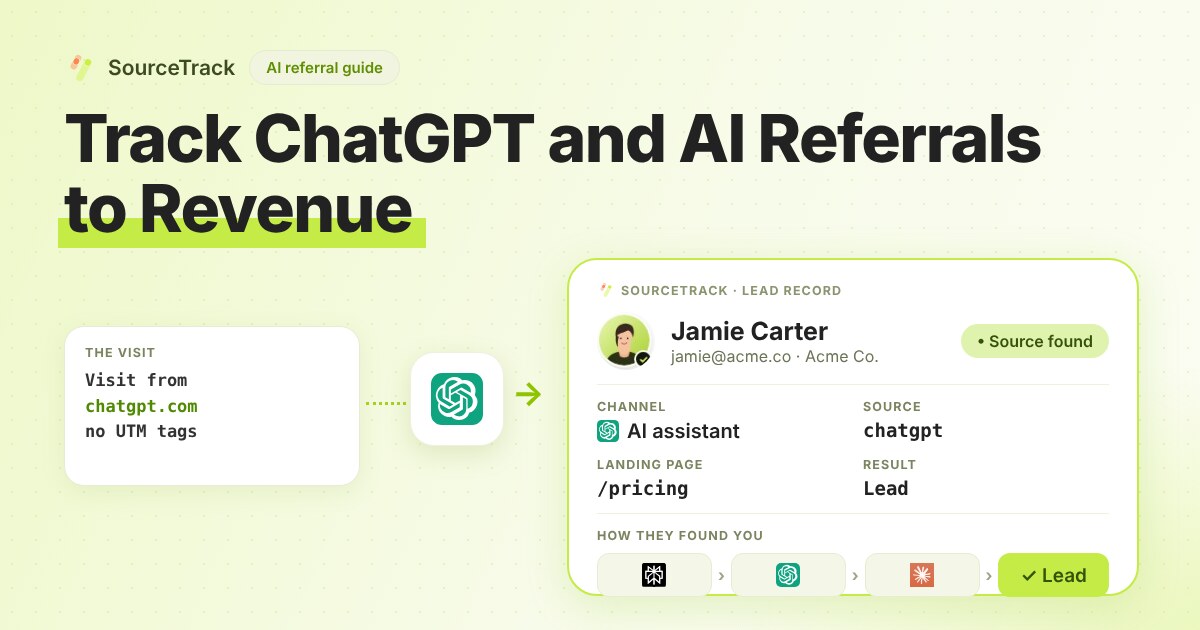
How to Track ChatGPT and AI Referrals That GA4 Cannot Tie to Revenue
Classify visits from ChatGPT, Claude, Gemini and Perplexity, tie them to leads and revenue, and know what no tool can see.
SourceTrack Team
Attribution & Growth Engineering
28 Jul, 2026
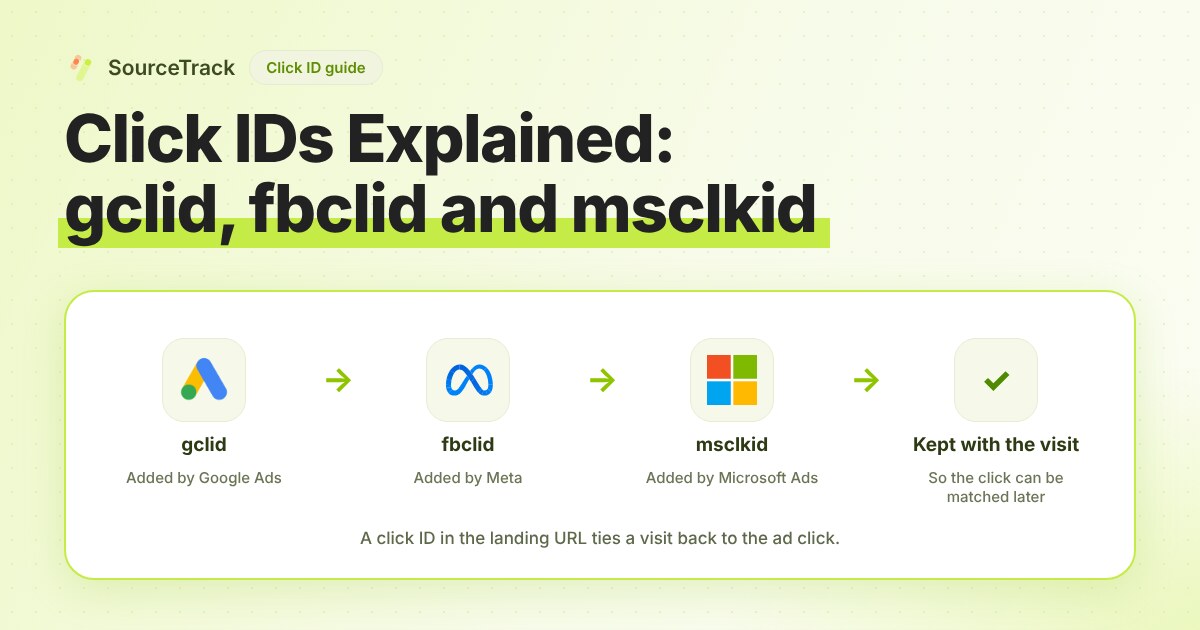
Click IDs Explained: gclid, fbclid, msclkid and More
What gclid, fbclid, msclkid, ttclid and li_fat_id are, who adds them, what drops them, and how to check you still have one at conversion time.
SourceTrack Team
Attribution & Growth Engineering
20 Oct, 2026
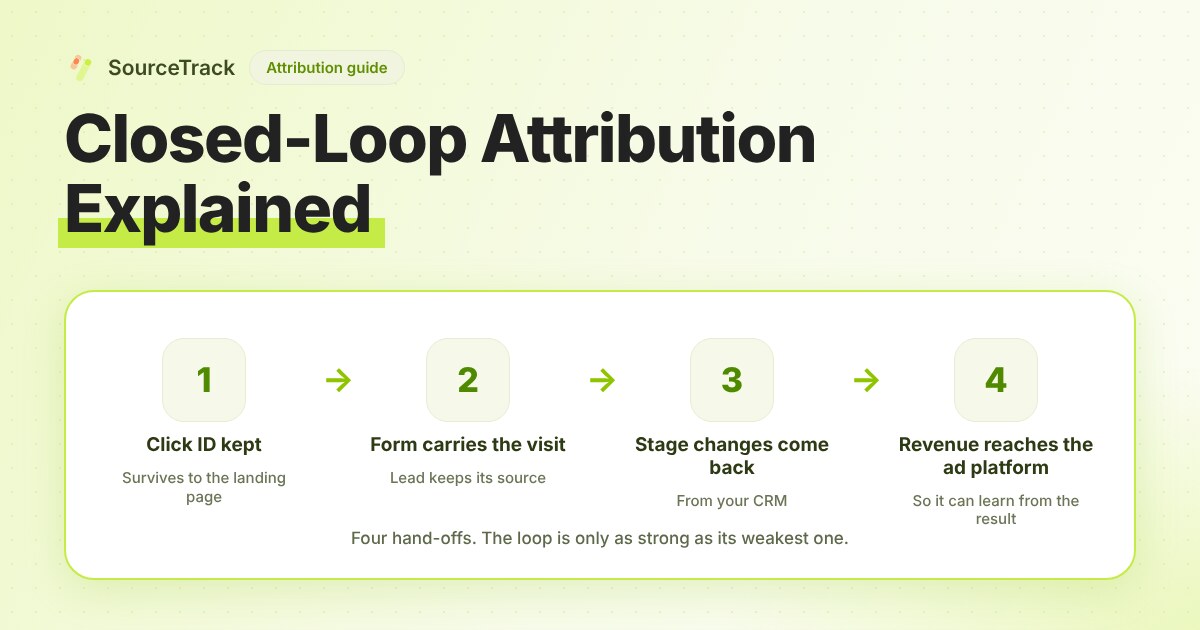
Closed-Loop Attribution Explained
Closed-loop attribution links an ad click to a lead, a CRM stage and revenue, then sends that back to the ad platform. See where it breaks and how to test it.
SourceTrack Team
Attribution & Growth Engineering
20 Oct, 2026