How to Track UTM Parameters in Elementor Forms
See which campaign sent each Elementor Forms lead. Add one script tag, no hidden fields, then test with a UTM link.
- Author
- SourceTrack Team
- Category
- Track UTM Parameters
- Read Time
- 05 Mins read
- Published Date
Inside the page
- How Elementor Forms handles UTM parameters on its own
- What SourceTrack records for each Elementor lead
- Step 1: Add the script tag
- Step 2: Put your Elementor Forms form on a page
- Step 3: Open a test link with UTMs
- Step 4: Look at the lead in SourceTrack
- What you will see
- Common problems and fixes
- Further reading
- Frequently asked questions
- Do I need hidden fields in Elementor Forms?
- What if a visitor comes without a UTM link?
- Will every form on my site count as a lead?
- Why does my Elementor lead show as Direct when I used a UTM link?
- Does SourceTrack keep the campaign if the visitor reads other pages before filling in the form?
- Next step
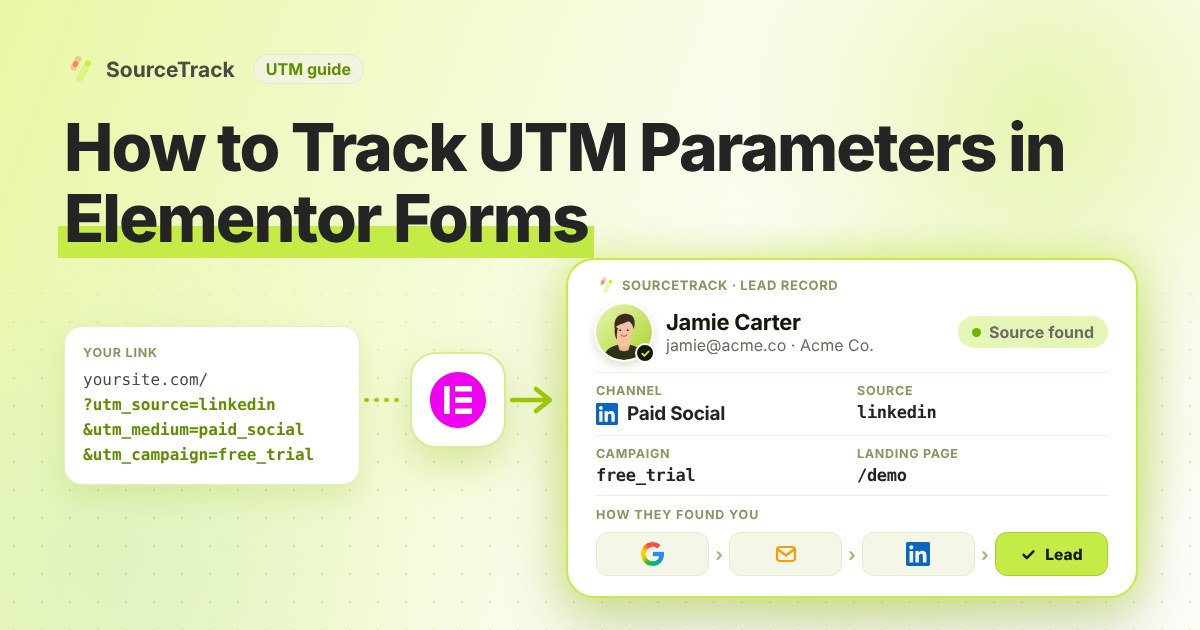
Elementor makes it easy to build a contact page. It does not tell you which campaign sent the visitor who filled it in. This guide shows how to add that. You add one script tag, and SourceTrack links each Elementor form lead to its source.
How Elementor Forms handles UTM parameters on its own
Out of the box, an Elementor form stores what the visitor typed and nothing about how they arrived. The form widget does have a Hidden field type, which Elementor describes as a field that visitors cannot see but the website owner can. That is the starting point for the manual route: add a hidden field for each tag, such as utm_source, utm_medium and utm_campaign, and fill it from the address of the page.
Elementor Pro also has a dynamic tag called Request Parameter. Its help page says it can read a value passed in the address of the page (a GET request) and use it in a field. So the manual recipe is usually one hidden field per tag, each pointed at the matching parameter. We could not confirm from Elementor’s pages that a Hidden field accepts that tag in every version, so check the editor and the Elementor help centre before you rely on it.
Even when that works, it fails in three predictable places:
- The tags are lost after the first page. The parameters only exist in the address of the page the visitor landed on. If someone arrives on your homepage from a tagged ad and then clicks through to your contact page, the new address has no tags, so the hidden fields stay empty.
- Last touch wins, or nothing does. A hidden field is filled when the form loads. If the visitor comes back later from a different link, you get the new tags, and the original source is gone.
- Caching can serve a page without the values. Page caching can interfere with fields that depend on the address. How your cache treats addresses with query strings depends on the plugin or host, so check the vendor documentation for yours.
The script tag avoids these, because the visit is recorded when the visitor lands and the form is linked to it afterwards.
What SourceTrack records for each Elementor lead
SourceTrack lists Elementor Forms among the WordPress form builders it detects when the form is submitted on your own page. Once the script is in the head of your site, each submission becomes a lead linked to the visit that came before it. You can read the source, medium and campaign from the UTM tags, the page the visitor landed on, and where the visit came from when the link had no tags, such as a search engine, another website, or Direct when there is neither.
Forms that sit on your page are covered. A form that loads inside an iframe, for example an Elementor template that embeds a third-party form from another company, submits inside that company’s own frame. The page tracker cannot see it. For those, use the webhook of the form tool itself. The integrations page lists which tools connect that way.
Step 1: Add the script tag
Copy your one script tag from SourceTrack. Paste it into the head of your website, once. The install guide shows where it goes. On WordPress, see the WordPress guide.
Step 2: Put your Elementor Forms form on a page
Show your Elementor Forms form on a page of your site as you normally do. SourceTrack captures an Elementor form that sits directly on your page. Do not add any hidden fields.
Step 3: Open a test link with UTMs
Open your page with UTMs on the end of the link, like this:
https://yourwebsite.com/contact?utm_source=test&utm_medium=email&utm_campaign=form_test
Open it in a new private window. If your browser sends Do Not Track or Global Privacy Control, SourceTrack respects that and will not track the visit. Fill in the form and send it.
Step 4: Look at the lead in SourceTrack
Open SourceTrack and find the new lead. Check that the source, medium and campaign match your test link.
What you will see
Your test lead shows the source test, the medium email and the campaign form_test. You also see the page the visitor landed on. If you see these, Elementor Forms is tracking UTMs for you.
Common problems and fixes
The lead shows as Direct. Start with the basics. Confirm the script tag sits in the head of every page, not only the page with the form. On WordPress the install guide and the WordPress guide show where a header plugin or theme file puts it. A script added only to one page, or added after the form, can miss the visit.
Your browser blocks tracking. SourceTrack honours Do Not Track and Global Privacy Control. If your browser or an extension sends either signal, the visit is not tracked, and a test with a UTM link will look like it failed. Test from a browser without the signal. Consent settings on your own site can also hold tracking back until the visitor agrees.
The form is in an iframe. If a theme or popup plugin loads the form from another address, the page tracker cannot see the submit. A form built with the Elementor Forms widget sits directly on the page.
Your test is not clean. Use a new private window, open the full test link with its tags, and send the form once. The troubleshooting guide walks through each symptom with a check.
A form is missing from your leads. A form only counts as a lead when its name, web address or page address has words like contact, demo or quote. Rename the form or the page if you want it counted.
Further reading
- Google Analytics Help: URL builders, collect campaign data with custom URLs: how UTM parameters are added to destination URLs so Analytics can attribute traffic to campaigns.
- How to track UTM parameters in Webflow forms: the same set-up for a Webflow site.
- How to track UTM parameters in Fluent Forms: the same set-up for Fluent Forms.
Frequently asked questions
Do I need hidden fields in Elementor Forms?
No. Once the script is on your site, SourceTrack captures Elementor Forms forms that sit on your page. You do not change the form.
What if a visitor comes without a UTM link?
SourceTrack still looks at where they came from, such as a search engine or another website. If the link has no tags and the visit has no referring site, it shows as Direct. So tag the links you control, like emails, ads and social posts.
Will every form on my site count as a lead?
No. A form counts as a lead when its name or web address, or the page address, has words like contact, demo or quote. Forms that look like login, password, reset or search forms do not count.
Why does my Elementor lead show as Direct when I used a UTM link?
Check the usual causes in order. The script may be missing from the head of the page, your browser may be sending Do Not Track or Global Privacy Control, or the form may be inside an iframe. Test again in a new private window with a UTM link, then read the troubleshooting guide.
Does SourceTrack keep the campaign if the visitor reads other pages before filling in the form?
Yes. The visit is recorded when the visitor lands, not when the form is sent. A visitor who lands on a blog post from a tagged link and fills in your contact form two pages later is still linked to that first visit.
Next step
Tag the links you share, then watch the leads come in. Learn the basics in how to track UTM parameters, check the install guide if a test fails, or see how every tool connects.
Related Blogs
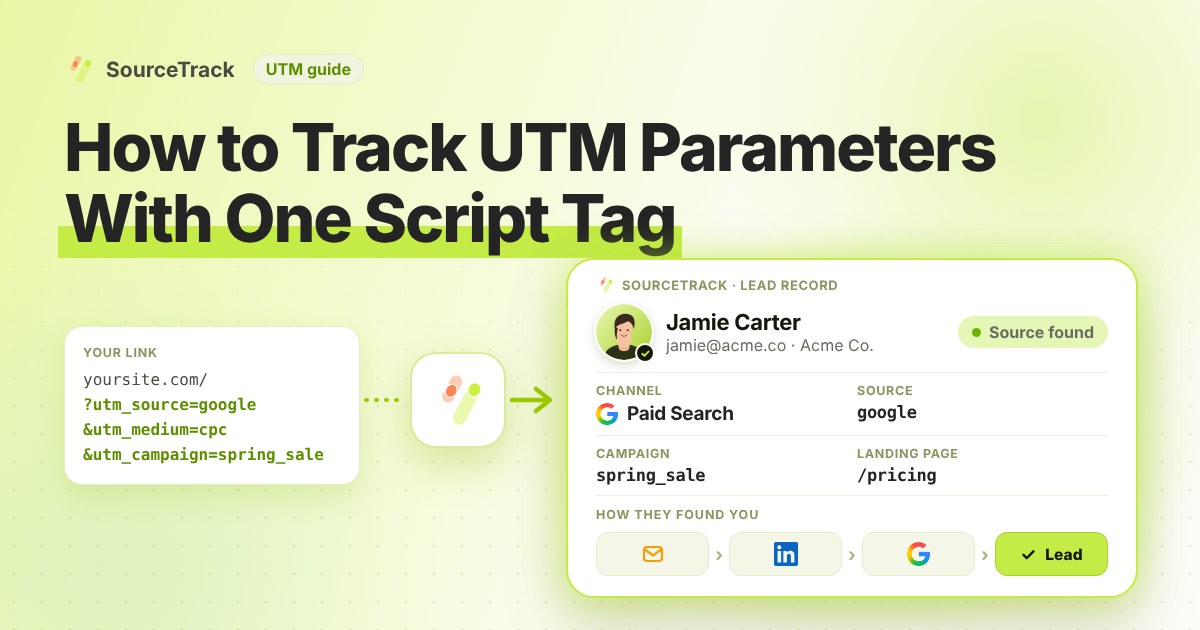
How to Track UTM Parameters: The Basics
Learn what UTM parameters are, how to build tagged links, and how to see which campaign sent each lead. Plain steps, no code.
SourceTrack Team
Attribution & Growth Engineering
20 Oct, 2026
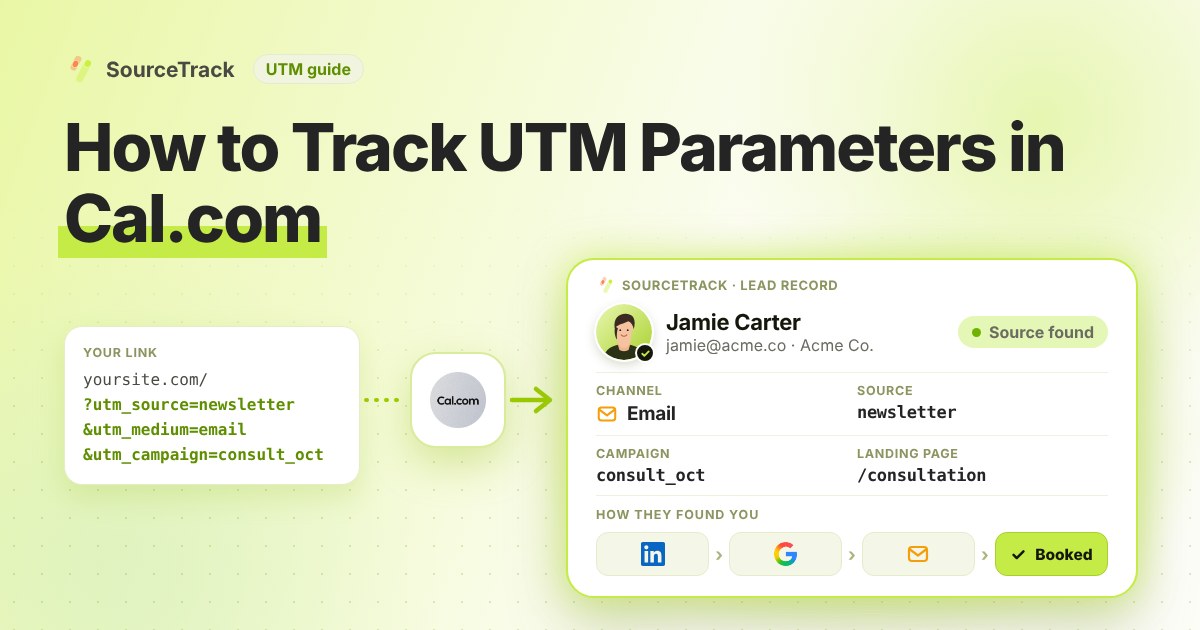
How to Track UTM Parameters in Cal.com
See which campaign sent each Cal.com booking. Add one script tag to the page with your embed, then test with a UTM link.
SourceTrack Team
Attribution & Growth Engineering
20 Oct, 2026

How to Track UTM Parameters in Calendly
See which campaign sent each Calendly booking. Add one script tag to the page with your embed, then test with a UTM link.
SourceTrack Team
Attribution & Growth Engineering
20 Oct, 2026