Why Google Ads and GA4 Numbers Don't Match
Google Ads counts clicks and GA4 counts sessions, with different dates, windows and filters. Find your gap in 20 minutes.
- Author
- SourceTrack Team
- Category
- Attribution & Analytics
- Read Time
- 05 Mins read
- Published Date
Inside the page
- Which definitions differ between Google Ads and GA4?
- How do I tell which cause is hurting me?
- What does a conversion gap look like with real mechanics?
- What will never match?
- How do I get a second count that does not depend on either platform?
- Further reading
- Frequently asked questions
- How big a gap between Google Ads and GA4 is normal?
- Should I trust Google Ads or GA4 for conversions?
- Why does GA4 show more conversions than Google Ads?
- Will linking the two accounts make them match?
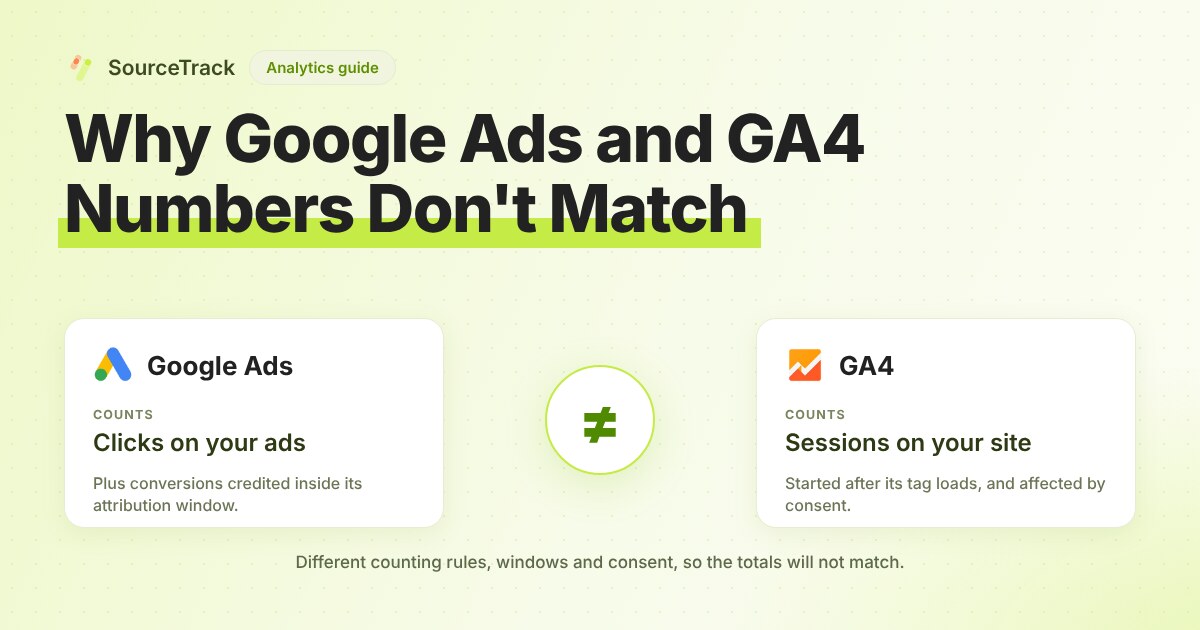
Google Ads counts clicks on your ads. GA4 counts sessions that start on your site after its tag loads. Those are different events, so they will never be equal. The gap is usually a mix of counting rules, dates, attribution windows, consent and filtering, and you can size each part in about 20 minutes.
Which definitions differ between Google Ads and GA4?
Most “mismatches” are two correct numbers answering two different questions. This table lists the differences you can check against Google’s own documentation.
| Topic | Google Ads | GA4 | Source |
|---|---|---|---|
| What is counted | A click on the ad | A session, which is a period of interaction with your site that by default ends after 30 minutes of inactivity | GA4 sessions |
| Repeat clicks | Multiple clicks by the same user on the same ad count as multiple clicks | A session ends after 30 minutes of inactivity by default, so several clicks can fall in one session or none | Auto-tagging, GA4 sessions |
| Session counts | Counted per GCLID row in the click view report | Estimated from unique session IDs, so small differences from BigQuery are expected | GA4 sessions |
| Conversion date | The date and time of the click | The date the conversion happened | Import conversions |
| Conversion counting | “Every” or “One” per click | Can count every event instance | Import conversions |
| Invalid clicks | Conversions tied to invalid clicks are filtered | Can still record them | Import conversions |
| Cookie life | Ads cookies expire 90 days after the click | Analytics cookies last up to 2 years | Import conversions |
| Date boundary | Set on your Google Ads account: check it against your GA4 property’s setting | Your GA4 property’s reporting time zone, which dates a visit by that zone, not the visitor’s | GA4 time zone |
| Bots | Filters conversions tied to invalid clicks | Known bots and spiders are excluded, and you cannot turn that off or see how much was removed | GA4 bot exclusion |
| Visitors who decline cookies | Not covered by the pages cited here | Consent mode can model part of the gap, but only above the thresholds on the linked page | Behavioral modeling |
| Attribution window | Set per conversion action | Click-through windows can be set from 1 to 90 days, per conversion | GA4 attribution settings |
How do I tell which cause is hurting me?
Run these in order. Each step ends with a decision.
- Pick one date range and one campaign. Use a full past week so late conversions have landed. Write down Ads clicks, GA4 sessions from
google / cpcfor the same campaign, and both conversion counts. - Check the time zones. Open the Google Ads account time zone and the GA4 property’s reporting time zone. If they differ, shift your range to whole days in both and re-pull. If the two are in different zones, daily numbers will not line up, even if weekly totals nearly do.
- Check auto-tagging. In Google Ads account settings, confirm auto-tagging is on. Google says auto-tagging adds a GCLID parameter to the landing URL and that redirects can drop it. Click one of your own ads, then look at the final URL in the address bar. If
gclidis missing, fix the redirect first. Nothing below matters until this works. - Compare the counting method. In Google Ads, open the conversion action and read whether it counts Every or One. In GA4, check whether the key event counts every occurrence. If Ads says One and GA4 counts every event, GA4 will run higher by design.
- Compare windows. Read the click-through window on the Ads conversion action and the GA4 attribution setting. If GA4’s window is longer, late conversions appear only in GA4.
- Check your consent banner. If visitors can decline analytics cookies, GA4 will miss some of them unless consent mode modelling applies. Google says modelling needs at least 1,000 events per day with
analytics_storage='denied'for at least 7 days, so a small site may never qualify. - Compare the 7-day gap to the previous week. If the percentage is steady, you have a counting difference. If it moved by several points, something changed in step 2, 3 or 6.
What does a conversion gap look like with real mechanics?
Here is an illustrative example. These numbers are made up, but every rule comes from Google’s documentation.
- A person clicks your ad on July 19 and submits your lead form that day. Two days later they submit it again in a new session.
- Google Ads dates both to July 19, the click date, and counts one conversion if the action is set to One.
- GA4 records two key events, dated July 19 and July 21.
- Your Ads report for July 19 to 21 shows 1 conversion. GA4 shows 2.
Now add a second person who clicks on day 1 and converts on day 95. Google Ads cookies expire 90 days after the click, so Google Ads misses it. GA4’s cookie can still be alive, so GA4 may still show it.
Neither tool is wrong. They answer different questions.
What will never match?
Be honest with your boss or client about these.
- Clicks and sessions. A click is logged when it happens. A session needs your page to load and your tag to run. Google does not publish a figure for that loss, so measure your own: sessions divided by clicks, per campaign.
- Bots. GA4 excludes known bots and does not tell you how many. You cannot reconcile what you cannot see.
- Modelled data. Where consent mode modelling applies, GA4 shows estimates for users who declined cookies. Google says modelling does not apply to event counts such as
page_view. - Estimates. GA4 session counts are estimated, so they will differ slightly from BigQuery exports.
Set a rule for yourself: investigate when the gap moves, not when it exists.
How do I get a second count that does not depend on either platform?
Record the visit on your own domain and compare. SourceTrack’s tracker stores each visit’s UTMs and click ids on your own domain, keeps first and last touch, and records the leads and revenue that follow. That gives you a first-party count to reconcile against, so you can see whether Google Ads or GA4 is closer to the leads you actually received. It does not remove the gap, and it has its own rules, such as respecting Do Not Track and Global Privacy Control.
Two free tools help here. The tracking gap calculator compares platform-reported conversions with the ones you recorded, and the UTM validator checks that your ad links are tagged the way you expect. If you want a recorded count running all the time, see pricing.
Further reading
- Meta Ads clicks vs analytics sessions: why the two counts differ and where the visits go.
- Free tracking audit: scan a site to see which tags run in the browser and which run on a server.
- GA4 alternatives: other analytics tools to compare with GA4.
Frequently asked questions
How big a gap between Google Ads and GA4 is normal?
There is no official number. Google does not publish an acceptable gap, so judge yours by its trend. A gap that stays steady week to week is a counting difference. A gap that jumps points to something that broke, such as auto-tagging, a redirect or your consent banner.
Should I trust Google Ads or GA4 for conversions?
Use Google Ads numbers to judge ad performance inside Google Ads. Use GA4 to compare channels on your site. Neither one knows which conversions became real leads or revenue, so check both against your own records.
Why does GA4 show more conversions than Google Ads?
The usual causes are the counting method, where GA4 can count a form filled twice and Google Ads set to One counts it once, and the window, because GA4 can credit a conversion after the Google Ads window has closed.
Will linking the two accounts make them match?
No. Linking moves data between the products. The two products still count by their own rules, so a gap remains.
Related Blogs
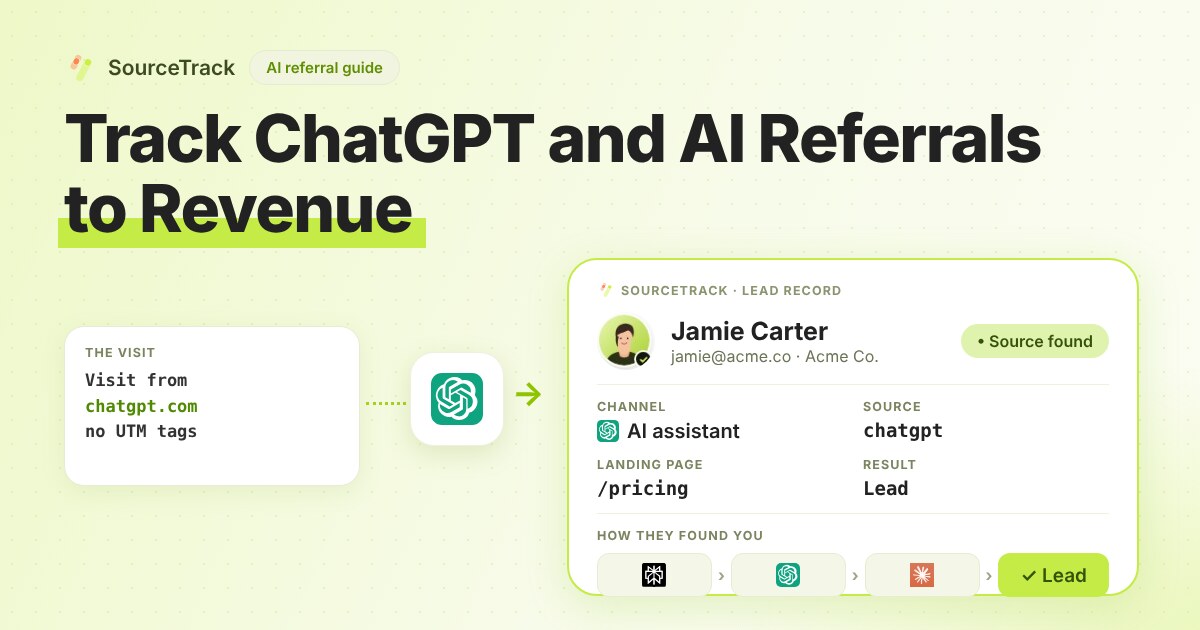
How to Track ChatGPT and AI Referrals That GA4 Cannot Tie to Revenue
Classify visits from ChatGPT, Claude, Gemini and Perplexity, tie them to leads and revenue, and know what no tool can see.
SourceTrack Team
Attribution & Growth Engineering
28 Jul, 2026
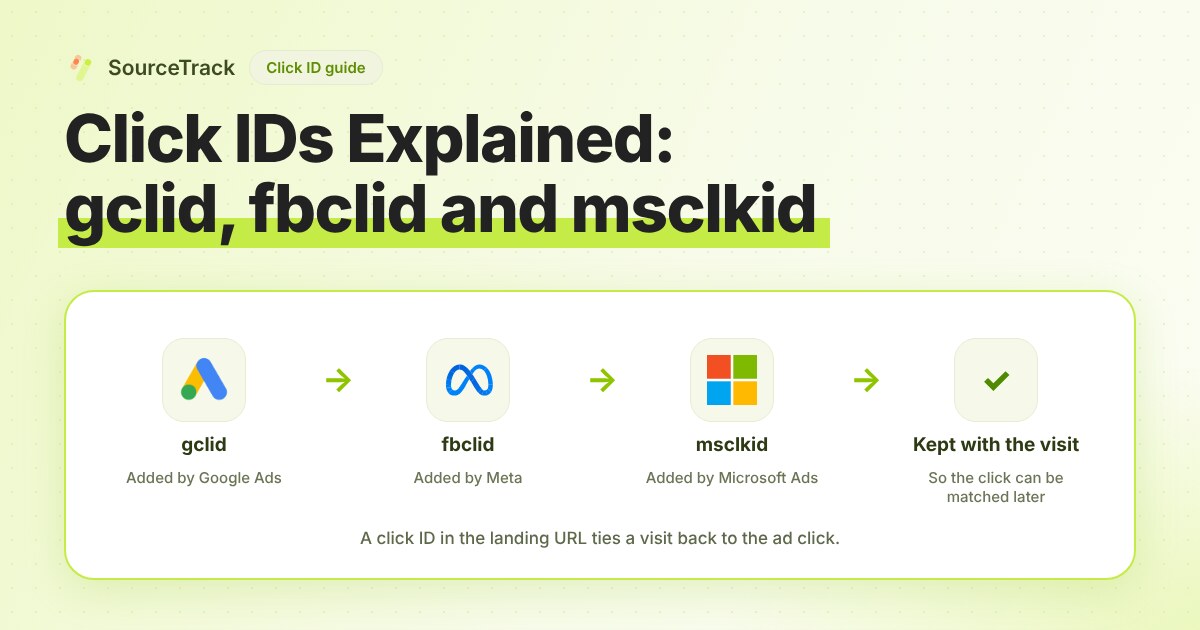
Click IDs Explained: gclid, fbclid, msclkid and More
What gclid, fbclid, msclkid, ttclid and li_fat_id are, who adds them, what drops them, and how to check you still have one at conversion time.
SourceTrack Team
Attribution & Growth Engineering
20 Oct, 2026
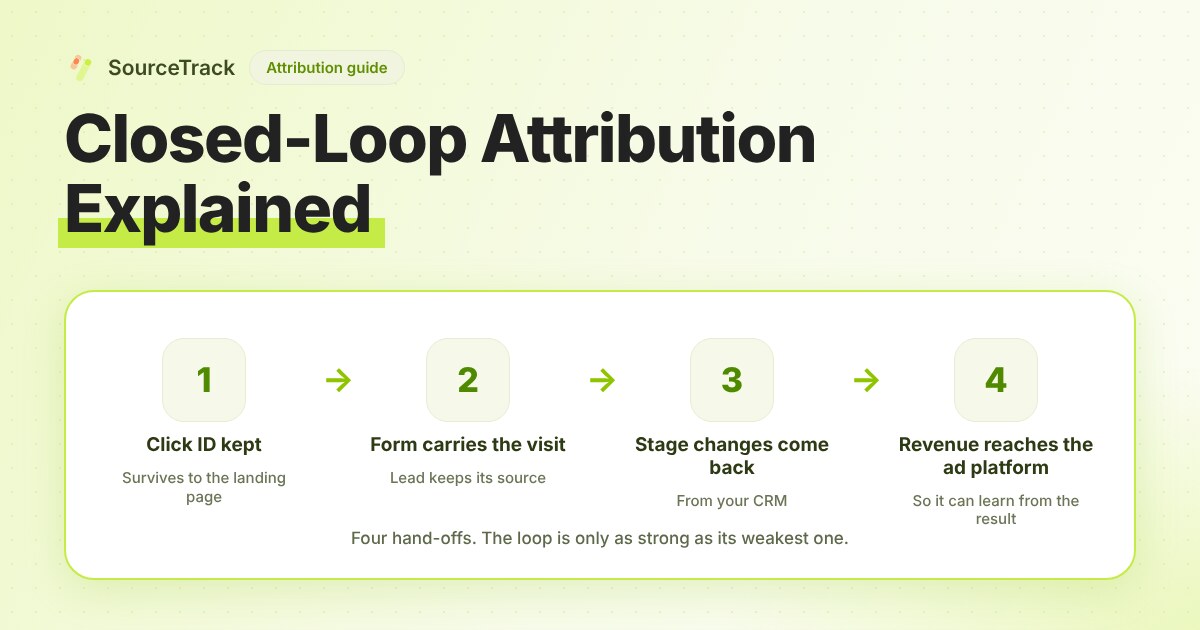
Closed-Loop Attribution Explained
Closed-loop attribution links an ad click to a lead, a CRM stage and revenue, then sends that back to the ad platform. See where it breaks and how to test it.
SourceTrack Team
Attribution & Growth Engineering
20 Oct, 2026