What Is Multi-Touch Attribution? How It Works and When It Is Worth It
Multi-touch attribution splits credit for a sale across every touch in the journey. How it works, what data it needs, where it breaks, and how to compare tools.
- Author
- SourceTrack Team
- Category
- Attribution & Analytics
- Read Time
- 09 Mins read
- Published Date
Inside the page
- What does multi-touch attribution actually do?
- How does multi-touch attribution work, step by step?
- What data does multi-touch attribution need, and where does it break?
- Rule-based or data-driven: what is the difference?
- When is multi-touch attribution worth it?
- How do you choose multi touch attribution tools?
- What does SourceTrack do, and not do, here?
- How can you test multi-touch attribution in one week?
- Further reading
- Frequently asked questions
- What is the difference between multi-touch and single-touch attribution?
- How many conversions do I need for multi-touch attribution?
- Does multi-touch attribution work without cookies?
- Is multi-touch attribution more accurate than last click?
- Do I need a CRM for multi-touch attribution?
- Next step
Multi-touch attribution is a way of crediting a sale to every marketing touch that came before it, instead of to just one. It records each visit a person makes, ties those visits to the conversion, then applies a rule that splits the value across them. The rule is a choice, not a measurement. What multi-touch attribution can show you is which channels appear in the journeys that end in sales.
What does multi-touch attribution actually do?
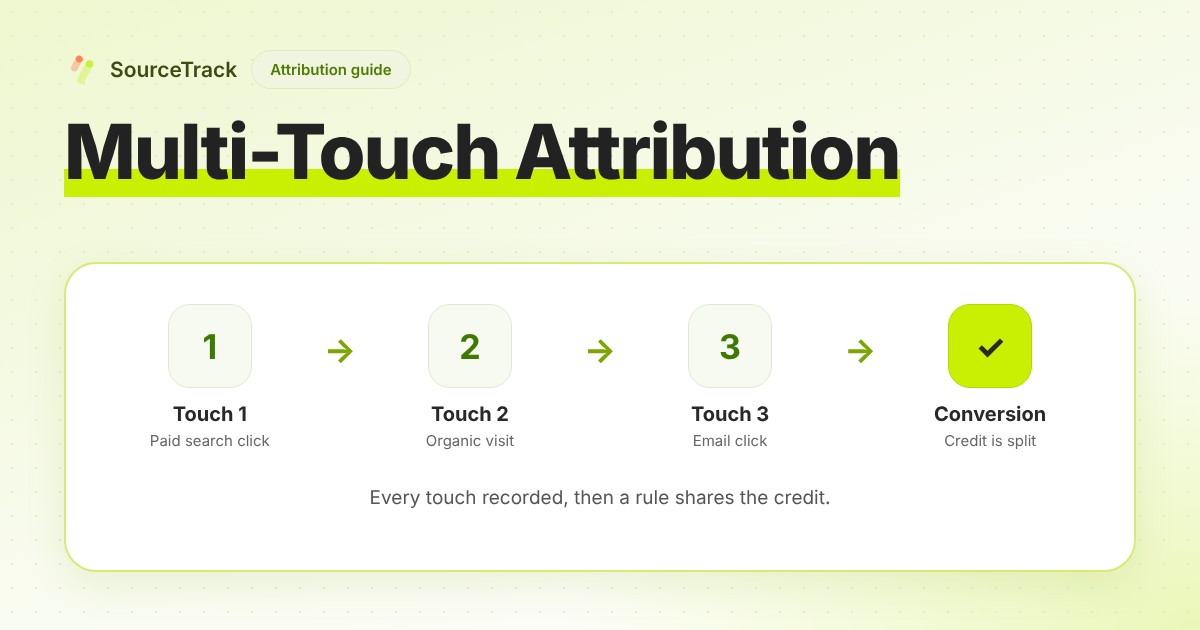
Most buyers do not click once and buy. A person finds you through a search, comes back from an email a week later, and buys after a direct visit. Last-click reporting gives the whole sale to the direct visit. First-click gives it to the search. Multi-touch attribution keeps all three and divides the credit between them.
Two ideas are bundled in the term, and it helps to keep them apart:
- The journey. A stored list of touches, in order, for one visitor, ending in a conversion.
- The credit rule. A formula that turns that list into a share per touch.
Most of the disagreement about multi-touch attribution is about the second idea. Most of the work, and most of the failures, are in the first.
How does multi-touch attribution work, step by step?
- Capture each touch. When a visitor lands on your site, record where they came from: the UTM parameters on the link, the referrer, any ad click id, and the landing page. See how to track UTM parameters and click ids explained.
- Stitch the touches to one visitor. The next visit has to be recognised as the same person’s, or the journey is one touch long. This is usually done with an identifier stored in the browser, or with a login or email once the person gives one.
- Tie the conversion to the journey. A form fill, a booking or a payment is attached to the visitor who made it. A payment often arrives by webhook with no browser involved, so it needs a key, such as an id or an email, that matches the stored visitor.
- Choose a lookback window. Only touches within some number of days before the conversion count. In SourceTrack the window is set per site, from 1 to 365 days. A touch outside the window gets nothing under any model.
- Apply a credit rule. The rule splits the conversion value across the touches inside the window. The same journey gives different splits under different rules.
An example of what step 5 starts from. This is an illustrative journey, not customer data. It lists touches only, because the credit arithmetic for each rule is in the models post.
| # | Touch | What was recorded | Days before the sale |
|---|---|---|---|
| 1 | Paid search click | utm_source=google, utm_medium=cpc, a Google click id, landing page /pricing | 21 |
| 2 | Organic visit | Referrer is a search engine, no UTM, landing page /blog/... | 12 |
| 3 | Email click | utm_source=newsletter, utm_medium=email. This visit submitted the form | 4 |
| 4 | Direct visit | No referrer, no UTM. This visit paid | 0 |
Under last touch, row 4 gets the sale. Under first touch, row 1 does. Under any multi-touch rule, all four are in the picture. If you want to see the numbers for your own journeys, the free attribution model calculator splits one deal under seven rules. For the arithmetic of each rule on one worked sale, read marketing attribution models explained.
What data does multi-touch attribution need, and where does it break?
Multi-touch attribution can only share credit among touches that were recorded. Each of these is a place where touches go missing.
Identity between visits. Stitching needs a stored identifier. Safari’s tracking prevention limits how long script-written storage lasts. WebKit’s page says that after 7 days of no user interaction with a site, it caps all script-writeable storage such as LocalStorage and IndexedDB, and that it caps cookies created in JavaScript on a landing page at 24 hours when it detects link decoration, meaning identifiers added to the link. A buyer who researches for three weeks may come back as a new visitor. Check each browser’s current rules before you rely on any lifetime.
Consent. If a visitor has not agreed to storage, a consent-respecting tracker will not recognise them on the next visit. Each visit then looks like a new person. This is a legal and product choice, and you should expect shorter journeys as the price of it. The cookieless attribution guide covers what you lose and keep.
Cross-device. A phone visit and a later laptop purchase look like two people unless a login, a form or an email address links them. Cookies never solved this.
Ad-platform views. An ad that was seen and not clicked leaves no visit on your site. A tracker that works from visits cannot credit it. Ad platforms count some of these themselves: Google’s GA4 documentation, for example, says an engaged view such as watching a video ad for 30 seconds can count in data-driven attribution. That is a different data set from yours, so the two will not match.
Offline touches. A phone call, an event or a referral from a friend appears in no journey unless someone records it.
Sales that close later. If the sale closes outside your site, the conversion has to be sent back with a key that matches the visitor. See closed-loop attribution.
Sample size. Credit shares from a few sales can swing on a single journey. Treat a split over a handful of conversions as an anecdote, not a pattern.
None of these is fixed by a better credit rule. A more elaborate model applied to missing touches gives you a precise-looking answer about an incomplete journey.
Rule-based or data-driven: what is the difference?
Rule-based models apply a fixed formula to the journey: first touch, last touch, linear, time decay, U-shaped, W-shaped and variants. You can reproduce any result by hand, and you can explain it to a colleague in a sentence. They do not need many conversions to run, since the formula is the same for one journey or ten thousand. They do not learn from your data, so the weights are an opinion you chose.
Data-driven models fit a statistical model to your paths and use it to estimate how much each touch changes the chance of converting. Google describes its GA4 version as using machine learning to evaluate both converting and non-converting paths. This replaces your guess with a fitted one, but it has costs: you cannot check it by hand, it needs paths that did not convert as well as ones that did, and the volume it needs is up to the tool. Google’s page on it states no minimum, so you cannot assume one from there.
One more fact to know if you use the Google products. Google’s help pages say that the first click, linear, time decay and position-based models are no longer supported in Google Ads, and the GA4 page says the same for GA4. If you want those on your Google traffic, they have to be applied in a tool that keeps the full journey.
SourceTrack’s ten models are all rule-based. They are first touch, last touch, first and last touch with direct visits skipped, linear, linear across paid touches only, time decay (7-day half-life), U-shaped, W-shaped, and an AI platforms model that credits the most recent AI assistant touch. SourceTrack has no data-driven model. The attribution page lists all ten.
When is multi-touch attribution worth it?
It earns its place when a buyer typically touches you more than once and you spend on more than one channel. It is probably not worth the effort when:
- Nearly every buyer converts in one visit. There is no journey to split. Last touch and first touch will agree.
- You run one channel. Splitting credit between channels needs more than one.
- You have very few sales. A split across a handful of journeys is noise.
- Your touches are not tagged. Fix your UTM tags first. A multi-touch model over untagged traffic divides credit among visits labelled direct.
A useful first test: compare last touch with first touch on the same sales. If they give the same ranking of channels, multi-touch will add little. If a channel is near the top on first touch and absent on last touch, that is a channel that starts journeys and never closes them, and it is the case multi-touch exists to show.
How do you choose multi touch attribution tools?
Use these questions on any tool, including this one. They are about what the tool does, not about brand.
| Question | Why it matters |
|---|---|
| What does it capture on each visit? | UTM parameters, referrer, click ids and landing page are the minimum. Without the click id, an ad platform match is not possible later. |
| How does it recognise a returning visitor? | An identifier in the browser, a login, an email, or nothing. This sets how long a journey can be. |
| What happens without consent? | Ask what is stored, what is dropped and what the report shows for those visitors. A tool that hides the gap is hiding the error. |
| Can you switch models on the same stored journeys? | If the model is fixed at tracking time, changing your mind means starting over. If the journeys are stored, a model is a view. |
| Can you see the journey for a single lead? | The summary is only credible if you can open a few journeys and check them against what you know. |
| How does revenue get in? | Webhooks from your payment system, a CRM, a manual entry or an API. A tool with no revenue source gives you touches without outcomes. |
| What must be connected before it works? | Ad accounts, a CRM and a tag manager each add set-up time and a point of failure. |
| Is the price on the page? | If you cannot find the price, you cannot compare it. Check what is counted: pageviews, seats, sites, or events. |
If the answers are not on the vendor’s website, ask for them in writing before you commit. A short trial on your own data answers most of these. For a wider checklist, see the marketing attribution software buyer’s guide.
What does SourceTrack do, and not do, here?
It does:
- Record each visit’s UTM parameters, referrer, ad click id and landing page, and keep them as a journey for each visitor.
- Offer ten attribution models, switchable on the same stored journeys with no re-tagging. All ten are on the paid plans. The Free plan has first touch and last touch.
- Name sixteen AI assistants and answer engines as referrers, so a visit from one of them is not filed under direct.
- Show a visitor’s journey step by step on the Starter and Growth plans.
- Offer a Cookieless Mode that sets no cookies and keeps no identifier in the browser. The trade is the memory between visits.
It does not:
- Learn weights from your data. All ten models are fixed rules.
- Change what ad platforms optimise on. Attribution models read stored journeys. Conversions API connectors are a separate feature: Meta and Google Ads on Starter and Growth, GA4, TikTok and LinkedIn on Growth.
- Identify people or companies. Journeys are anonymous visitors until a form or a login gives an email.
- Record touches outside the web, such as a phone call, unless you send them in as events.
- Tell you what caused a sale. No attribution model does.
Plans and prices are on the pricing page. The GA4 comparison covers how this differs from the tool most teams already have.
How can you test multi-touch attribution in one week?
- Day 1: tag your links. Put UTM parameters on every paid, email and social link you control. Install the tracker by following the quickstart.
- Day 2: send a test journey. Open a tagged link in a private window, leave, come back directly, and submit your own form. Check the lead shows both visits.
- Days 3 to 5: let real traffic arrive. Do not change anything. Note how many conversions come in.
- Day 6: compare two models. Read your channels under first touch, then last touch, then one multi-touch rule. Write down which channels change rank.
- Day 7: open ten journeys. Pick leads you know. Does the recorded journey match what you remember? Where it does not, find the missing touch.
Decision rule: if the journeys you can check are right, trust the rank changes enough to run a small test, such as moving a small share of one channel’s budget. If they are wrong, fix the capture before you read any credit split.
Further reading
- Deterministic vs probabilistic attribution: how each approach links a visit to a conversion.
Frequently asked questions
What is the difference between multi-touch and single-touch attribution?
Single-touch attribution gives all the credit for a sale to one touch, usually the first or the last. Multi-touch attribution splits the credit across several touches in the journey by a rule. The data needed is the same: the full list of touches. The difference is only in the credit rule.
How many conversions do I need for multi-touch attribution?
For a rule-based model such as linear, time decay or U-shaped, one converting journey is enough to compute the split, but a handful of sales is too few to draw conclusions from. For a data-driven model the tool builds from your paths, the volume it needs is set by that tool, so check its documentation. Google’s GA4 page on data-driven attribution, for one, states no minimum.
Does multi-touch attribution work without cookies?
Partly. It needs something that ties one visit to the next. Without cookies or any stored identifier, each visit stands alone, so a journey that spans several visits collapses into one touch. Tags captured into a form or a signup can still carry the source to the sale. See the cookieless guide for the trade-offs.
Is multi-touch attribution more accurate than last click?
It is more complete, not more accurate. It shows every touch that was recorded, where last click shows one. Neither measures cause and effect, and both miss touches that were never recorded, such as a phone call or a conversation with a friend.
Do I need a CRM for multi-touch attribution?
No, for the basic version. You need the touches and the conversion tied to the same visitor. A CRM becomes useful when the sale closes weeks after the form, because it records the stages and the revenue that arrive later. See how to track lead source.
Next step
See your own journeys under ten models. Start 28-day free trial, no card needed, or look at the demo first. Install steps are in the install docs.
Related Blogs
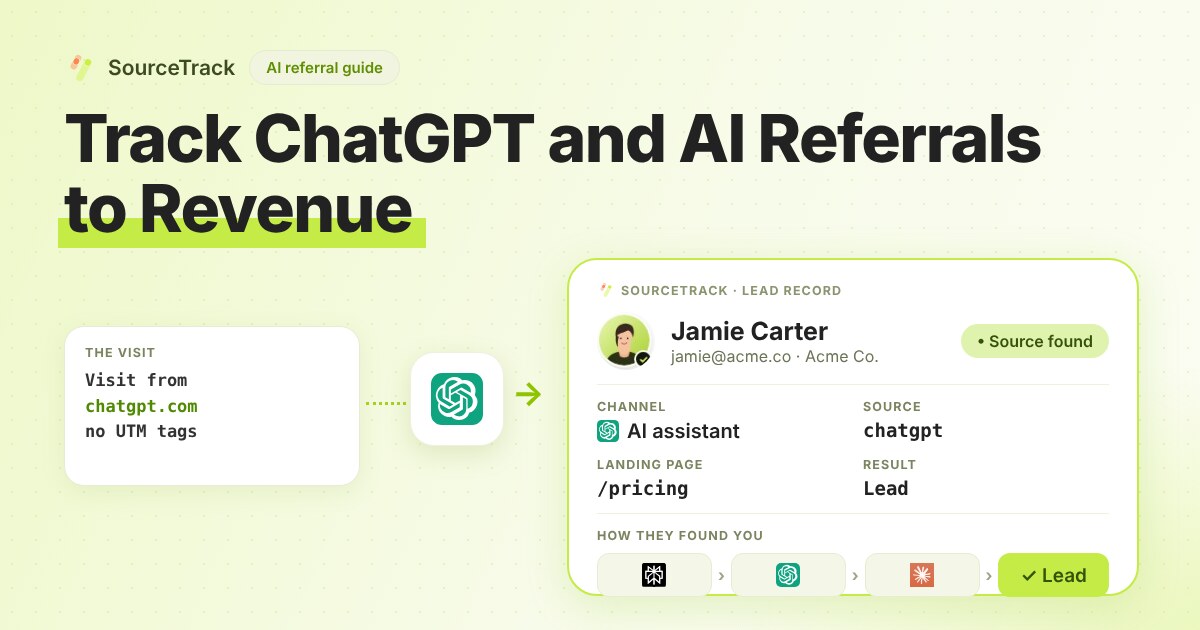
How to Track ChatGPT and AI Referrals That GA4 Cannot Tie to Revenue
Classify visits from ChatGPT, Claude, Gemini and Perplexity, tie them to leads and revenue, and know what no tool can see.
SourceTrack Team
Attribution & Growth Engineering
28 Jul, 2026
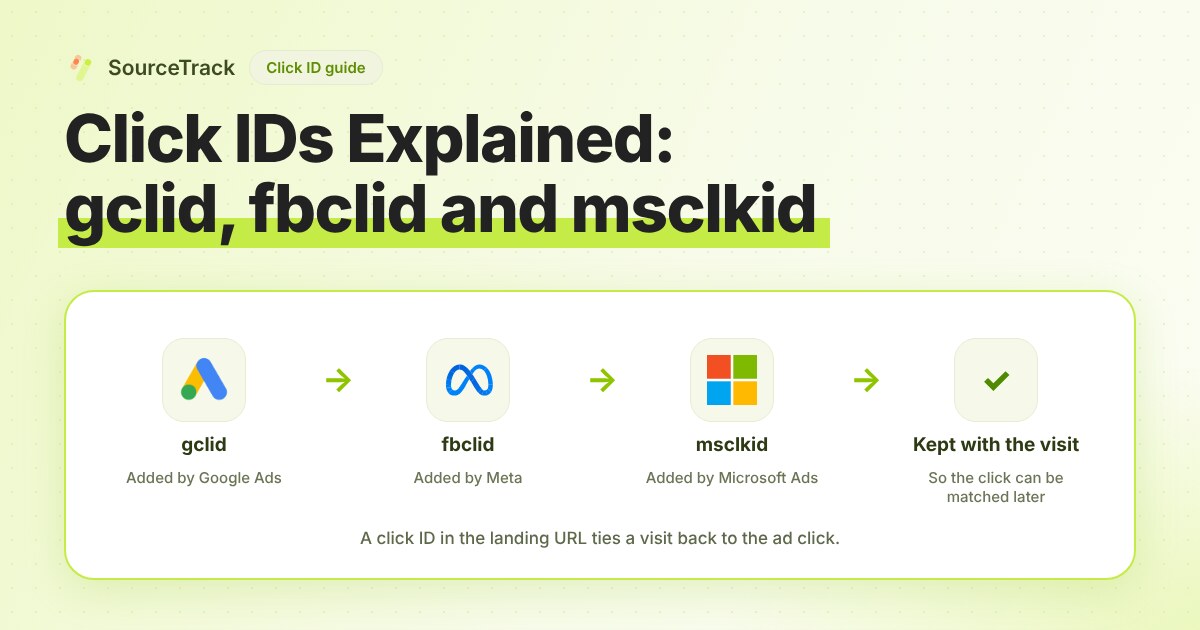
Click IDs Explained: gclid, fbclid, msclkid and More
What gclid, fbclid, msclkid, ttclid and li_fat_id are, who adds them, what drops them, and how to check you still have one at conversion time.
SourceTrack Team
Attribution & Growth Engineering
20 Oct, 2026
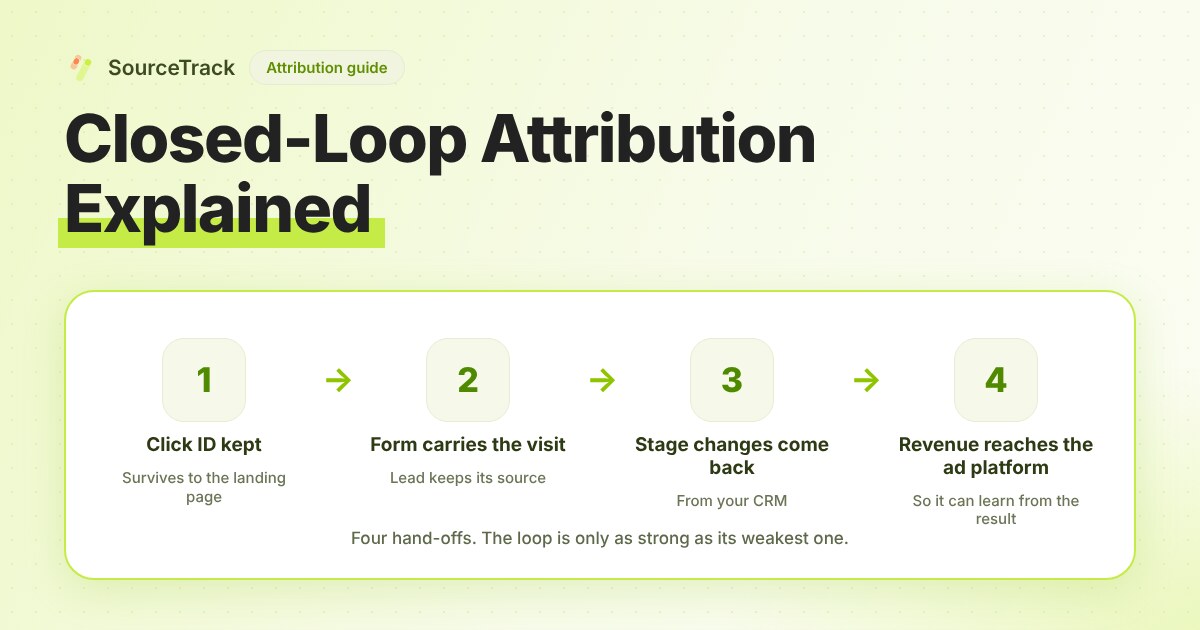
Closed-Loop Attribution Explained
Closed-loop attribution links an ad click to a lead, a CRM stage and revenue, then sends that back to the ad platform. See where it breaks and how to test it.
SourceTrack Team
Attribution & Growth Engineering
20 Oct, 2026