Third-Party Cookies: What They Are and What Browsers Do With Them
A third-party cookie is set by a domain other than the page you are on. Uses, what Safari, Firefox and Chrome do with them, and what it means for tracking.
- Author
- SourceTrack Team
- Category
- Privacy & Data
- Read Time
- 04 Mins read
- Published Date
Inside the page
- What is a third-party cookie, exactly?
- What are third-party cookies used for?
- What do browsers do with them?
- What does this mean for tracking your marketing?
- How can you check whether a site uses third-party cookies?
- How does SourceTrack handle cookies?
- Further reading
- Frequently asked questions
- What is a third-party cookie in simple terms?
- Do all browsers block third-party cookies?
- Does SourceTrack use third-party cookies?
- Are third-party cookies legal to use?
A third-party cookie is a cookie set by a domain other than the one in your browser’s address bar. If you are reading a news site and an ad network’s script on that page stores a cookie, the cookie belongs to the ad network’s domain, not to the news site. That mismatch is what makes it “third-party”.
What is a third-party cookie, exactly?
MDN, the reference documentation for web developers, defines it by comparison: if the domain and scheme of the cookie are different from the page the user is viewing, the cookie is not considered to be from the same site and is called a third-party cookie. A cookie that matches the current page is a first-party cookie (MDN: Third-party cookies).
Two examples:
- You visit
shop.example.com. The site stores a cookie forshop.example.comto remember your basket. That is a first-party cookie. - The same page loads a script from
ads.example-network.com, which stores a cookie for its own domain. That is a third-party cookie, and the same ad network can read it on any other site that loads its script.
The last part is why they matter for tracking: one cookie, readable across many sites, can follow a browser from site to site.
What are third-party cookies used for?
MDN lists the common legitimate uses: affiliate links that let a partner be paid a commission, sign-in widgets embedded on several related sites, sharing preferences across sites, analytics across more than one site, and counting ad impressions to show more relevant ads. The same page notes that these cookies can also be used as tracking cookies to follow people across the web and build detailed profiles.
What do browsers do with them?
It depends on the browser, and it changes. These are the sources used for this page, read on 2026-11-03:
- Safari. WebKit’s announcement in March 2020 says cookies for cross-site resources are blocked by default across the board, starting with iOS and iPadOS 13.4 and Safari 13.1 on macOS. Embedded content that needs cookie access can ask for it through the Storage Access API, with user control (WebKit: Full Third-Party Cookie Blocking and More).
- Firefox. Total Cookie Protection works by creating a separate cookie jar for each website you visit, so a cookie set by an embedded ad or widget stays in the jar of the site where it was set and other sites cannot read it. Mozilla announced it as the default for more users worldwide in 2022 and updated the post in 2024 (Mozilla).
- Brave and Edge. MDN says Brave blocks tracking cookies by default, and Edge blocks trackers from sites you have not visited and known harmful trackers by default.
- Chrome. MDN says Chrome blocks third-party cookies only in Incognito mode or when the user explicitly turns blocking on in settings. Chrome’s plans on this have changed more than once, and we did not find an official Google statement to cite for the current position, so check Chrome’s own documentation before relying on it.
What does this mean for tracking your marketing?
Some of what you track never depended on a third-party cookie, and some of it did.
- Does not depend on one: the source of a visit when it is carried in the page address (the
utm_sourcetag, a click ID such asgclid), and a payment your server records. See how click IDs work and how UTM tags work. - Depends on one: recognising the same browser across different websites. That is the part that browsers with default blocking cut off.
- Depends on something else: recognising a returning visitor on your own site. A first-party identifier, such as one kept in your own domain’s storage, does that without any third party involved. What you keep and what you lose without one is covered in cookieless attribution for founders and first-party data.
How can you check whether a site uses third-party cookies?
Open your browser’s developer tools on the page and look at the cookies stored for it. Each cookie shows the domain it belongs to. A cookie whose domain differs from the site’s own domain is a third-party cookie. Many sites load several.
How does SourceTrack handle cookies?
The tracker runs on your own site and does not use third-party cookies. The standard build keeps an anonymous identifier in the browser’s localStorage on your own domain, so a returning visitor can be recognised. Cookieless Mode sets no cookies and keeps no identifier in the browser, so each visit stands on its own, and payments that arrive from your payment system by webhook still link to their source as far as the visit carried one. Whether you need a consent banner is a question for your own adviser.
Further reading
- MDN: Third-party cookies: the definition, common uses and the browser rules, kept up to date by the browser vendors and the web community.
- Free tracking audit: scan a site to see which tags run in the browser and which run on a server.
Browser rules change. If one described here no longer matches what you see, trust the browser’s own documentation and tell us at support@sourcetrack.ai.
Frequently asked questions
What is a third-party cookie in simple terms?
A cookie is a small note a website asks your browser to keep. It is third-party when its domain is different from the page you are viewing, for example a cookie from an ad network that is loaded inside a news site. A cookie whose domain matches the page is first-party.
Do all browsers block third-party cookies?
No. Safari blocks cross-site cookies by default, and Firefox gives each site its own separate cookie storage. Chrome, according to MDN’s description at the time of writing, blocks them only in Incognito mode or when the user turns blocking on. Browser settings change, so check each browser’s own documentation.
Does SourceTrack use third-party cookies?
No. The tracker runs on your own site. The standard build keeps an anonymous identifier in the browser’s localStorage on your own domain, and Cookieless Mode sets no cookies and keeps no identifier in the browser.
Are third-party cookies legal to use?
That is a legal question for your own adviser, and the answer depends on where your visitors are. This page explains how the technology works. It is not legal advice.
Related Blogs
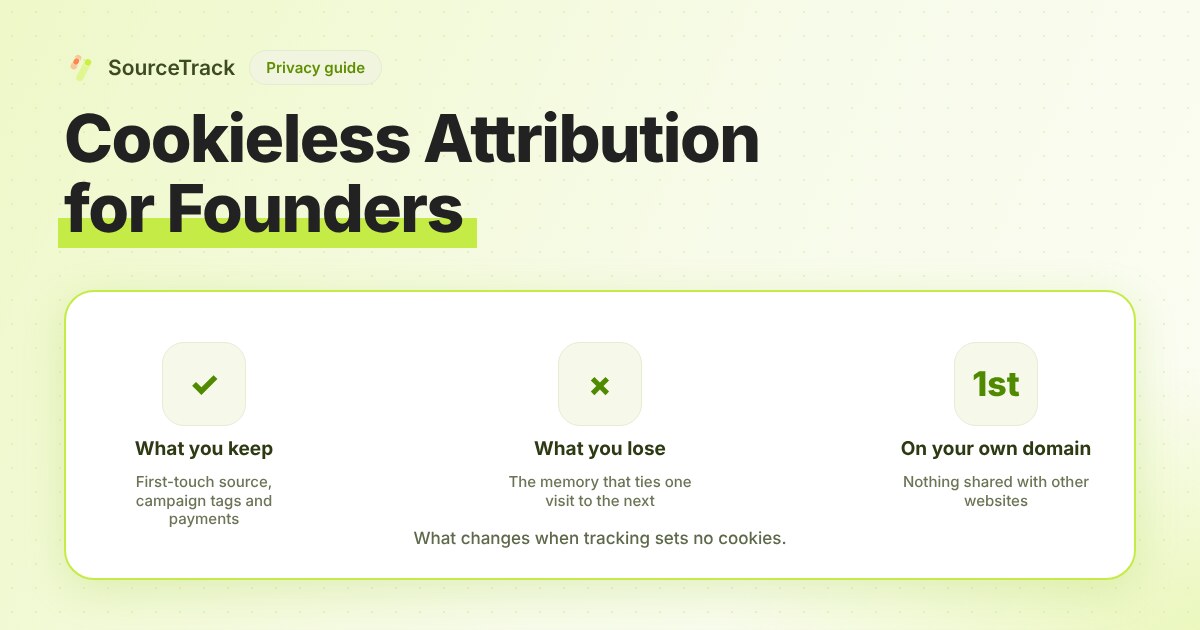
Cookieless Attribution for Founders: What You Lose, What You Keep
Dropping cookies costs you some identity and keeps most of your attribution. A table of what changes, plus a decision guide for small teams.
SourceTrack Team
Attribution & Growth Engineering
27 Jul, 2026
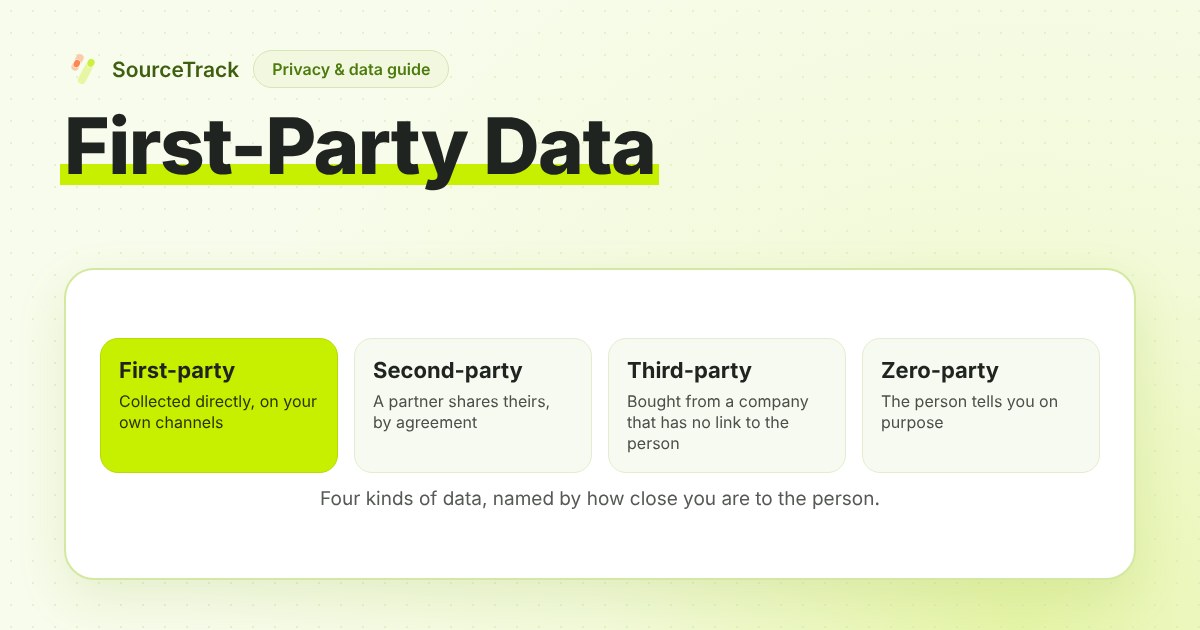
First-Party Data: What It Is, Examples and How to Collect It
First-party data is information you collect directly from your own audience. Definition, examples, how it differs from other data types, and how to collect it.
SourceTrack Team
Attribution & Growth Engineering
26 Oct, 2026
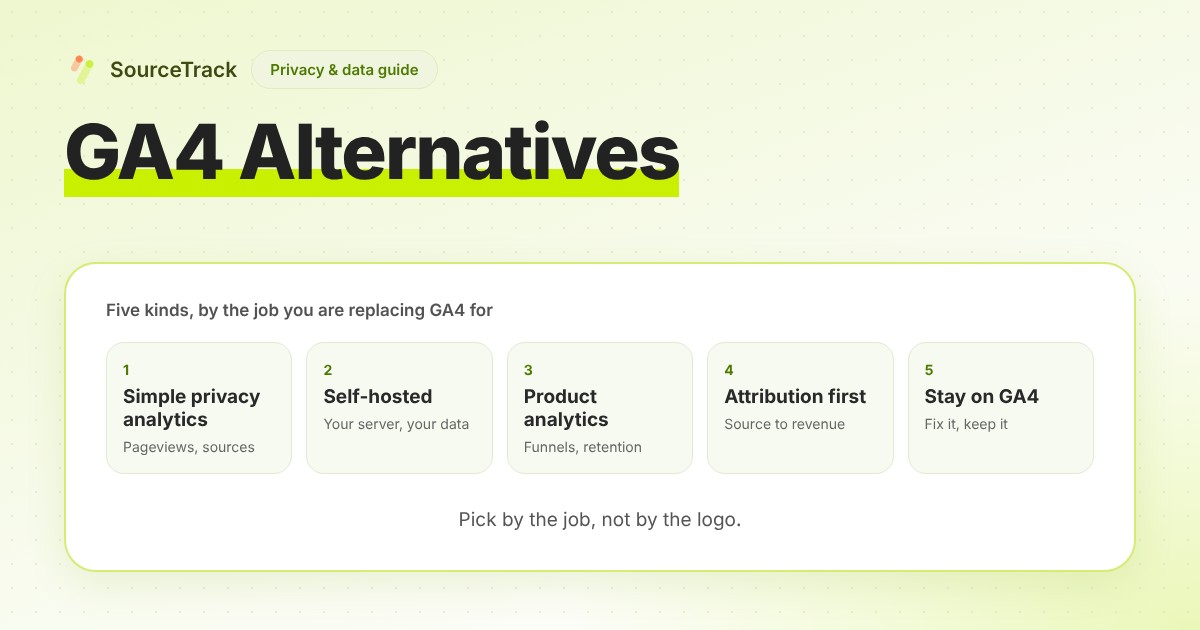
GA4 Alternatives: Five Kinds and How to Choose
GA4 alternatives come in five kinds: simple privacy analytics, self-hosted, product analytics, attribution-first, or fixing GA4. Pick by the job.
SourceTrack Team
Attribution & Growth Engineering
26 Oct, 2026