Server-Side Tracking Explained: What It Fixes and What It Does Not
Server-side tracking sends events from your server instead of the browser. What it fixes, what it cannot, and three set-ups compared.
- Author
- SourceTrack Team
- Category
- Privacy & Data
- Read Time
- 06 Mins read
- Published Date
- Updated
Inside the page
- What is the difference between a browser tag and a server endpoint?
- What does it fix?
- What does it not fix?
- What are the three common set-ups?
- Server container
- Platform conversion APIs
- Payment webhooks
- Which set-up should you start with?
- Further reading
- Frequently asked questions
- Does server-side tracking get around consent?
- Do I need server-side tracking to use the Meta Conversions API?
- Will server-side tracking recover visits an ad blocker already hid?
- Is a payment webhook server-side tracking?
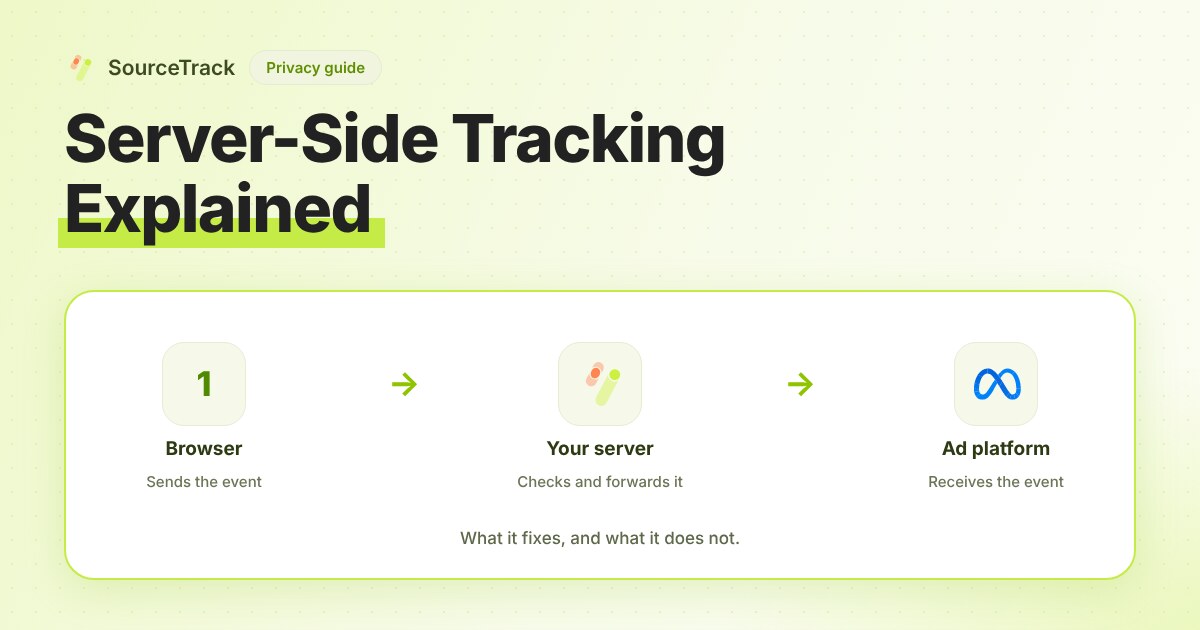
Server-side tracking means an event is sent from your server, not from the visitor’s browser. A browser tag runs on the visitor’s device, where ad blockers and browser limits can stop it. A server endpoint runs on a machine you control, where they cannot. It fixes lost events and gives you control of what is sent. It does not fix consent, bad tagging or a click id that was never captured.
What is the difference between a browser tag and a server endpoint?
With a browser tag, a script on your page collects data and sends it to each vendor, one request per vendor. With server-side tracking, the page (or your backend) sends one request to a server you control, and that server forwards what each vendor needs.
| Browser tag | Server endpoint | |
|---|---|---|
| Runs where | Visitor’s device | Your server or a host you control |
| Seen by ad blockers | Often | Rarely, once the endpoint is on your own domain |
| Subject to browser storage limits | Yes | The server sets nothing in the browser unless you tell it to |
| Who decides what goes to each vendor | The vendor’s script | You |
| Needs a visitor to load the page | Yes | No, for events your backend creates |
What does it fix?
Blocked requests. A request to a known third-party tracking domain can be blocked. The same data sent to an endpoint on your own domain is much less likely to be. “Less likely” is the honest wording, since blocking lists change and some privacy tools block by script behaviour.
Browser limits. Safari’s tracking prevention, for example, limits how long some cookies last. Cookies and identifiers set by your own server, on your own domain, are not subject to the script-created cases. Check each browser’s current rules before relying on a lifetime.
Payload control. You choose which fields go to each vendor. If an email or a price should not go to a platform, you strip it on the server once, instead of trusting several scripts.
Events with no browser. A payment, a refund, a trial converting: your backend knows about them whether or not a tab is open.
What does it not fix?
- Consent. Moving the sender does not change whether you may collect or share the data. A server that forwards data about a visitor who said no is sending it without permission.
- Bad tagging. If your links carry no UTM tags, the server forwards a visit with no source. See UTM basics.
- A missing click id. Ad platforms match conversions to clicks using an id placed on the landing URL. If your site drops it before the form, no server can restore it. Google Ads, for example, tells you to save the click id with the lead and send it back when the lead converts.
- Visits the browser never reported. If the script was blocked, the server has no pageview to forward.
- Duplicates. Send the same conversion from browser and server without a shared id and it counts twice.
- Which channel earns the credit. Delivery and credit are different jobs. A server sends each event on, but it does not decide whether Meta, Google or an email earned the sale. Each ad platform counts the conversions it can claim under its own attribution settings, so the same sale can appear in more than one report. The tracking gap calculator shows how far a platform’s count sits from your own records. Multi-touch attribution explains how credit is split, and closed-loop attribution follows a lead from click to revenue.
What are the three common set-ups?
| Set-up | How it works | Worth it when | Cost to run |
|---|---|---|---|
| Server container | A tag manager runs on a server you host. Google’s server-side tagging uses the same tags, triggers and variables as a web container, and recommends mapping your own domain | You run several ad and analytics tags and want one place to control them | A hosted server, a domain and someone to maintain it |
| Platform conversion APIs | Your backend sends conversions straight to an ad platform, for example Meta’s Conversions API or Google Ads offline conversions | You spend on that platform and your conversion happens later or off-site, such as a closed deal | Engineering time per platform, and ongoing mapping |
| Webhooks from payment systems | The payment system posts each sale to your server | You sell online and want revenue recorded whatever the browser did | Low. One endpoint, verified and idempotent |
Server container
Worth it if you already manage many tags. If you have two or three, the hosting and upkeep can outweigh the gain. Setting it up without your own domain loses much of the benefit, as Google’s page itself notes.
Platform conversion APIs
Send a conversion from your server and, if you also fire it from the browser, give both the same event id and name. Miss the id, and you double-count.
For Google Ads, you store the click id with the lead and send it back with the conversion time.
Payment webhooks
A good endpoint verifies the signature and records each event id it has processed. A webhook carries the payment. It does not carry the visit, so store the source on the lead or account before the sale.
Which set-up should you start with?
- You sell online and take payments: webhooks first. They are the cheapest and give you revenue that does not depend on a browser.
- You spend on one or two ad platforms and your conversions happen later: add that platform’s conversion API, with a shared event id.
- You manage many tags and have someone to run a server: a server container.
- You have none of these yet: fix the tagging and click-id capture first. A server does not improve data it was never given.
SourceTrack takes payments by webhook, so revenue does not depend on the browser. Conversions API connectors send conversions to Meta and Google Ads on Starter and Growth, and to GA4, TikTok and LinkedIn on Growth. Check each platform’s own reporting to confirm what it received. Install steps are in the install docs.
Further reading
- Meta Ads clicks vs analytics sessions: why the two counts differ and where the visits go.
- Free tracking audit: scan a site to see which tags run in the browser and which run on a server.
- SourceTrack server-side conversion tracking: what SourceTrack records from payments and your backend.
Frequently asked questions
Does server-side tracking get around consent?
No. Moving a tag from the browser to your server changes where the event is sent from. It does not change whether you may collect the data or send it to an ad platform. If a visitor has not agreed, the server should not send their data either.
Do I need server-side tracking to use the Meta Conversions API?
The Conversions API is itself a server-side channel: your server sends events to Meta. You can send them from your own backend or from a server container. Either way you need a shared event id so Meta can match them with browser events.
Will server-side tracking recover visits an ad blocker already hid?
Not the pageview. If the browser script never ran, your server never heard about the visit. It does protect events your server already knows about, such as a signup or a payment.
Is a payment webhook server-side tracking?
Yes. A webhook is a message from the payment system to your server, so the sale is recorded without the browser. It carries the payment, but not the visit, so you still need a source stored earlier.
Plans are on the pricing page.
Related Blogs
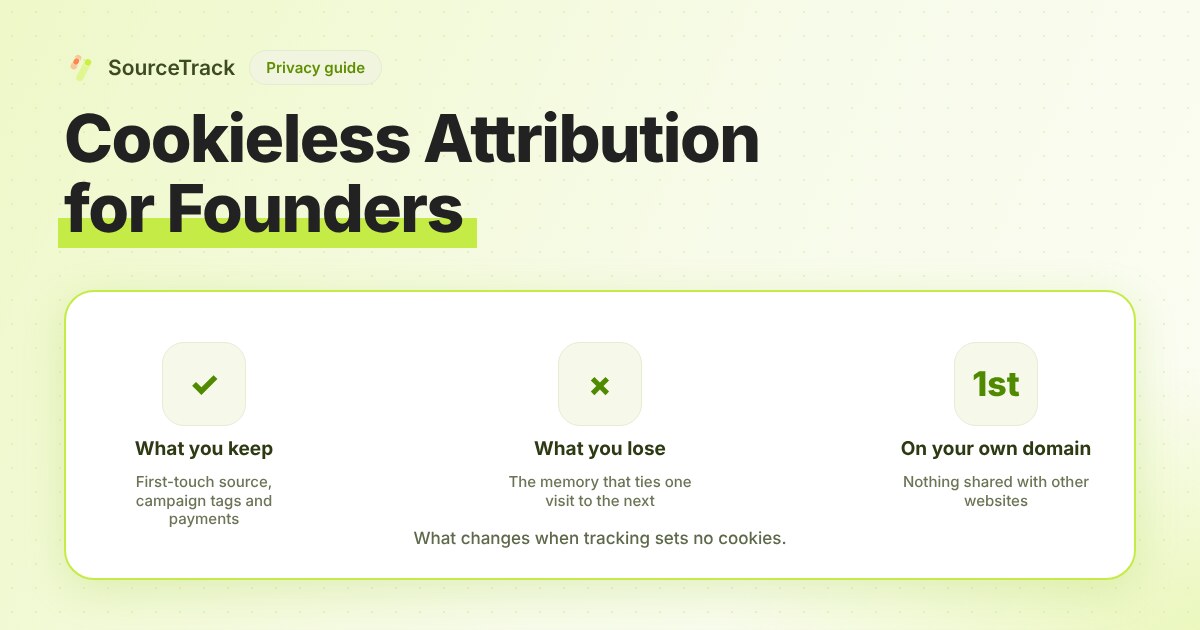
Cookieless Attribution for Founders: What You Lose, What You Keep
Dropping cookies costs you some identity and keeps most of your attribution. A table of what changes, plus a decision guide for small teams.
SourceTrack Team
Attribution & Growth Engineering
27 Jul, 2026
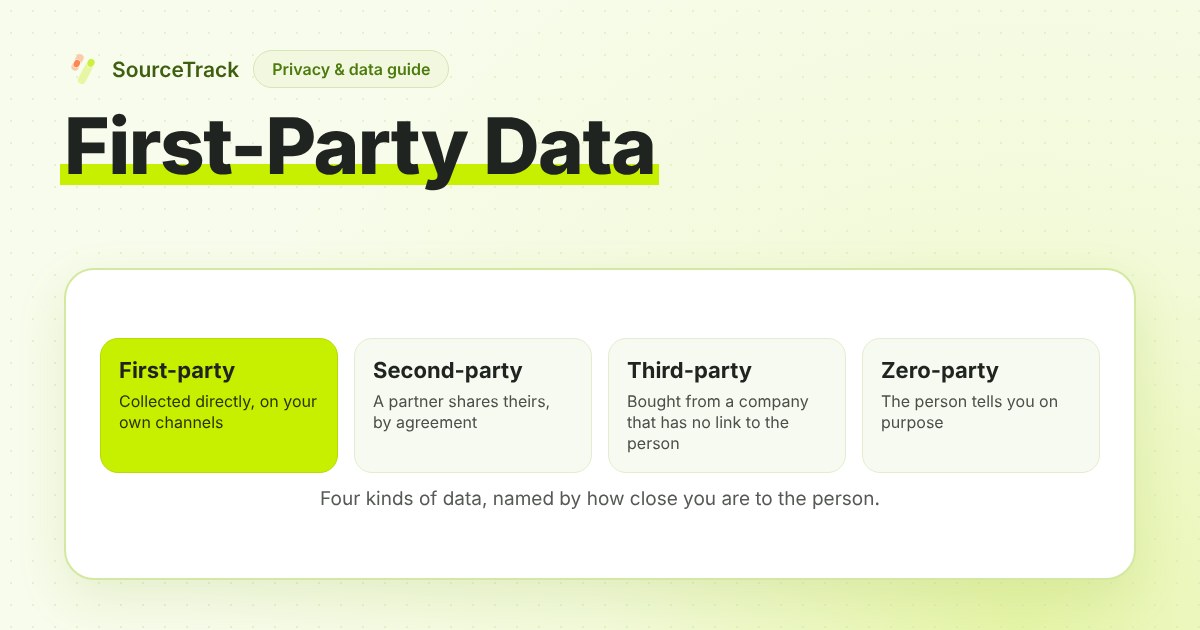
First-Party Data: What It Is, Examples and How to Collect It
First-party data is information you collect directly from your own audience. Definition, examples, how it differs from other data types, and how to collect it.
SourceTrack Team
Attribution & Growth Engineering
26 Oct, 2026
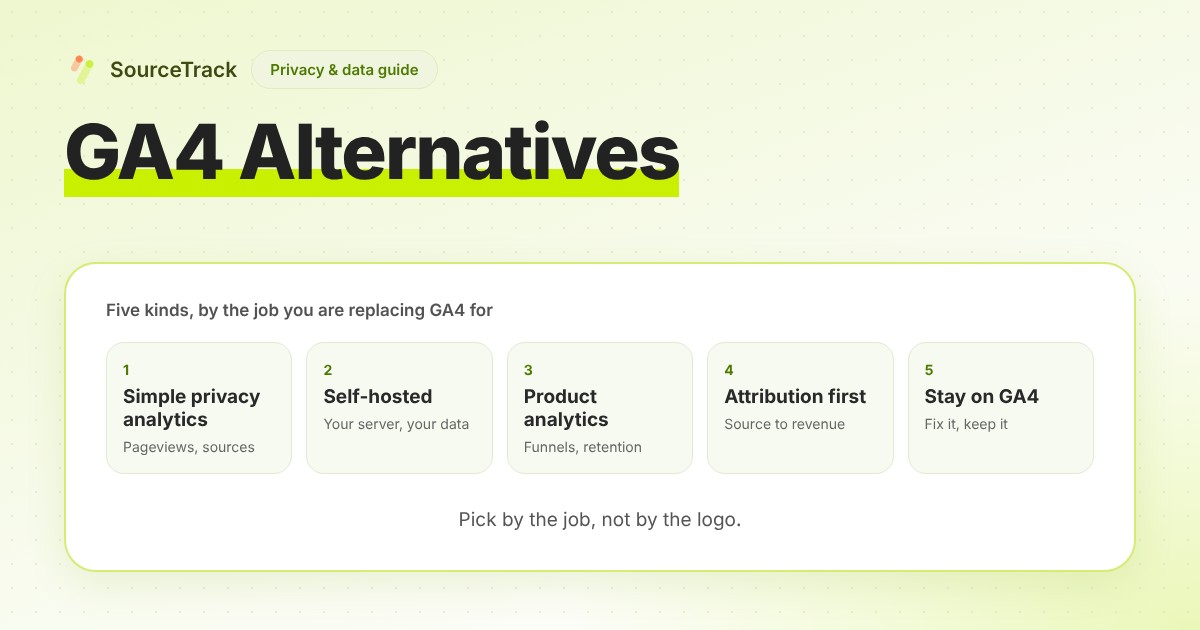
GA4 Alternatives: Five Kinds and How to Choose
GA4 alternatives come in five kinds: simple privacy analytics, self-hosted, product analytics, attribution-first, or fixing GA4. Pick by the job.
SourceTrack Team
Attribution & Growth Engineering
26 Oct, 2026