What Is a Touchpoint in Marketing? Definition, Examples
A touchpoint is one interaction between a person and your business. Definition, examples before and after purchase, and how touchpoints feed attribution.
- Author
- SourceTrack Team
- Category
- Attribution & Analytics
- Read Time
- 07 Mins read
- Published Date
Inside the page
- What are examples of marketing touchpoints?
- How is a touchpoint different from a channel or a conversion?
- Which touchpoints can a tool record, and which can it not?
- How do touchpoints become attribution?
- How do you map your touchpoints in four steps?
- What are the common mistakes with touchpoints?
- How does SourceTrack handle touchpoints?
- What should you do next?
- Further reading
- Frequently asked questions
- What is a touchpoint in simple terms?
- What is the difference between a touchpoint and a channel?
- Is every page view a touchpoint?
- What is the difference between first touch and last touch?
- Can you track offline touchpoints?
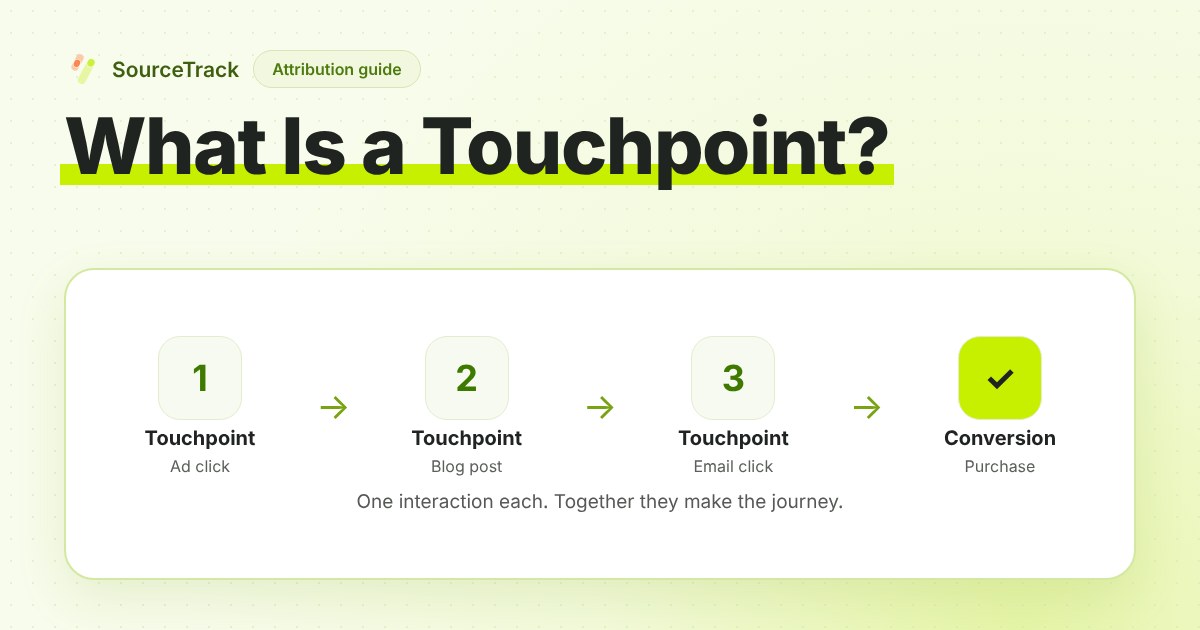
A touchpoint is any single interaction between a person and your business, such as seeing an ad, reading a blog post, opening an email or paying an invoice. Marketers list touchpoints to understand the customer journey and to decide which ones to credit when someone buys. Touchpoints can be online or offline, and they happen before, during and after a purchase.
What are examples of marketing touchpoints?
The same person meets your business many times, and not just through marketing. Support and billing count too. Here is one purchase journey, grouped by stage.
| Stage | Touchpoint | Online or offline | Can a web tracker record it? |
|---|---|---|---|
| Before purchase | Ad click | Online | Yes, as a visit with a source |
| Before purchase | Search result click | Online | Yes, as a visit with a referrer |
| Before purchase | Blog post read | Online | Yes, as a visit |
| Before purchase | Email click | Online | Yes, if the link is tagged |
| Before purchase | Social post click | Online | Yes, as a visit |
| Before purchase | Chat conversation | Online | The visit yes, the conversation no |
| During | Demo booking | Online | Yes, if the booking is tied to the visitor |
| During | Checkout and payment | Online | Yes, when a payment source sends it |
| After | Receipt email | Online | No, it is a message you send, not a visit |
| After | Support reply | Online | No, it happens in your support tool |
Offline touchpoints belong on the same list: a phone call, a trade show chat, a recommendation from a friend. They matter to the buyer exactly as much as the clicks do.
How is a touchpoint different from a channel or a conversion?
These three words get mixed up, and mixing them makes reports hard to read.
- Touchpoint: one interaction, on one day. One click on one email.
- Channel: a group of touchpoints that share a type. Email, paid search, organic search, social and direct are channels.
- Conversion: the outcome you care about, such as a form submit, a booking or a payment.
So a channel is a bucket, a touchpoint is one item in the bucket, and a conversion is what the journey is trying to reach. “Email drove our sales this month” is a channel statement. “This buyer clicked the 3 March newsletter” is a touchpoint statement. A journey is the ordered list of touchpoints that ends, or does not end, in a conversion.
Which touchpoints can a tool record, and which can it not?
A web tracker records what happens in a browser on your site. That gives it:
- Visits with a source. The tracker reads UTM parameters, ad click ids, the referrer and the landing page. See how to track UTM parameters and click ids explained.
- Form submits. A lead who fills in a form on your site.
- Bookings. A booked call or demo, when the booking tool is on a page the tracker sees.
- Payments. A sale, when a payment source such as Stripe or Shopify reports it and the payment is matched to the visitor.
It cannot record a conversation, the content of a phone call, an event, a recommendation or an ad that was seen and not clicked. Those leave no visit.
This matters because every report built on touchpoints is a report on the recorded ones. If a buyer’s real journey was a podcast mention, a call with a friend and one direct visit, the tracked journey shows a single direct touch. Nothing is wrong with the tool. The record is incomplete, and you should read the report knowing that. A “Direct” label often means “we could not see the source”, which is covered in what direct traffic means in GA4.
How do touchpoints become attribution?
Attribution is the rule you use to decide how much credit each touchpoint gets for a conversion. The three common families:
- First touch: all the credit goes to the earliest recorded touchpoint.
- Last touch: all the credit goes to the latest one before the conversion.
- Multi-touch: the credit is split across several touchpoints by a rule.
Here is an illustrative journey, not customer data. A buyer pays $300.
| Touchpoint | Day | Source |
|---|---|---|
| Ad click | Day 1 | Paid social |
| Blog post visit | Day 8 | Organic search |
| Email click | Day 12 |
First touch gives paid social $300. Last touch gives email $300. A linear multi-touch rule, which splits credit equally, gives each of the three $100. Same buyer, same sale, three different stories. None of them proves that a channel caused the sale. They are choices about how to share the credit, and the touchpoints underneath are the same in each. For the maths behind each rule, read marketing attribution models explained and what multi-touch attribution is.
How do you map your touchpoints in four steps?
Touchpoint mapping means listing the ways people meet your business, in order, and checking which ones you can see.
- List every way someone can meet you. Start with the journey of your last ten customers. Ask them, and check your own inbox, calendar and support tool. Include offline ones.
- Group them by stage. Before purchase, during, after. Most teams find they know the “before” well and the “after” barely at all.
- Mark which ones you record. For each touchpoint, write down whether a tool captures it, whether someone logs it by hand, or whether it is invisible today.
- Fix the cheapest gap. Usually this is untagged links. Tag your emails and social posts so they stop reading as Direct, using the UTM builder, and check them with the UTM validator.
Revisit the map when you add a channel or change the checkout.
What are the common mistakes with touchpoints?
Counting every page view as a touchpoint. One visit that reads four pages is one touchpoint. Counting page views makes every journey look long and every channel look busy.
Ignoring offline touches. If your sales team talks to buyers on the phone, a report built from clicks alone leaves out a step the buyer remembers clearly. Log those calls, or ask “how did you hear about us?” on the form, and keep that answer beside the tracked data.
Mixing up touchpoint and channel. “Email is a touchpoint” is a category error. Email is a channel, and each email click is a touchpoint. The difference decides whether you are counting interactions or groups.
Treating a touchpoint as proof of influence. A recorded touch shows that it happened before the sale. It does not show it changed the buyer’s mind.
How does SourceTrack handle touchpoints?
The standard tracker records each visit’s source, from UTM parameters, ad click ids, the referrer and the landing page, as a touch. When a visitor submits a form, books a call or pays, that conversion is tied to the visitor, so the touches before it belong to the same journey. A payment is matched when the visitor id is passed at checkout and a payment source sends it.
In the contacts area, the journey view lists a lead’s touches in order, so you can open a lead you know and check the record against your memory. See Contacts Hub. SourceTrack records visits, forms, bookings, payments and taps on a phone link. It does not record the call itself or an in-person conversation unless you add that information yourself, for example by sending it in through a webhook. For a walkthrough of getting the source onto a lead, read how to track lead source.
What should you do next?
- Write your own touchpoint list using the four steps above. It fits on one page.
- Tag the links you control, so email and social touches stop showing as Direct.
- Open five leads you know and compare the recorded journey with what you remember. Where a touch is missing, decide whether to log it by hand.
- Choose a credit rule on purpose, using marketing attribution models explained, and keep it the same while you compare results.
To see touches on your own leads, start the 28-day free trial, no credit card needed, or read the Contacts Hub page before you sign up.
Further reading
- Google Ads Help: About attribution models: how Google Ads shares credit for a conversion between ad interactions.
- HubSpot Knowledge Base: Attribution report definitions: the report types and models HubSpot uses; it calls touchpoints interactions.
Frequently asked questions
What is a touchpoint in simple terms?
A touchpoint is a single moment where a person meets your business: clicking an ad, reading a blog post, opening an email, talking to support or paying an invoice. It can happen online or offline, before a purchase or after it. A series of touchpoints, in order, makes up the customer journey.
What is the difference between a touchpoint and a channel?
A touchpoint is one interaction, such as one email click on one day. A channel is a group of touchpoints that share a type, such as email, paid search or organic social. You count touchpoints inside a channel. Reports usually show channels because a list of every single touchpoint is too long to read.
Is every page view a touchpoint?
No. A person who lands on your site from an ad and reads three pages has made one touchpoint, with three page views inside it. Counting each page view as a touchpoint inflates the count and makes every journey look longer than it was. A new touchpoint usually starts when the person arrives from a new source.
What is the difference between first touch and last touch?
First touch is the earliest recorded interaction in a journey, and last touch is the latest one before the conversion. They are two rules for crediting a sale. They agree when the journey has a single touch, and often differ otherwise. Both depend on which touchpoints were recorded, so a missed touchpoint changes the answer.
Can you track offline touchpoints?
Yes, if someone records them. Otherwise no. A phone call, an event conversation or a referral from a friend leaves no visit on your site. You can log them by hand in a CRM or ask new leads how they heard about you, then treat that as a note beside the tracked journey, not as a measured touch.
Related Blogs
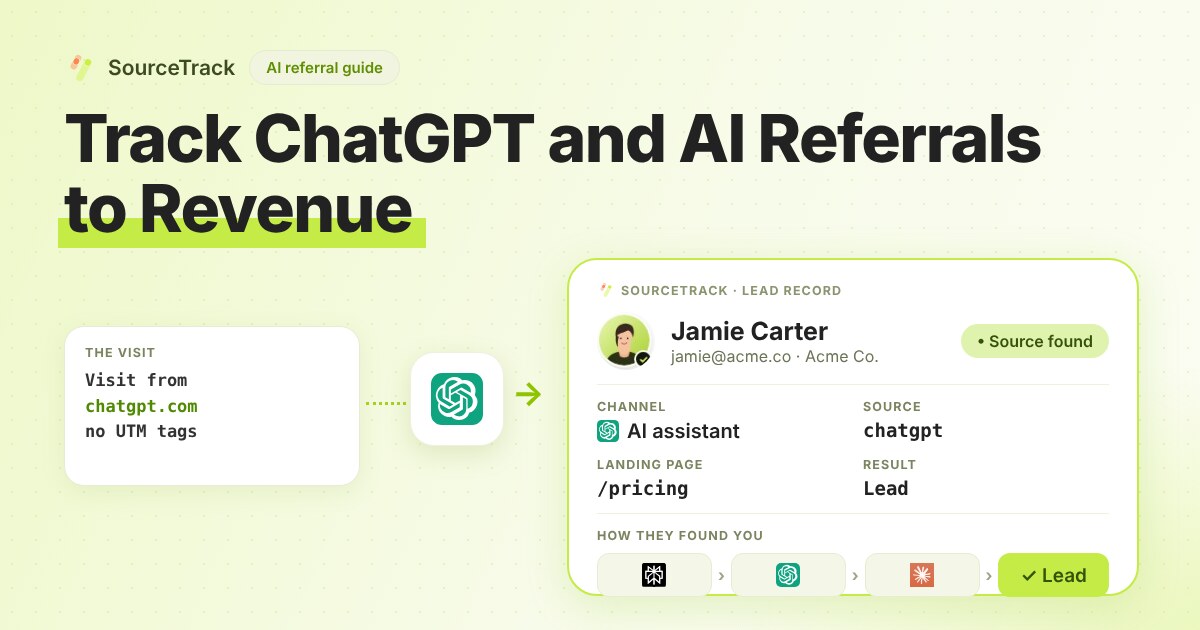
How to Track ChatGPT and AI Referrals That GA4 Cannot Tie to Revenue
Classify visits from ChatGPT, Claude, Gemini and Perplexity, tie them to leads and revenue, and know what no tool can see.
SourceTrack Team
Attribution & Growth Engineering
28 Jul, 2026
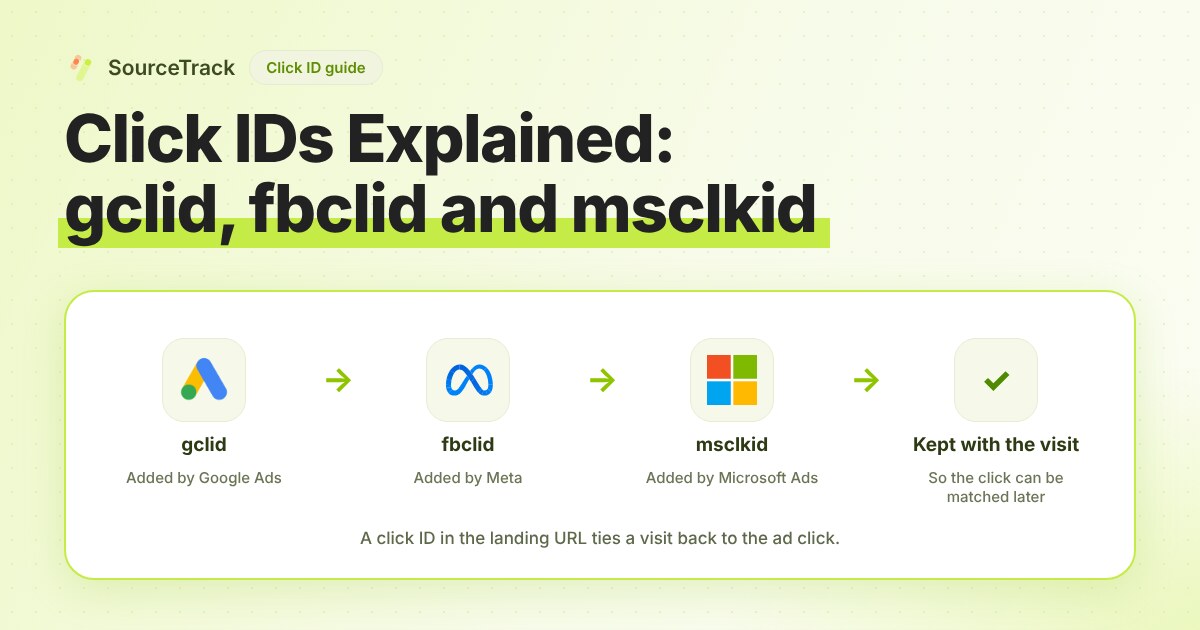
Click IDs Explained: gclid, fbclid, msclkid and More
What gclid, fbclid, msclkid, ttclid and li_fat_id are, who adds them, what drops them, and how to check you still have one at conversion time.
SourceTrack Team
Attribution & Growth Engineering
20 Oct, 2026
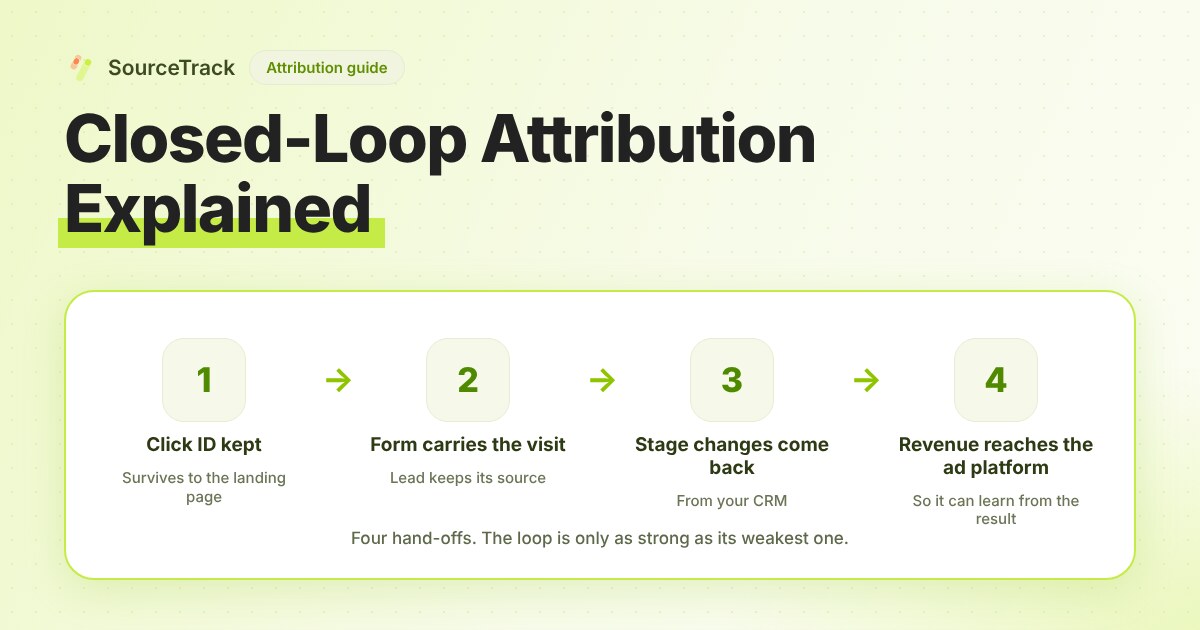
Closed-Loop Attribution Explained
Closed-loop attribution links an ad click to a lead, a CRM stage and revenue, then sends that back to the ad platform. See where it breaks and how to test it.
SourceTrack Team
Attribution & Growth Engineering
20 Oct, 2026